Category: Blogs

Informational articles, industry insights, and guides related to business communication, sales, and customer support.

  • Call Abandonment Rate: How to Calculate and Reduce It

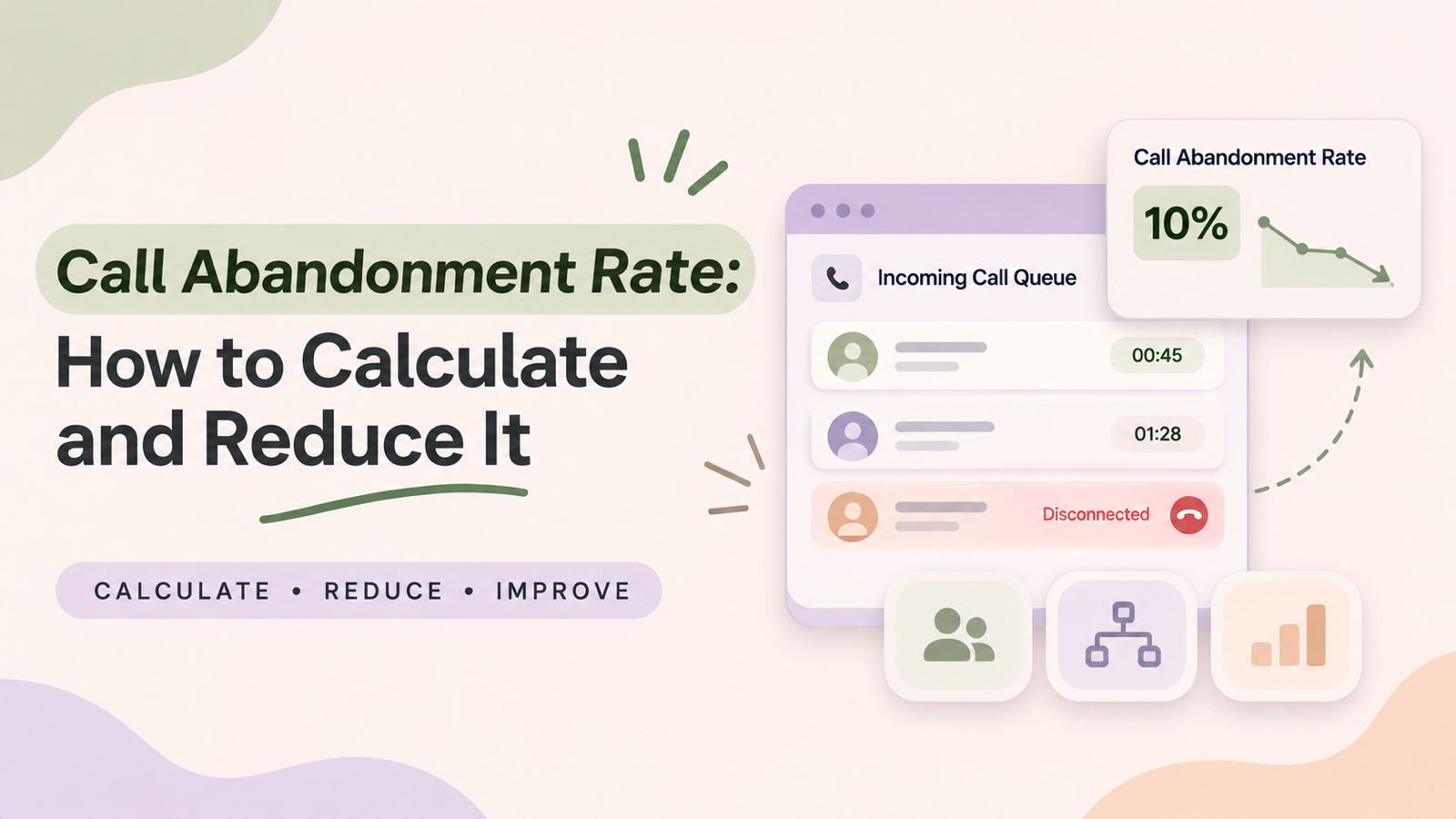
    Call Abandonment Rate: How to Calculate and Reduce It

    Call Abandonment Rate measures the percentage of inbound calls that customers disconnect before reaching a live agent. It helps businesses understand how many callers leave without receiving the support they need.

    Long waiting times, confusing call menus, and unavailable agents are common reasons why customers abandon calls. As a result, businesses may lose potential customers, miss important inquiries, and create a poor customer experience.

    In this guide, you will learn how to calculate Call Abandonment Rate, understand why customers disconnect, and discover 10 practical ways to reduce abandoned calls. You will also learn how call analytics can help businesses improve call handling and manage incoming calls more effectively.

    What Is Call Abandonment Rate?

    Call Abandonment Rate is the percentage of eligible inbound callers who disconnect before speaking with a live agent. It usually happens when customers have to wait too long or cannot reach the right department.

    For example, imagine a customer calling a company’s support team to ask about an order. The caller enters the phone queue but waits several minutes without receiving an answer. Eventually, the customer hangs up.

    This is an example of an abandoned call.

    Businesses track this metric to understand whether their support teams can handle incoming calls effectively. A higher rate may point to long queues, poor routing, or a lack of available agents.

    However, the metric should not be viewed alone. Managers should also review waiting times, call volumes, and staffing levels to understand the full picture.

    How to Calculate Call Abandonment Rate

    Businesses can calculate Call Abandonment Rate with a simple formula.

    Call Abandonment Rate Formula:

    Call Abandonment Rate = (Number of Abandoned Calls ÷ Total Eligible Inbound Calls Offered) × 100

    Here:

    • Abandoned calls: Eligible inbound calls disconnected by customers before reaching a live agent.
    • Total eligible inbound calls offered: Inbound calls included in the reporting period according to the business’s measurement rules.

    Call Abandonment Rate Calculation Example

    Suppose a customer support team receives 1,000 eligible inbound calls in one day.

    The call results are:

    Call outcomeNumber of calls
    Calls answered900
    Calls abandoned100
    Total eligible inbound calls1,000

    Using the formula:

    Call Abandonment Rate = (100 ÷ 1,000) × 100

    Call Abandonment Rate = 10%

    This means that 10% of eligible incoming calls were abandoned during that reporting period.

    For accurate reporting, businesses should define how they treat short abandons, IVR disconnects, callbacks, and technical disconnections. Calls excluded under the measurement policy should not be included in the eligible call count.

    The exact calculation can vary depending on the phone system and reporting methodology. Therefore, businesses should document their rules and apply them consistently.

    Should You Exclude Short Abandoned Calls?

    Some callers disconnect within the first few seconds. They may have dialed the wrong number, called by mistake, or ended the call before entering the queue.

    Therefore, some businesses exclude these short abandons from their main calculation.

    For example, a company may choose a five-second threshold. However, this is not a universal rule.

    The important thing is to document the chosen threshold and use the same method when comparing results.

    For more details about abandoned calls and how they are measured, refer to TechTarget’s explanation of abandoned call rates.

    Why Is Call Abandonment Rate Important?

    Tracking this metric helps businesses understand how easily customers can reach their support teams.

    Here are five important reasons to monitor it.

    1. Better Customer Experience

    Customers want quick answers to their questions. When they spend too much time waiting, they may become frustrated.

    As a result, they may choose another way to contact the business or stop seeking help altogether.

    2. Fewer Lost Sales Opportunities

    An incoming call may come from a new customer who wants to learn about a product or service.

    If nobody answers, that potential customer may contact a competitor instead.

    Therefore, improving call handling can help businesses respond to more sales inquiries.

    3. Improved Support Operations

    A high abandonment rate can point to problems with agent availability, call routing, or queue management.

    Managers can use this information to review their processes and decide where improvements are needed.

    4. Better Team Planning

    Call volume often changes throughout the day.

    For example, a business may receive more calls during the morning or after a promotional campaign.

    By reviewing these patterns, managers can plan agent schedules more effectively.

    5. More Consistent Customer Communication

    Customers should be able to reach the right team without unnecessary transfers or delays.

    Therefore, businesses should review their calling processes regularly and make sure each department can handle its incoming calls.

    What Causes a High Call Abandonment Rate?

    Before trying to reduce abandoned calls, businesses should identify why customers are disconnecting.

    The following issues are common causes.

    1. Long Call Waiting Times

    Long waiting times are a major reason customers leave a phone queue.

    When more people call than the available agents can handle, the queue becomes longer.

    As a result, some customers may disconnect before receiving assistance.

    2. Limited Agent Availability

    A support team may not have enough available agents during busy periods.

    This can happen because of staff shortages, breaks, unexpected absences, or sudden increases in call volume.

    Therefore, businesses should compare agent availability with actual incoming call demand.

    3. Poor Call Routing

    Call routing problems can send customers to the wrong department or an unavailable employee.

    For example, a customer calling about a payment issue should not have to move between several teams before reaching the billing department.

    Clear routing rules can make the process easier.

    4. Complicated IVR Menus

    An Interactive Voice Response (IVR) system helps callers select the department they need.

    However, menus with too many options can confuse customers.

    In addition, unclear instructions may force callers to repeat the same steps.

    A simple menu with clear options can make the calling experience better.

    5. Sudden Increases in Call Volume

    Marketing campaigns, seasonal demand, product launches, and service issues can increase incoming calls.

    If businesses do not prepare for these changes, their support teams may struggle to respond.

    As a result, more callers may disconnect while waiting.

    6. No Clear Alternative for Customers

    Sometimes, customers cannot wait on the phone.

    If a business does not provide another suitable contact option, callers may simply disconnect and look elsewhere.

    Therefore, businesses should make other available support channels easy to find.

    10 Ways to Reduce Call Abandonment Rate

    Reducing abandoned calls requires a clear plan. Businesses should improve how calls enter the system, reach agents, and receive follow-up.

    Here are ten practical ways to improve call handling.

    1. Improve Call Routing

    First, make sure incoming calls reach the correct department.

    Businesses can organize their phone menus around common customer needs.

    For example:

    • Press 1 for Sales.
    • Press 2 for Customer Support.
    • Press 3 for Billing.

    This helps customers choose the right option without unnecessary transfers.

    2. Monitor Busy Calling Hours

    Next, review call activity throughout the day.

    Identify the hours when incoming call volume is highest. Then, compare those periods with the number of available agents.

    For example, if calls increase between 10 AM and 12 PM, managers can plan additional coverage during those hours.

    This helps teams prepare for busy periods instead of reacting after queues become long.

    3. Plan Agent Availability

    Staffing plans should reflect actual customer demand.

    Managers should consider:

    • Incoming call volume.
    • Agent availability.
    • Average call handling time.
    • Break schedules.
    • Seasonal changes.

    In addition, review these factors regularly because customer demand can change over time.

    4. Keep IVR Menus Simple

    An IVR menu should help customers reach the right team quickly.

    Use clear language and avoid unnecessary options.

    For example, separate sales, support, and billing inquiries instead of placing every request under a single menu option.

    Also, review menu instructions when departments or business hours change.

    5. Use Call Distribution Carefully

    When several employees share one business number, call distribution can help organize who receives incoming calls.

    For example, a round-robin setup can send each new call to the next available teammate in the configured order.

    However, call distribution and call queuing are not the same thing. A hunt group distributes calls among team members, while a queue holds callers until an agent accepts the call.

    Businesses should choose the approach that fits their team structure.

    6. Communicate Waiting Information Clearly

    Customers should not be left unsure about what is happening after they call.

    Where the phone system supports it, provide clear queue messages and explain the available options.

    In addition, keep recorded messages short and useful.

    Clear communication helps customers understand the next step.

    7. Review Missed Calls and Follow Up

    Not every call will be answered on the first attempt.

    Therefore, businesses should review missed calls and decide which customers need a follow-up.

    For example, a sales team can prioritize calls from new prospects, while a support team can reconnect with customers who requested assistance.

    A clear follow-up process helps prevent missed opportunities.

    8. Train Agents to Handle Calls Efficiently

    Agent training also plays an important role.

    Employees should understand how to handle common questions, transfer calls correctly, and use the available communication tools.

    Moreover, clear internal processes can reduce unnecessary transfers and repeated explanations.

    9. Track Calling Performance Regularly

    Businesses should review their calling data every day or week, depending on call volume.

    Look for patterns such as:

    • Higher abandoned calls during specific hours.
    • Increased missed calls in one department.
    • Changes in incoming call volume.
    • Repeated problems with call routing.

    This makes it easier to identify problems and take action.

    10. Improve the Process Based on Results

    Finally, do not stop after reviewing the numbers.

    Use the findings to make practical changes.

    For example, adjust schedules when demand increases, simplify confusing menus, or improve the way incoming calls reach agents.

    Then, measure the results again.

    This creates a continuous improvement process rather than a one-time fix.

    Call Abandonment Rate vs. Missed Call Rate

    These two metrics are related, but they do not always describe the same outcome.

    MetricMeaning
    Call Abandonment RateEligible callers disconnect before reaching an agent.
    Missed Call RateIncoming calls that the business does not answer.
    Call Answer RatePercentage of eligible calls answered.
    Average Speed of AnswerAverage time taken to answer eligible calls.

    For example, a customer who disconnects while waiting in a queue may count as an abandoned call.

    On the other hand, a call that rings without an employee answering may be recorded as a missed call.

    The exact definitions depend on the phone system and reporting rules. Therefore, businesses should keep their measurement methods consistent.

    Which Contact Center Metrics Should You Track Alongside Abandonment?

    A single metric cannot explain every problem in a support team.

    For better decisions, businesses should review several performance indicators together.

    MetricWhat It Measures
    Average Handle Time (AHT)Time spent handling a call, including related work.
    Average Speed of Answer (ASA)Average waiting time before an agent answers.
    First Call Resolution (FCR)Issues resolved during the first call.
    Call VolumeTotal incoming and outgoing calls.
    Call Answer RateShare of eligible calls answered.
    Service LevelCalls answered within a defined time target.
    Missed Call RateShare of calls not answered by the business.

    For example, a rise in abandoned calls alongside longer waiting times may suggest that a team needs better staffing or call handling.

    Similarly, an increase in missed calls during specific hours may show where additional coverage is required.

    According to Genesys’s contact center metric definitions, teams can use performance indicators such as abandonment rate, answer rate, and average wait time to understand contact center operations.

    How Call Analytics Helps Businesses Understand Abandoned Calls

    Call analytics helps businesses review calling activity and identify areas that need attention.

    Instead of relying on assumptions, managers can use call reports and dashboards to understand what is happening.

    A useful review process includes:

    1. Check incoming call activity.
    2. Review answered and missed calls.
    3. Identify busy calling hours.
    4. Compare performance across reporting periods.
    5. Review the available abandonment data.
    6. Make changes to the calling process.
    7. Measure the results again.

    DialNext provides call reporting that keeps answered and missed calls together in one list. Teams can also see who handled each answered call.

    In addition, DialNext Analytics dashboards include metrics such as total calls, inbound and outbound calls, missed rate, average handle time, abandonment rate, and busy hours.

    These insights help businesses understand their calling activity and identify areas that may need attention.

    Explore DialNext Call Analytics to learn more about call reporting and performance visibility.

    Best Practices for Managing Incoming Calls

    Businesses can improve their calling processes by following a few simple practices.

    • Review call activity regularly.
    • Keep IVR menus clear and easy to follow.
    • Match agent availability with incoming demand.
    • Use suitable call routing rules.
    • Review missed calls and follow up when needed.
    • Track performance across consistent reporting periods.
    • Train agents to handle common customer questions.
    • Use call reports to identify areas for improvement.

    Most importantly, focus on making it easier for customers to reach the right person.

    A lower abandonment rate is useful, but the real goal is to provide reliable and helpful customer support.

    Frequently Asked Questions

    1. What is Call Abandonment Rate?

    Call Abandonment Rate is the percentage of eligible inbound callers who disconnect before reaching a live agent. It helps businesses understand how many customers leave before receiving assistance.

    2. How do you calculate Call Abandonment Rate?

    Divide the number of eligible abandoned calls by the total number of eligible inbound calls offered. Then multiply the result by 100 to get the percentage.

    Formula: Call Abandonment Rate = (Abandoned Calls ÷ Total Eligible Inbound Calls) × 100.

    3. What causes a high Call Abandonment Rate?

    Common causes include long waiting times, limited agent availability, complicated IVR menus, poor call routing, and unexpected increases in incoming call volume.

    4. What is a good Call Abandonment Rate?

    There is no single target that works for every business. The right target depends on the industry, customer expectations, queue design, and measurement rules. Businesses should first establish a reliable baseline and then work to improve it.

    5. What is the difference between an abandoned call and a missed call?

    An abandoned call happens when a customer disconnects before reaching an agent. A missed call is an incoming call that the business does not answer. The exact classification can vary by phone system.

    6. How can IVR reduce abandoned calls?

    A clear IVR menu helps callers select the correct department. As a result, customers can reach the right team without unnecessary transfers or confusion.

    7. Why should businesses monitor abandoned calls?

    Monitoring abandoned calls helps businesses identify service gaps, understand customer waiting problems, and improve staffing and call handling.

    8. How often should businesses review Call Abandonment Rate data?

    Businesses should review the data regularly. High-volume support teams may benefit from daily reviews, while smaller teams can begin with weekly reviews and investigate unusual changes.

    9. Can call analytics help reduce abandoned calls?

    Yes. Call analytics can help businesses identify patterns in call activity, review performance metrics, and find periods when calling processes may need improvement.

    10. What is the difference between call abandonment and call drop?

    Call abandonment usually occurs when a customer disconnects before reaching an agent. A call drop happens when an active call disconnects unexpectedly because of a technical or network issue.

    Conclusion

    Call Abandonment Rate helps businesses understand how effectively they handle incoming customer calls.

    A high rate may point to long waiting times, limited agent availability, confusing phone menus, or poor call routing. However, businesses can address these problems by reviewing call activity and improving their support processes.

    Start by calculating the metric consistently. Then, identify the busiest hours, review agent availability, and make it easier for customers to reach the right department.

    In addition, use call analytics to monitor changes and understand whether your improvements are working.

    With regular monitoring and better call management, businesses can make their support teams more accessible and deliver a better customer experience.

    References and Further Reading

    Improve Your Business Calling Experience with DialNext

    Managing incoming calls starts with understanding what happens when customers contact your business.

    DialNext helps businesses manage customer conversations with cloud business calling, IVR, call distribution, and call reporting. Review answered and missed calls, understand calling activity, and build more organized communication workflows.

    Explore DialNext Call Analytics to learn how better call visibility can support your team’s communication processes.

    Ready to improve the way your business manages incoming calls? Explore DialNext and discover how better calling workflows can help your team manage customer conversations more effectively.
  • Call Center Quality Assurance: A Complete Guide

    Call Center Quality Assurance: A Complete Guide

    Call center quality assurance (QA) helps businesses evaluate customer interactions, identify service gaps, and improve agent performance. Every customer call is an opportunity to understand customer needs, resolve issues, and build trust. However, without a structured quality assurance process, it can be difficult to maintain consistent service standards across a team.

    A well-defined call center quality assurance process allows managers to review conversations, measure agent performance, identify recurring problems, and provide meaningful feedback. As a result, businesses can improve customer satisfaction while helping agents handle conversations more effectively.
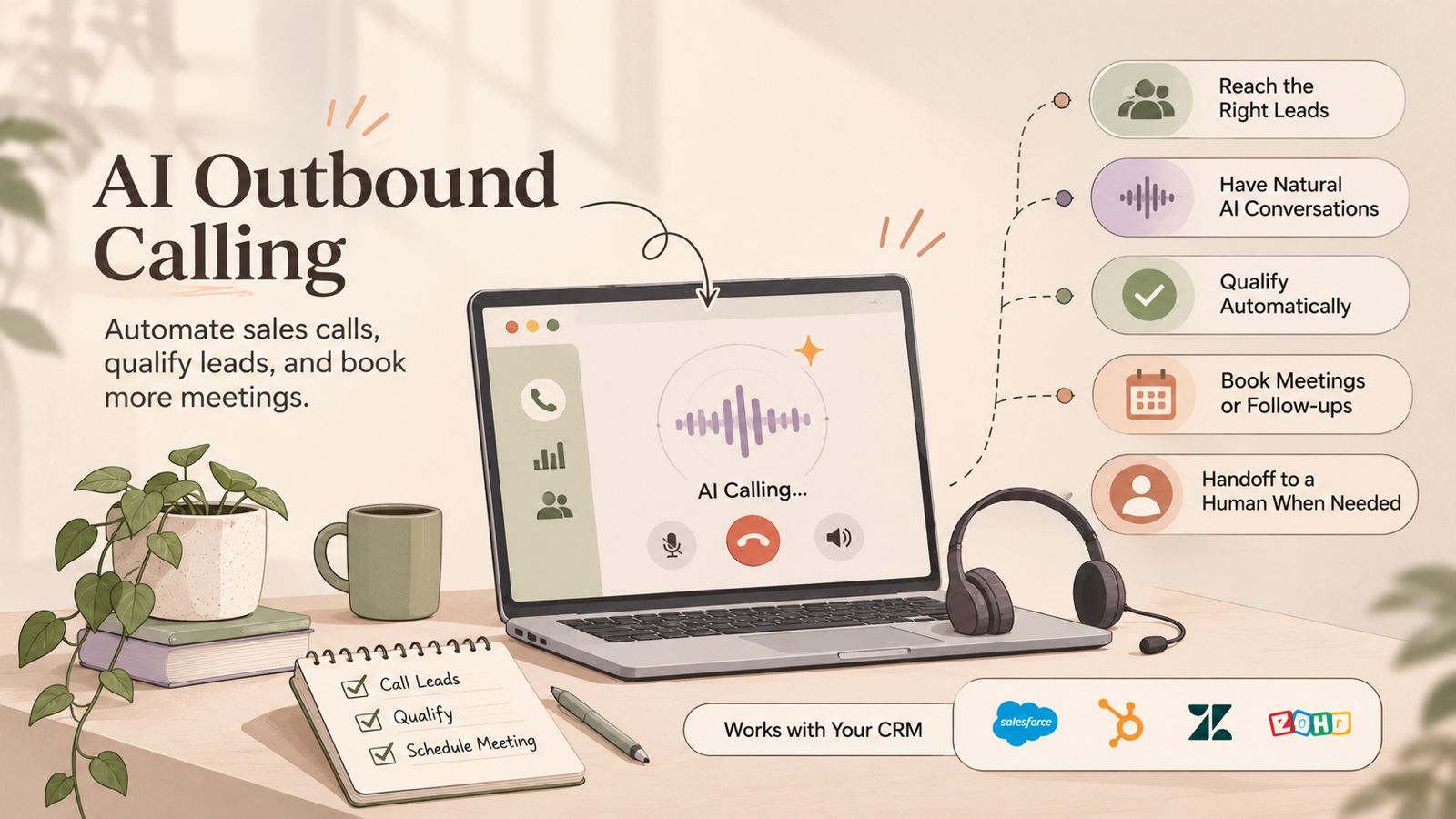
    In this guide, we will explain what call center quality assurance is, why it matters, which metrics to track, how to build a QA scorecard, and which best practices can help improve contact center performance.

    What Is Call Center Quality Assurance?

    Call center quality assurance is the process of monitoring, reviewing, and evaluating customer interactions to ensure that agents follow company standards and deliver a consistent customer experience.

    In practice, this process involves reviewing recorded calls, evaluating communication skills, checking whether customer issues were resolved, and assessing compliance with internal policies.

    For example, a QA manager may review a customer support call to check whether the agent:

    • Greeted the customer professionally.
    • Understood the customer’s concern.
    • Provided accurate information.
    • Followed the correct procedures.
    • Resolved the issue or explained the next steps.
    • Ended the conversation politely.

    After the evaluation, managers can assign scores, identify improvement areas, and provide targeted coaching. As a result, agents get clearer guidance on how to improve their customer interactions.

    Why Is Call Center Quality Assurance Important?

    A structured QA process benefits both customers and employees. More importantly, it helps businesses understand how customer conversations are handled and where improvements are needed.

    1. Improves Customer Satisfaction

    Customers expect quick, accurate, and helpful responses. Therefore, managers need to understand how agents handle customer concerns.

    By reviewing interactions, managers can identify communication gaps and improve the way agents respond. As a result, customers receive more consistent support and are more likely to have positive experiences.

    2. Improves Agent Performance

    Quality monitoring helps managers understand individual agent strengths and weaknesses. Instead of relying on assumptions, they can use actual call evaluations to provide specific feedback.

    For instance, an agent who struggles with product knowledge may benefit from additional training. Similarly, an agent who interrupts customers may need coaching on active listening.

    3. Maintains Consistent Service Standards

    As call volumes increase, maintaining consistent service quality becomes more challenging. For this reason, a standard QA framework is important.

    It ensures that every agent is evaluated using the same criteria. Consequently, managers can maintain service expectations across different teams and shifts.

    4. Identifies Training Requirements

    Call evaluations can reveal recurring knowledge gaps, process errors, and communication problems.

    Instead of providing generic feedback to the entire team, managers can use these findings to create focused training sessions. This approach makes coaching more relevant and practical.

    5. Helps Maintain Compliance

    Depending on the industry, agents may need to follow specific procedures when handling customer information, payments, or sensitive requests.

    Through regular quality checks, managers can identify situations where agents miss required disclosures or fail to follow internal policies. However, QA reviews should complement, rather than replace, formal compliance controls.

    6. Reduces Repeated Customer Issues

    When managers identify why customers repeatedly contact support, they can investigate the underlying problem.

    For example, repeated calls about the same billing issue may indicate unclear communication, an inefficient process, or an unresolved customer concern. By addressing the root cause, businesses can reduce repeat interactions and improve the overall support experience.

    How Does the Call Center Quality Assurance Process Work?

    An effective QA process follows a consistent workflow. Although the exact process varies by business, most call centers use the following steps.

    Step 1: Define Quality Standards

    First, identify what a successful customer interaction should look like.

    Set clear expectations for greetings, communication, product knowledge, problem resolution, compliance, and call closure. Additionally, document these standards so that agents and evaluators understand how performance will be assessed.

    Step 2: Select Calls for Evaluation

    Next, select customer interactions for review.

    Managers can evaluate a sample of calls from each agent, focus on specific interaction types, or review calls associated with customer complaints and escalations.

    However, selecting only unusually good or poor calls may not provide an accurate picture of overall performance. Therefore, use a balanced sampling approach.

    Step 3: Review and Evaluate Conversations

    Once calls have been selected, listen to the recordings and assess each interaction against the established QA criteria.

    During the review, consider whether the agent followed the correct process, communicated clearly, understood the customer, and provided an appropriate resolution. To maintain consistency, use a standard scorecard for every evaluation.

    Step 4: Record Scores and Observations

    After reviewing a conversation, document the evaluation results, including scores, strengths, and areas that need improvement.

    Where possible, include specific examples from the conversation. This makes feedback easier to understand and helps agents identify exactly what they need to improve.

    Step 5: Provide Feedback and Coaching

    Once the evaluation is complete, share the results with agents through regular coaching sessions.

    Start by recognizing good performance. Then, explain improvement areas and suggest practical ways to handle similar situations better. In addition, allow agents to ask questions or share context about difficult interactions.

    Step 6: Monitor Progress and Improve

    Finally, compare evaluation results over time to understand whether coaching and process changes are working.

    Review recurring issues, update training materials, and adjust QA criteria when business requirements change. Ultimately, quality assurance should be an ongoing improvement process rather than a one-time evaluation.

    Important Call Center Quality Assurance Metrics to Track

    Tracking the right metrics helps managers understand service quality and identify performance trends. However, individual metrics should always be considered alongside call evaluations and customer feedback.

    Here are some important metrics to monitor.

    1. QA Score

    The QA score measures how well an agent follows the quality standards defined in the evaluation scorecard.

    A higher score generally indicates that the agent is meeting more of the expected service criteria.

    Formula:

    QA Score = (Points Earned ÷ Total Possible Points) × 100

    2. First Call Resolution (FCR)

    First Call Resolution measures the percentage of customer issues resolved during the first interaction without requiring another contact for the same issue.

    Formula:

    FCR = (Issues Resolved on First Contact ÷ Total Eligible Issues) × 100

    Generally, a higher FCR can indicate effective issue resolution. Nevertheless, businesses should define what counts as a resolved issue and how repeat contacts are identified.

    3. Customer Satisfaction Score (CSAT)

    CSAT measures how satisfied customers are with a particular interaction, product, or service.

    Businesses commonly collect this information through post-call surveys. For accurate comparisons, the survey scale and definition of a positive response should remain consistent.

    Formula:

    CSAT = (Positive Survey Responses ÷ Total Survey Responses) × 100

    4. Average Handle Time (AHT)

    Average Handle Time measures the average duration required to handle a customer interaction, including talk time, hold time, and after-call work.

    Formula:

    AHT = (Total Talk Time + Total Hold Time + Total After-Call Work) ÷ Total Handled Calls

    Although AHT can help identify operational inefficiencies, it should not be treated as a standalone measure of quality. Instead, managers should consider it alongside customer satisfaction and resolution quality.

    5. Call Abandonment Rate

    Call Abandonment Rate measures the percentage of callers who disconnect before reaching an agent.

    Formula:

    Call Abandonment Rate = (Abandoned Calls ÷ Total Eligible Incoming Calls) × 100

    A high abandonment rate may indicate long waiting times, insufficient staffing, or inefficient call routing. Therefore, managers should investigate these factors before deciding which operational changes are required.

    6. Compliance Score

    A compliance score evaluates whether agents follow required procedures, scripts, disclosures, and internal policies during customer interactions.

    For businesses operating in regulated industries, these checks are especially important. However, evaluation criteria should always reflect the specific legal and operational requirements applicable to the business.

    Manual vs. Automated Call Center Quality Assurance

    Call centers can use manual or automated methods to evaluate customer interactions. Although both approaches aim to improve service quality, they have different advantages and limitations.

    Manual QA provides context and human judgment, especially when evaluating empathy, tone, and complex customer situations.

    On the other hand, automated QA tools can help teams process larger volumes of interactions and identify patterns. However, automated results may still require human review, particularly when evaluating context, customer intent, or nuanced conversations.

    For this reason, many businesses combine both approaches to balance coverage and evaluation quality.

    Common Call Center Quality Assurance Mistakes

    Even when a QA framework is in place, certain mistakes can reduce its effectiveness. Therefore, managers should understand these common problems and take steps to avoid them.

    1. Evaluating Too Few Calls

    Reviewing only a small number of interactions may not represent an agent’s overall performance.

    How to avoid it: Use a consistent sampling approach. Additionally, include different call types, shifts, and customer scenarios.

    2. Focusing Only on Scores

    A numerical score does not always explain why an agent performed well or poorly.

    How to avoid it: Include specific observations and examples alongside evaluation scores. This gives agents a clearer understanding of their performance.

    3. Ignoring Agent Feedback

    QA should not be a one-way process. In fact, agents may have useful context about difficult customer situations, unclear procedures, or recurring operational problems.

    How to avoid it: Encourage two-way discussions during coaching sessions. As a result, managers can understand operational challenges more effectively.

    4. Prioritizing Call Duration Over Resolution

    Reducing Average Handle Time without considering customer outcomes can encourage rushed conversations.

    How to avoid it: Evaluate call duration alongside customer satisfaction, resolution quality, and compliance. This ensures that efficiency does not come at the expense of customer experience.

    5. Providing Inconsistent Evaluations

    Different reviewers may interpret the same quality criteria differently.

    How to avoid it: Use a standardized scorecard and train evaluators. Furthermore, conduct periodic calibration sessions to maintain consistent evaluation standards.

    Best Practices for Improving Call Center Quality Assurance

    A strong QA program requires consistent evaluation, clear communication, and regular improvements. To make the process more effective, consider these best practices:

    • Set measurable quality standards: Define clear expectations for every stage of a customer interaction.
    • Use standardized scorecards: Evaluate agents using consistent criteria and scoring methods.
    • Review a balanced sample of calls: Include different interaction types and customer scenarios.
    • Provide regular coaching: Share specific feedback and practical improvement suggestions.
    • Recognize good performance: Acknowledge agents who consistently deliver helpful customer experiences.
    • Track trends over time: Look for recurring problems instead of focusing only on individual call scores.
    • Collect customer feedback: Use surveys and complaints to understand how customers perceive the service.
    • Review QA criteria regularly: Update evaluation standards when processes, products, or customer expectations change.

    Most importantly, make quality assurance part of everyday operations. When agents understand the evaluation process and receive useful feedback, they can take a more active role in improving customer interactions.

    How DialNext Supports Call Center Quality Assurance

    An effective quality assurance process depends on reliable interaction records, clear communication workflows, and useful performance information. This is where business communication tools can support day-to-day operations.

    DialNext provides business calling and customer communication capabilities that can support these activities.

    For example:

    • Call Recording: Recorded conversations can help managers review customer interactions, support agent coaching, and investigate customer concerns.
    • Call Tags and Notes: Agents can categorize call outcomes and add notes to maintain useful interaction context.
    • Call Routing: IVR menus, ring groups, and business-hours rules help direct customers to the appropriate teams.
    • Support Analytics: Call activity and performance information can help managers identify operational trends.

    For teams handling customer inquiries, DialNext’s Customer Support solutions bring call routing, recording, tags, notes, and support analytics together.

    Similarly, teams focused on customer retention can explore DialNext for Customer Success. These capabilities can help teams maintain better visibility into customer conversations and support a more structured approach to quality monitoring.

    Improve Your Call Center Communication With DialNext

    Consistent customer communication starts with having the right processes and tools in place.

    Call center quality assurance helps businesses identify service gaps, improve agent performance, and deliver more reliable customer experiences. By combining structured call evaluations, meaningful coaching, and relevant performance metrics, teams can build a continuous improvement process.

    DialNext helps businesses manage customer conversations through calling, call recording, call routing, tags, notes, and analytics.

    Explore DialNext to see how its communication capabilities can support your team’s customer interaction workflows.

    Final Thoughts

    Call center quality assurance is an ongoing process that helps businesses understand how customer interactions are handled and where service improvements are needed.

    By defining clear standards, reviewing conversations, tracking relevant metrics, and providing regular coaching, managers can improve agent performance while maintaining consistent customer service.

    Ultimately, the goal of QA is not simply to achieve higher scores. Instead, it is to make every customer interaction more helpful, accurate, and effective.

  • Call Center Service Level: Meaning, Formula, Examples, and How to Improve It

    Call Center Service Level: Meaning, Formula, Examples, and How to Improve It

    Customers expect businesses to answer their calls quickly. However, long waiting times can frustrate callers and cause them to hang up before speaking with an agent. Therefore, businesses track call center service level to measure how quickly their teams answer incoming calls.

    Call center service level measures the percentage of eligible incoming calls answered within a set time. For example, a contact center may aim to answer 80% of eligible calls within 20 seconds. This target is commonly known as the 80/20 rule.

    By tracking this metric, managers can understand how well their teams handle calls. Additionally, they can identify delays, plan staff schedules, and improve customer service.

    In this guide, you will learn what call center service level means, how to calculate it, how abandoned calls affect it, and how to improve it.

    What Is Call Center Service Level and Why Does It Matter?

    Call center service level is a performance metric that measures the percentage of incoming calls answered within a specified time.

    Businesses use this metric to check whether their teams are meeting their call response targets. For example, a contact center may set the following targets:

    • Answer 80% of eligible calls within 20 seconds.
    • Answer 85% of eligible calls within 30 seconds.
    • Answer 90% of eligible calls within 60 seconds.

    These targets help managers understand how quickly customers can reach an agent.

    A higher service level usually means that more customers receive a quick response. However, this metric does not show the complete customer experience. Therefore, managers should also review waiting times, abandoned calls, and customer feedback.

    What Is the 80/20 Call Center Service Level Rule?

    The 80/20 rule is a common service level target used by contact centers. In simple terms, it means that a team aims to answer at least 80% of eligible incoming calls within 20 seconds.

    For example, imagine a contact center receives 500 eligible calls in one day. To meet the 80/20 target, the team must answer at least 400 calls within 20 seconds.

    However, the remaining calls may take longer to answer. Some customers may also hang up before an agent picks up.

    It is important to remember that the 80/20 rule is not a fixed target for every business. Instead, the right target depends on call volume, customer needs, team size, and available resources.

    For instance:

    • Customer support teams: May need faster response targets when handling urgent customer issues.
    • Sales teams: May set targets based on lead volume and agent availability.
    • Small businesses: May choose targets that match their team size and budget.

    Therefore, each business should choose a target that works for both its customers and its team.

    How to Calculate Call Center Service Level: Formula and Example

    Businesses can calculate call center service level using a simple formula.

    Service Level (%) = (Calls Answered Within the Target Time / Total Eligible Calls) × 100

    Before using this formula, it is important to understand each part:

    • Calls answered within the target time: Calls picked up by an agent before the set time limit.
    • Total eligible calls: Calls included in the calculation for the selected reporting period, based on the contact center’s reporting rules.
    • Service level percentage: The final result, expressed as a percentage.

    However, the exact calculation may vary depending on how the reporting system handles abandoned calls and short calls.

    Call Center Service Level Formula: Calculation Example

    Suppose a contact center receives 1,000 eligible calls in one day. During that period, the team answers 800 calls within the target time of 20 seconds.

    Using the formula:

    Service Level = (800 / 1,000) × 100

    Service Level = 80%

    This means the team answered 80% of eligible calls within 20 seconds. As a result, the contact center met its 80/20 target for that day.

    How Do Abandoned Calls Affect Call Center Service Level?

    An abandoned call happens when a customer hangs up before an agent answers. These calls can change the service level result. However, their effect depends on the reporting rules used by the contact center.

    There are three common ways to handle abandoned calls:

    1. Ignore abandoned calls: Exclude them from the calculation.
    2. Count abandoned calls negatively: Include them in the denominator but do not count them as calls answered within the target time.
    3. Count abandoned calls positively: Include abandoned calls that disconnect within the service level threshold in the number of calls that meet the target, based on the reporting rules.

    Consider the following example:

    • Total eligible calls: 100
    • Calls answered within the target: 70
    • Calls abandoned within the target: 10
    • Other calls that did not meet the target: 20

    The service level result changes depending on how abandoned calls are handled.

    Abandoned call treatmentCalculationService level
    Abandoned calls ignored70 / (100 – 10)77.8%
    Abandoned calls counted negatively70 / 10070%
    Abandoned calls counted positively(70 + 10) / 10080%

    As you can see, the same call data can produce different results.

    In addition, some contact centers use a short-abandonment threshold. Under this approach, calls disconnected within a set number of seconds may be excluded from the calculation.

    Therefore, managers should check their reporting rules before comparing service level results across teams or reporting periods.

    For more details, read Cisco’s guide to service level calculations.

    Call Center Service Level vs. Average Speed of Answer (ASA)

    Service level and Average Speed of Answer (ASA) are two important contact center metrics. However, they measure different aspects of call performance.

    • Service level: Measures the percentage of eligible calls answered within a set time.
    • Average Speed of Answer (ASA): Measures the average time customers wait before an agent answers.

    For example, a contact center may answer 80% of eligible calls within 20 seconds. However, the remaining calls may have much longer waiting times.

    In this situation, the team may meet its service level target. Even so, some customers may still experience delays.

    MetricWhat it measuresExample
    Service LevelPercentage of eligible calls answered within a target time80% within 20 seconds
    Average Speed of Answer (ASA)Average time customers wait before an agent answers18 seconds (illustrative example)

    Both metrics provide useful information. When reviewed together, they help managers understand how quickly calls are answered and how long customers wait.

    Call Center Service Level vs. Service Level Agreement (SLA)

    Service level and Service Level Agreement (SLA) are related terms. However, they do not mean the same thing.

    Service level is a metric that shows how quickly a contact center answers incoming calls.

    In contrast, an SLA is a formal agreement between a service provider and a customer or business partner. It explains the level of service both sides expect.

    An SLA may include:

    • Response time requirements.
    • Issue resolution targets.
    • Service availability.
    • Performance standards.
    • Reporting requirements.

    For example, a business may set an internal target to answer 80% of eligible calls within 20 seconds. At the same time, its customer agreement may require the team to respond to support requests within a set period.

    In short, service level measures performance, while an SLA sets service expectations.

    Why Is Call Center Service Level Important for Businesses?

    Tracking call center service level helps businesses understand how well they respond to customer calls. Additionally, it helps managers identify problems and make better decisions about daily operations.

    1. Improves Customer Experience

    Customers usually prefer speaking with an agent without waiting too long. Therefore, clear response targets help teams reduce delays.

    As a result, customers can reach the right person more quickly. This can also make the support process more convenient.

    2. Helps Identify Staffing Gaps

    A sudden drop in service level may mean that the team is receiving more calls than available agents can handle.

    To identify the problem, managers can compare call volume with the number of available agents. After reviewing this information, they can adjust work schedules or plan additional staff coverage.

    3. Supports Better Staff Planning

    Past call data helps managers understand when customers call the most.

    For example, if call volume rises every afternoon, the business can plan more agents during those hours. Consequently, teams can prepare for busy periods more effectively.

    At the same time, this approach can help prevent unnecessary staffing during quieter hours.

    4. Makes Team Performance Easier to Track

    A service level target gives managers a clear way to check call response times.

    They can compare results across days, weeks, and teams. Moreover, regular reviews can help identify patterns that need attention.

    5. Helps Reduce Long Waiting Times

    A low service level may point to problems with call routing, agent availability, or call queues.

    By reviewing these areas, managers can identify where delays begin. They can then take suitable steps to improve the call process.

    How to Improve Call Center Service Level Performance

    Improving service level takes good planning and regular monitoring. First, businesses should identify why customers are waiting. Then, they can choose the right way to address the problem.

    Here are eight practical ways to improve call center service level.

    1. Check Incoming Call Patterns

    Start by checking call volume across different days and hours.

    Next, identify the times when the team receives the most calls. Then, compare those periods with agent availability.

    For example, if call volume rises between 11 AM and 1 PM, managers can plan enough agents for that period.

    As a result, teams can prepare for busy hours instead of reacting after queues become long.

    2. Match Agent Schedules With Call Demand

    Too few agents during busy hours can increase customer waiting times.

    Therefore, plan work schedules around expected call volume, breaks, shift changes, and staff availability.

    At the same time, avoid having too many agents during quiet hours. Ultimately, the goal is to maintain enough coverage without adding unnecessary costs.

    3. Improve Call Routing

    Call routing sends incoming calls to the right agent, team, or department.

    However, poor routing can lead to extra transfers and longer waiting times.

    To prevent this, review routing rules regularly. Make sure calls reach the right team based on its responsibilities, business hours, and agent availability.

    For more details, read our guide on call routing systems.

    4. Keep IVR Menus Simple

    Interactive Voice Response (IVR) lets callers choose options through keypad inputs or voice commands.

    However, long menus can make customers spend more time before reaching an agent.

    To make the process easier:

    • Keep menu options short.
    • Use clear and simple instructions.
    • Group related departments together.
    • Remove old or unused options.
    • Avoid unnecessary steps.

    This way, callers can move through the menu with less effort and reach the appropriate department more easily.

    5. Check Agent Availability

    Service level can fall when too few agents are available to answer incoming calls.

    For this reason, managers should review breaks, shift changes, training sessions, and sudden staff absences.

    In addition, they should look for tasks that keep agents away from customer calls for too long.

    By checking these factors, managers can identify availability problems and plan better staff coverage.

    6. Review Call Queue Performance

    Call queues hold incoming calls when agents are busy.

    However, placing customers in a queue does not always guarantee a good experience.

    Therefore, check waiting times, abandoned calls, and call patterns to identify where delays happen.

    Additionally, read our guide on managing call queues and reducing caller wait times to learn more.

    7. Monitor Call Center Service Level Regularly

    Daily averages may hide short periods when customers wait too long.

    For example, a team may meet its daily target but still have long queues during busy hours.

    Therefore, check service level at different intervals, such as:

    • Hourly.
    • Daily.
    • Weekly.

    Also, use the same reporting rules when comparing results. This makes it easier to understand changes in team performance and identify recurring problems.

    8. Set Realistic Call Center Service Level Targets

    A service level target should match customer needs and the team’s available resources.

    Setting a very high target may increase staffing costs and put pressure on agents. On the other hand, a very low target may lead to long waiting times.

    To set a suitable target, review past results first. Then, choose a goal that the team can meet without reducing service quality.

    Common Call Center Service Level Mistakes Businesses Should Avoid

    Even when businesses track service level, some common mistakes can lead to poor decisions.

    Here are the main mistakes managers should avoid:

    • Ignoring abandoned calls: Excluding abandoned calls without checking reporting rules can hide part of the customer experience.
    • Checking only daily averages: Daily results may hide busy hours with long waiting times. Therefore, review shorter reporting periods as well.
    • Setting targets that are too high: Targets should match business needs and available staff. Copying another company’s target may not work for your team.
    • Ignoring other metrics: Service level cannot explain every contact center problem. Instead, review it alongside ASA, abandoned call rate, and customer feedback.
    • Changing calculation rules: Different rules for abandoned calls can produce different results. Consequently, keep reporting rules consistent when comparing performance.
    • Focusing only on speed: Agents should not rush customer calls just to meet a target. Rather, balance quick answers with helpful customer support.

    How DialNext Helps Businesses Manage Calls

    Managing incoming calls requires clear processes, effective call routing, and reliable communication tools.

    DialNext provides business communication solutions that help teams manage their calling operations. Depending on the product setup, businesses can use features such as:

    • Call Queuing: Manage incoming calls when agents are busy.
    • IVR: Guide callers through menu options to reach the right department.
    • Ring Groups: Organize incoming calls across selected groups.
    • Business-Hours Routing: Manage how calls are handled during and outside business hours.
    • Call Analytics and Reporting: Review available call activity and identify areas that may need attention.

    Together, these tools can help teams manage calls in a more organized way. In addition, regular reviews of call activity can help managers identify areas for improvement.

    However, service level also depends on staff numbers, routing rules, reporting settings, and the way the team handles calls.

    Visit the DialNext Help Center to learn more about business calling and call management.

    Call Center Service Level: Frequently Asked Questions

    1. What is a good call center service level?

    A common target is to answer 80% of eligible calls within 20 seconds. This is known as the 80/20 rule. However, the right target depends on customer needs, call volume, and available staff.

    2. What is the formula for call center service level?

    The basic formula is:

    Service Level (%) = (Calls Answered Within the Target Time / Total Eligible Calls) × 100

    However, the exact calculation may change based on how the reporting system handles abandoned calls.

    3. What does an 80/20 service level mean?

    It means the contact center aims to answer 80% of eligible incoming calls within 20 seconds. In other words, at least 80 out of every 100 eligible calls should be answered within that time.

    4. Do abandoned calls affect call center service level?

    Yes. Their effect depends on the reporting rules. For example, some systems exclude abandoned calls, while others count them as calls that did not meet the target.

    5. What is the difference between service level and ASA?

    Service level measures the percentage of calls answered within a set time. In comparison, ASA measures the average time customers wait before an agent answers.

    6. Can a call center reach 100% service level?

    Yes. A contact center can reach 100% if every eligible call is answered within the set time. However, maintaining this result may require additional staff and resources.

    7. How often should call center service level be checked?

    Businesses can check service level hourly, daily, and weekly. In particular, shorter reporting periods can help identify problems that daily averages may hide.

    8. What affects call center service level?

    Several factors can affect service level. These include call volume, agent availability, staff numbers, call routing, IVR menus, queue waiting times, and abandoned calls.

    9. Is service level the same as an SLA?

    No. Service level is a performance metric, whereas an SLA is a formal agreement that sets service rules and expectations.

    10. How can businesses improve call center service level without hiring more agents?

    Businesses can review call patterns, improve work schedules, simplify IVR menus, fix call routing, and reduce delays. Ultimately, the best approach depends on the main reason for low service level.

    Final Thoughts

    Call center service level helps businesses understand how quickly they answer incoming customer calls.

    By setting clear targets, using consistent calculation rules, and reviewing call activity regularly, managers can identify problems and improve daily operations.

    However, service level should not be measured alone. When businesses also review Average Speed of Answer, abandoned call rate, and customer feedback, they get a clearer picture of contact center performance.

    Ultimately, better call management and the right communication tools can help businesses provide customers with a more consistent experience.

    Improve Your Business Call Management with DialNext

    Looking to manage incoming business calls more efficiently?

    DialNext offers business communication tools that help teams organize incoming calls through features such as call routing, IVR, call queues, and ring groups.

    Whether you are managing customer support or sales calls, DialNext helps your team organize business communication through flexible calling solutions.

    Ready to improve the way your business handles calls? Explore DialNext and discover communication solutions for your team.

    External Resources

  • Call Disposition Codes: 30 Examples, Definitions and Best Practices

    Call Disposition Codes: 30 Examples, Definitions and Best Practices

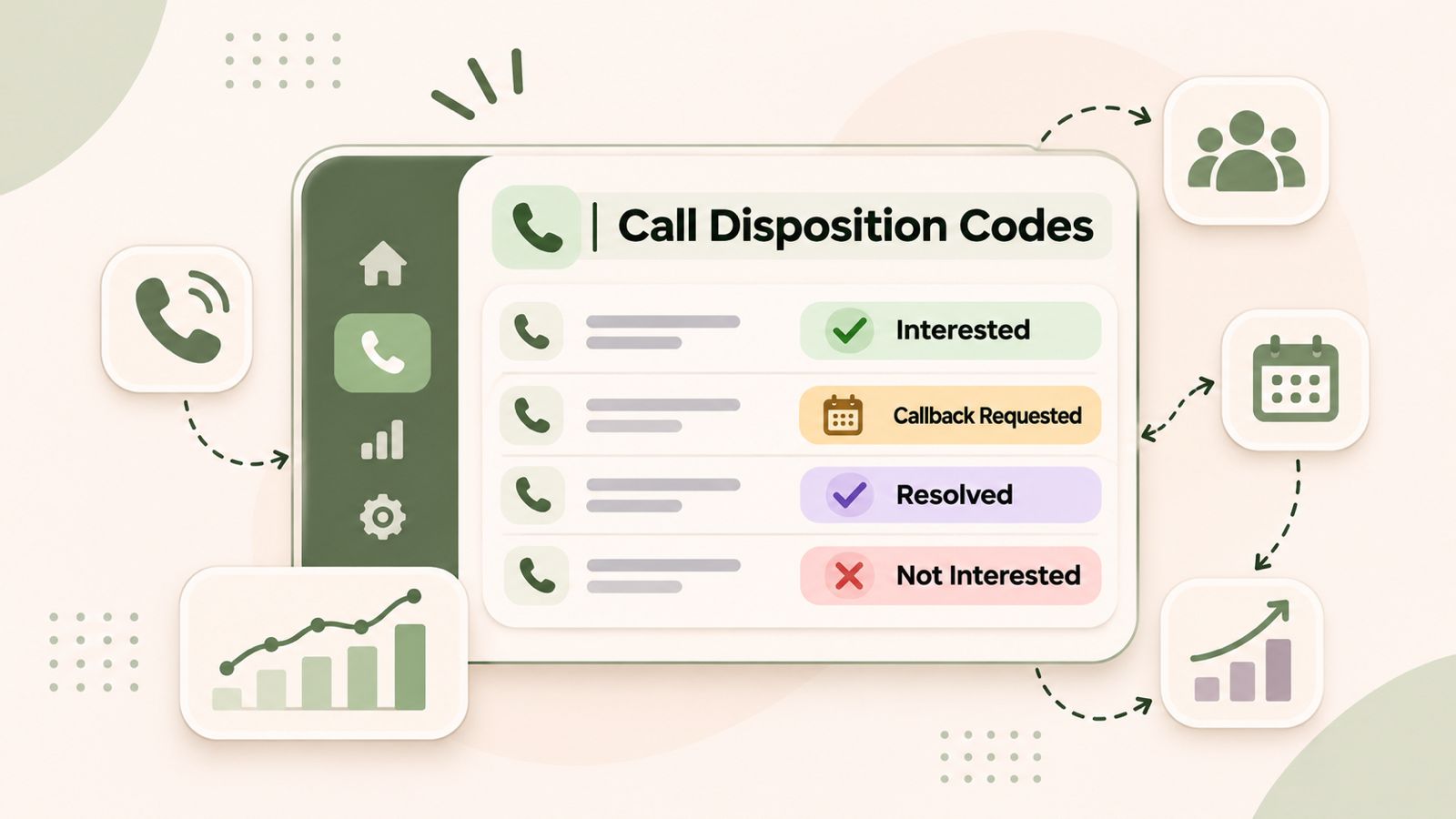
    Call disposition codes help sales and customer support teams record the outcome of every phone call. These codes show whether a customer answered, a prospect showed interest, a customer requested a callback, or an issue needs more attention.

    For example, a sales representative can use a call disposition code to mark an interested prospect for follow-up. Similarly, a support agent can record whether a customer’s issue was resolved or needs further help.

    As a result, businesses can keep better call records, manage follow-ups, and understand their calling activity. In this guide, we explain what call disposition codes are, share 30 practical examples, and cover the best ways to use them.

    What Are Call Disposition Codes and How Do They Work?

    Call disposition codes are predefined labels that describe the result of a phone conversation. After a call, an agent or sales representative selects the label that best matches the outcome.

    For example, a sales representative might select “Interested – Follow-Up Required” after speaking with a potential customer. On the other hand, a support agent might select “Issue Resolved” after solving a customer’s problem.

    These labels help every team member record calls in the same way.

    Some common call disposition codes include:

    • Answered
    • No Answer
    • Voicemail Left
    • Callback Requested
    • Interested
    • Not Interested
    • Demo Scheduled
    • Issue Resolved
    • Escalation Required
    • Wrong Number

    However, not every business needs the same list. The right codes depend on the type of calls your team handles and the actions your business wants to track.

    Why Are Call Disposition Codes Important for Businesses?

    Recording a call is only the first step in managing customer communication. However, businesses also need to know what happened during the conversation and what should happen next.

    This is where call disposition codes become useful.

    1. Improve Sales Follow-Ups

    Sales teams speak with prospects at different stages of the buying process. Some prospects request a demo, while others need more information or time to decide.

    Therefore, sales representatives can use call disposition codes to record each result.

    For example, a prospect marked “Callback Requested” needs another call. Similarly, a prospect marked “Demo Scheduled” has moved to the next stage of the sales process.

    2. Maintain Consistent Call Records

    Without standard labels, employees may describe the same result in different ways.

    For example, one representative might write “Call Later,” while another writes “Follow Up Tomorrow.”

    As a result, managers may find it difficult to review and compare call records.

    A shared set of call disposition codes solves this problem. It gives employees clear options and makes call records easier to understand.

    3. Understand Team Performance

    Managers can review call outcomes to understand how their teams handle customer conversations.

    For example, they can check:

    • How many calls were answered.
    • How many prospects requested callbacks.
    • How many calls resulted in meetings.
    • How often customers requested extra help.
    • How many conversations still need follow-up.

    In addition, managers can compare these results over time to identify changes in team activity.

    4. Improve Customer Support Workflows

    Customer support teams handle different types of requests every day. Some issues are resolved during the first call, while others need more work.

    Call disposition codes help agents separate resolved issues, pending requests, escalations, and missed interactions.

    Therefore, support managers can quickly identify which conversations still need attention.

    5. Keep Better CRM Records

    A CRM stores customer details and records of previous interactions. Similarly, clear call outcomes make these records more useful.

    For example, a representative can review a previous call before contacting the same customer again.

    In addition, managers can use these records to create reports and understand customer communication patterns.

    30 Call Disposition Codes Examples for Sales and Customer Support

    The right call disposition codes depend on your business, sales process, and customer support needs.

    Below are 30 practical examples divided into four groups. Each code includes its meaning and the next action your team can take.

    A. General Call Outcome Codes

    These codes describe what happened when someone made or received a call.

    CodeDefinitionNext Action
    AnsweredThe recipient answered the callRecord the conversation outcome
    No AnswerThe recipient did not answerSchedule another attempt
    Voicemail LeftThe agent left a voicemailPlan a follow-up
    BusyThe recipient’s line was busyTry again later
    Wrong NumberThe number does not belong to the intended contactCheck the contact details
    Call DisconnectedThe call ended unexpectedlyTry to reconnect
    Callback RequestedThe recipient asked for another callSchedule a callback
    Not ReachableThe recipient could not be reachedCheck the number and try again

    These basic codes help teams understand the result of each call attempt. In addition, they make it easier to plan the next action.

    B. Sales Call Disposition Codes

    Sales teams need codes that show prospect interest and progress through the sales process.

    CodeDefinitionNext Action
    InterestedThe prospect showed interest in the product or serviceShare more information
    Not InterestedThe prospect declined the offerRecord the reason
    Qualified LeadThe prospect meets the sales team’s requirementsMove to the next sales stage
    Unqualified LeadThe prospect does not meet the requirementsUpdate the lead status
    Demo ScheduledThe prospect agreed to a product demoConfirm the meeting
    Follow-Up RequiredMore discussion is neededCreate a follow-up task
    Pricing DiscussionThe prospect asked about pricingShare pricing details
    Decision PendingThe prospect needs more time to decideSchedule another conversation
    ConvertedThe prospect became a customerUpdate the CRM
    Do Not ContactThe contact asked not to receive further callsUpdate contact preferences and respect the request

    These sales call disposition codes help representatives understand where each prospect stands. As a result, they can focus on the right follow-up activities.

    C. Customer Support Call Disposition Codes

    Support teams can use these codes to track customer issues and service requests.

    CodeDefinitionNext Action
    Issue ResolvedThe customer’s problem was solvedClose the support case
    Issue PendingThe problem still needs attentionContinue the investigation
    Escalation RequiredAnother team needs to handle the issueTransfer or escalate the request
    Information ProvidedThe customer received the requested informationRecord the details
    Complaint ReceivedThe customer reported a problemReview the complaint
    Technical Support RequiredThe issue needs technical helpAssign a specialist
    Refund RequestedThe customer asked for a refundFollow the refund process
    Follow-Up RequiredMore communication is neededSchedule another interaction

    For example, a support agent can select “Issue Pending” when a problem cannot be solved during the first conversation. The next agent can then review the record and continue the work.

    D. Appointment and Service Call Codes

    Businesses that manage bookings, appointments, and service requests may need these additional codes.

    CodeDefinitionNext Action
    Appointment ScheduledA new appointment was confirmedUpdate the calendar
    Appointment RescheduledAn existing appointment was changedConfirm the new time
    Appointment CancelledThe customer cancelled the bookingUpdate the booking record
    Confirmation ReceivedThe customer confirmed the appointmentKeep the booking active

    These examples provide a starting point. However, businesses should choose codes that match their actual calling process instead of using every available option.

    What Is the Difference Between Call Status, Call Disposition and Call Notes?

    Call status, call disposition, and call notes are related terms. However, each one serves a different purpose.

    TermMeaningExample
    Call StatusShows the connection resultAnswered, missed, failed
    Call DispositionShows the business outcomeInterested, demo scheduled, issue resolved
    Call NotesGive extra details about the conversationCustomer requested a quotation next Monday

    Consider this example.

    A sales representative calls a potential customer. The call record may look like this:

    • Call Status: Answered
    • Call Disposition: Interested – Follow-Up Required
    • Call Notes: Customer wants to review the pricing proposal with their manager.

    In this example, the call status shows that the connection was successful. Meanwhile, the disposition explains what happened during the conversation. Finally, the notes provide extra details.

    Using all three helps businesses maintain clear and useful customer records.

    How to Choose the Right Call Disposition Codes for Your Team

    A good disposition system should be easy to understand and simple to use. Therefore, businesses should plan their categories before adding them to their calling workflow.

    Follow these steps to create a useful system.

    1. Identify Your Calling Objectives

    First, understand why your team makes calls.

    For example:

    • Sales teams focus on lead qualification, meetings, and sales.
    • Customer support teams focus on solving issues and handling requests.
    • Recruitment teams focus on candidate availability and interviews.
    • Service teams focus on bookings and job completion.

    Your call disposition codes should match these goals. This way, employees can select the right result after each conversation.

    2. Separate Main Outcomes From Extra Details

    Use the main disposition to record the primary result of a call.

    For example:

    • Interested
    • Not Interested
    • Callback Requested
    • Issue Resolved
    • Escalation Required

    Then, use call notes or secondary tags to record more details where your platform supports them.

    This approach keeps your main categories simple. It also makes reports easier to read.

    3. Use Clear Labels

    Avoid vague labels such as:

    • Other
    • Miscellaneous
    • General
    • Done

    Instead, choose labels that describe a clear result.

    For example, use “Pricing Information Requested” instead of “Other.” This makes it easier for employees and managers to understand the call record.

    4. Avoid Too Many Categories

    A long list can confuse employees. Moreover, it may slow down their work after a call.

    Therefore, start with the outcomes your team uses most often. Add more codes only when your business needs them.

    5. Explain When to Use Each Code

    Write a short description for every category.

    For example, use “Callback Requested” only when the customer or prospect asks for another call.

    Similarly, use “Issue Resolved” only when the customer’s problem has been solved.

    Clear rules help employees choose the same code for similar situations.

    6. Review Your Categories Regularly

    Business needs can change over time. Therefore, review your call disposition codes on a regular basis.

    Look for categories that:

    • Are rarely used.
    • Have the same meaning as another category.
    • No longer match your calling process.
    • Do not provide useful information.

    Finally, update the list and inform your team about any changes.

    How to Use Call Disposition Codes to Improve Sales Performance

    Sales managers can use call outcomes to understand how prospects move through the sales process.

    Here are four practical ways to use this information.

    Track Prospect Interest

    Compare outcomes such as Interested, Not Interested, No Answer, and Callback Requested.

    This helps managers understand how prospects respond to sales calls. In addition, it can help teams review their outreach approach.

    Find Follow-Up Opportunities

    A prospect marked “Follow-Up Required” should not get lost in the sales pipeline.

    Instead, connect the disposition to a clear next step. This could be another call, an email, or a product demonstration.

    Review Sales Progress

    Compare the number of qualified leads, scheduled demos, and converted prospects over the same period.

    As a result, managers can see where prospects are moving forward and where they may need more support.

    Improve Sales Training

    Managers can review call recordings, notes, and outcomes to understand how representatives handle conversations.

    For example, they can identify common customer questions or objections. Then, they can use these findings to improve sales training and communication.

    Learn more about DialNext sales calling solutions.

    How to Use Call Disposition Codes in Customer Support

    Customer support teams can use call disposition codes to keep a clear record of customer conversations.

    Here are three useful ways to apply them.

    Identify Unresolved Issues

    Use codes such as Issue Pending and Escalation Required to find conversations that need more work.

    Therefore, managers can review open requests and assign them to the right team members.

    Understand Common Customer Problems

    Review the support categories that appear most often.

    For example, frequent complaints or technical support requests may show where customers need more help.

    As a result, support managers can focus on common problems and improve their service process.

    Maintain Better Customer History

    Clear call outcomes and notes help another agent understand previous conversations.

    This means customers do not need to explain the same problem again when the team has accurate records.

    Learn more about DialNext customer support solutions and how organized communication can help support teams manage customer conversations.

    How Does Call Disposition Data Improve CRM Reporting?

    A CRM stores customer details and records of business interactions. When teams record call outcomes in a consistent way, they can create more useful reports.

    For example, managers can review:

    • Call outcomes: See how many calls were answered, missed, or ended with another result.
    • Sales progress: Track qualified leads, scheduled demos, and conversions.
    • Follow-up activity: Find contacts that need another call or message.
    • Agent activity: Compare recorded call outcomes across team members.
    • Customer support: Review resolved, pending, and escalated issues.

    Consider a sales manager who wants to find prospects waiting for another call.

    The manager can filter records marked “Callback Requested.” Next, they can check whether each representative completed the follow-up.

    This makes it easier to manage pending sales activities.

    However, the quality of these reports depends on accurate records, clear categories, and reliable CRM activity logging.

    For more information, explore DialNext lead generation solutions.

    For additional guidance, read the HubSpot guide to creating custom call and meeting outcomes.

    You can also review the Salesforce CallDisposition field reference.

    Common Call Disposition Mistakes to Avoid

    Even a good disposition system can fail if employees do not use it correctly.

    Therefore, businesses should avoid these common mistakes.

    Using Vague Categories

    Labels such as “Other” and “Done” do not explain what happened during a call.

    Instead, use clear categories that describe the actual outcome.

    Mixing Call Status With Business Outcomes

    An answered call does not always mean a successful sales conversation.

    For this reason, keep connection results separate from sales and support outcomes.

    Ignoring Follow-Up Actions

    Recording “Callback Requested” is not enough.

    Managers should also assign responsibility and set a clear next step. Otherwise, the prospect or customer may not receive the expected response.

    Creating Duplicate Categories

    Avoid using labels such as “Call Later,” “Follow Up,” and “Callback Required” for the same result.

    Instead, choose one standard label and explain when employees should use it.

    Not Training Employees

    Employees need to know how and when to select each category.

    Therefore, provide simple guidelines and review how your team uses the codes.

    Ignoring Call Reports

    Collecting data is only useful when managers review it.

    Regularly check call outcomes and use the results to improve team workflows.

    How DialNext Helps Teams Manage Call Outcomes

    Managing business communication involves more than making and receiving calls. Teams also need a clear way to review conversations and maintain customer records.

    DialNext provides business calling, call recording, call tags, notes, SMS, and CRM connectivity to support sales and customer support workflows.

    With DialNext, teams can:

    • Record and review customer conversations.
    • Add call tags to group and identify interactions.
    • Maintain notes alongside customer interaction history.
    • Track call activity through available analytics and reporting.
    • Manage inbound and outbound business calls.
    • Connect communication activity with supported CRM workflows.

    For example, a lead generation team can use call tags to group prospect interactions based on outcomes such as Qualified, Not Interested, and Callback Needed.

    As a result, managers can get a clearer view of campaign activity and follow-up needs.

    Similarly, customer support teams can use call tags and notes to keep track of customer requests.

    By combining business calling with organized interaction records, DialNext helps teams manage customer communication more clearly.

    Explore the DialNext business calling platform to learn more about its communication solutions.

    Frequently Asked Questions About Call Disposition Codes

    1. What are call disposition codes?

    Call disposition codes are predefined labels that record the result of a phone call. They help businesses group conversations, track follow-ups, and review call activity.

    2. What are the most common call disposition codes?

    Common call disposition codes include Answered, No Answer, Voicemail Left, Callback Requested, Interested, Not Interested, Demo Scheduled, Issue Resolved, and Escalation Required.

    3. What is the difference between a call disposition and a call tag?

    A call disposition usually describes the main result of a conversation. On the other hand, a call tag can group calls by topic, customer type, campaign, or another detail. The exact difference depends on the calling platform.

    4. Why are call disposition codes important for sales teams?

    Call disposition codes help sales teams track prospect interest, find follow-up opportunities, review sales progress, and understand the results of outbound calls.

    5. Can call disposition codes improve customer support?

    Yes. Support teams can use these codes to track solved issues, pending requests, complaints, and escalations. As a result, agents can maintain better customer records and manage follow-ups.

    6. How many call disposition codes should a business use?

    There is no fixed number. Start with a small list that covers your team’s most common call outcomes. Then, add more codes only when they provide useful information.

    7. Should call disposition codes be mandatory?

    Making dispositions mandatory can improve record keeping. However, employees need clear options and a simple process. Businesses should also allow suitable exceptions when a call cannot be placed into a specific category.

    8. Are call disposition codes the same as call outcomes?

    These terms are often used in the same way. However, some platforms separate automatic call results, such as Answered or No Answer, from outcomes selected by an agent, such as Interested or Callback Requested.

    9. Can call disposition codes be used in CRM systems?

    Yes. Many CRM systems support call outcomes or custom activity categories. These records help teams filter interactions, review sales progress, and manage follow-up tasks.

    10. How often should businesses review their call disposition codes?

    Businesses should review their codes regularly and whenever their sales or support process changes. Remove duplicate labels and update categories that no longer match your team’s needs.

    Final Thoughts

    Call disposition codes help businesses turn phone conversations into clear and useful records.

    By using simple categories, keeping accurate call notes, and connecting outcomes to follow-up tasks, sales and support teams can manage their daily work more effectively.

    However, the best disposition system is not the one with the most categories. It is the one employees can understand and use in the same way.

    With clear calling workflows and reliable interaction records, businesses can get more value from every customer conversation.

    For better call management, explore DialNext’s business calling platform to manage customer conversations and organize your calling workflows.

  • WhatsApp Business Messaging for Sales Teams: How to Manage Customer Conversations More Effectively

    WhatsApp Business Messaging for Sales Teams: How to Manage Customer Conversations More Effectively

    WhatsApp business messaging helps companies communicate with customers through a familiar messaging channel. Sales teams can use it to answer inquiries, share relevant information, and follow up with potential customers.

    However, managing customer conversations can become difficult as the number of inquiries grows. Teams may miss follow-ups, lose track of customer questions, or struggle to maintain consistent communication.

    A clear messaging workflow can help solve these problems. By organizing inquiries, understanding customer needs, and planning the next steps, businesses can manage conversations more effectively.
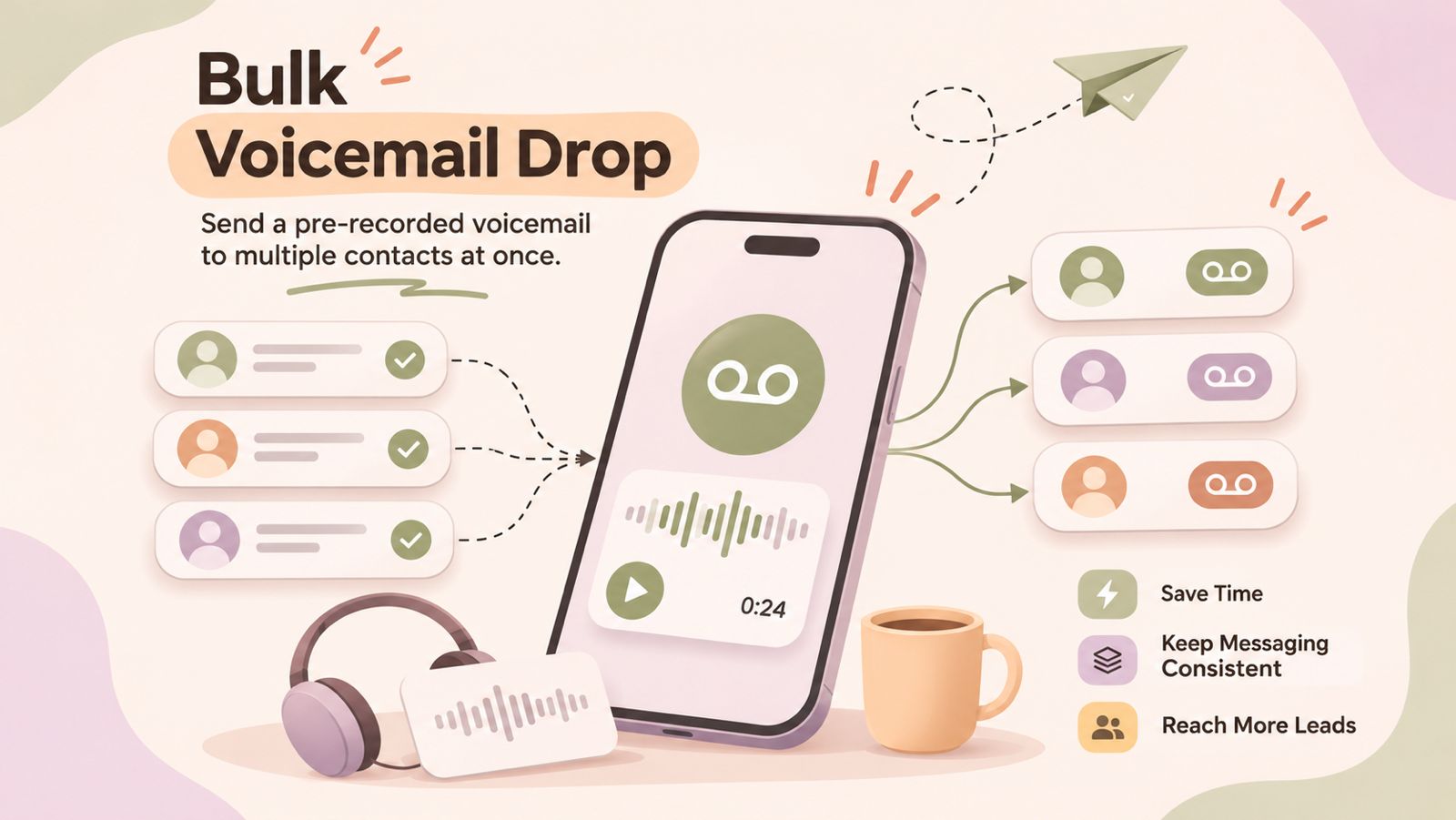
    In this guide, we’ll explore how businesses use WhatsApp for sales communication, build better follow-up workflows, and choose the right messaging solution for their needs.

    What Is WhatsApp Business Messaging?

    WhatsApp business messaging helps businesses connect with customers. They can answer questions, share product details, and discuss services through WhatsApp.

    Businesses can choose between two main solutions:

    • WhatsApp Business app: This app helps small businesses manage customer chats directly.
    • WhatsApp Business Platform: This solution helps businesses connect WhatsApp with software and other business tools, depending on their setup.

    However, both solutions work differently. Available features depend on the solution a business chooses.

    For example, the WhatsApp Business Platform supports approved message templates for certain types of messages. It can also connect with other business systems through supported integrations.

    For sales teams, sending a message is only the first step. They also need to understand customer needs and decide what to do next.

    Therefore, a clear messaging process is important. Teams can respond to inquiries, plan follow-ups, and keep track of customer conversations more consistently.

    As a result, businesses can build a more organized communication process without losing sight of important customer requests.

    How Businesses Use WhatsApp for Sales Communication

    Businesses use WhatsApp to answer questions, share useful information, and stay in touch with potential customers. When teams follow a clear process, they can manage inquiries more consistently.

    Responding to Customer Inquiries

    Customers often have questions before making a purchase. They may ask about pricing, product features, availability, or services.

    Sales teams can use WhatsApp to answer these questions directly. Quick and relevant replies help customers understand their options.

    For example, a customer may ask about a service package. The sales representative can explain the available options and ask what the customer needs.

    Following Up With Leads

    Not every customer makes a decision after the first conversation. Some need more information or time to compare their options.

    Therefore, sales teams should plan their follow-ups. They can note the last conversation and agree on a suitable time to reconnect.

    However, teams should respect customer preferences and avoid sending unwanted messages. They must also follow the applicable WhatsApp messaging rules.

    Sharing Product and Service Information

    Customers often need more details before choosing a product or service. WhatsApp can help businesses share relevant information during these conversations.

    For example, sales representatives can share product details, service descriptions, or pricing information when appropriate. This helps customers review their options before making a decision.

    However, teams should keep messages clear and relevant. Too much information in one message can make it harder for customers to understand the key points.

    Handling Customer Questions

    Customer conversations may continue even after a purchase. Customers might ask about delivery, setup, billing, or ongoing support.

    In these situations, sales and support teams should provide clear answers. If another team needs to handle the request, the representative should explain the next step.

    As a result, customers know what to expect and who will assist them.

    Maintaining Ongoing Customer Communication

    Customer relationships often require more than one conversation. Businesses may need to share updates, answer new questions, or reconnect when customers request more information.

    To stay organized, teams should record important details and agree on the next action. They should also follow customer communication preferences and applicable messaging rules.

    The key is consistency. A clear process helps sales teams manage conversations without losing track of customer needs.

    How to Build an Effective WhatsApp Sales Workflow

    A clear WhatsApp sales workflow helps teams manage customer inquiries and follow-ups. It also makes the next step easier to identify. Here are five steps businesses can follow.

    Step 1: Capture the Customer Inquiry

    First, understand why the customer contacted your business. They may want product details, pricing, or help choosing a service.

    Record the important details where appropriate. For example, note the customer’s name, needs, and reason for contacting your team.

    This information helps sales representatives respond with relevant answers. It also reduces confusion when another team member needs to take over.

    Step 2: Understand the Customer’s Needs

    Next, ask simple questions to understand what the customer wants. Avoid sending product information before you understand their requirements.

    For example, a sales representative might ask about the customer’s budget, preferred features, or expected timeline.

    As a result, the team can recommend suitable options instead of sharing irrelevant details.

    Step 3: Send Relevant Information

    Once you understand the customer’s needs, share the most useful information. This may include pricing, product details, service options, or answers to specific questions.

    Keep each message clear and focused. If the customer needs several details, share them in a logical order.

    However, avoid sending repeated messages or unnecessary promotional content. Always follow the customer’s preferences and applicable WhatsApp messaging rules.

    Step 4: Plan the Next Follow-Up

    Not every conversation leads to an immediate decision. Therefore, decide what should happen next before closing the conversation.

    For example, you might agree to reconnect after the customer reviews a proposal. Record the agreed date and next action in your team’s chosen tracking system.

    This simple habit helps prevent missed follow-ups. It also gives sales representatives a clear reason to contact the customer again.

    Step 5: Record the Outcome Where Appropriate

    Finally, record the result of the conversation. The customer may be ready to purchase, need more information, or decide not to proceed.

    Update the relevant sales record when appropriate. Include the current status and any agreed next steps.

    This process helps teams understand which inquiries need attention. It also makes handoffs between sales representatives easier.

    Remember: These steps describe a general sales workflow, not a claim that DialNext automates every step through WhatsApp. The tools and features available will depend on your business messaging setup.

    WhatsApp vs SMS for Business Communication

    WhatsApp and SMS help businesses communicate with customers. However, each channel serves different needs. The right choice depends on the message, customer preferences, and communication goals.

    Key Differences Between WhatsApp and SMS

    FeatureWhatsAppSMS
    Message formatSupports text and, depending on the solution, mediaPrimarily text, with some support for links and other formats
    Customer interactionSupports two-way conversationsSupports replies where the service and setup allow them
    Internet accessRequires an internet connectionUsually works through a cellular network
    Business use casesCustomer questions, product details, and ongoing conversationsAlerts, reminders, and short updates
    Business requirementsFeatures depend on the WhatsApp solution usedFeatures depend on the SMS provider and service

    When Should Businesses Use WhatsApp?

    WhatsApp can be useful when customers need to discuss a product or service in more detail.

    For example, a sales representative can answer questions about a service package and share relevant information. The customer can then ask follow-up questions in the same conversation.

    However, businesses must follow the applicable messaging rules and respect customer preferences.

    When Should Businesses Use SMS?

    SMS works well for short messages and simple updates.

    For example, a business might send an appointment reminder, a service notification, or a brief confirmation. SMS can also reach customers who prefer text messages over messaging apps.

    However, delivery and reply options depend on the provider, network, and service configuration.

    Can Businesses Use Both Channels?

    Yes. Businesses can use WhatsApp and SMS for different communication needs.

    For example, a team might use SMS for a short appointment reminder and WhatsApp for a detailed customer discussion. The choice should reflect the customer’s preferences and the purpose of the message.

    DialNext offers business calling and SMS capabilities. Businesses evaluating their communication setup should confirm which channels and features their chosen plan supports.

    The key takeaway: Choose the channel that best fits the conversation. A clear communication process matters more than using every available channel.

    WhatsApp Messaging and CRM Workflows

    A customer relationship management (CRM) system helps businesses organize customer details, track leads, and manage sales activities. When teams use WhatsApp for customer conversations, a clear CRM workflow can help them maintain better records.

    However, using WhatsApp and a CRM together does not always mean messages sync automatically. The available features depend on the messaging platform and integration.

    Keep Customer Information Organized

    First, record important customer details in the appropriate system. These details may include contact information, product interests, previous discussions, and current sales status.

    This information helps sales representatives understand the customer’s needs. It also makes future conversations easier to manage.

    Track Conversations and Next Steps

    Next, record the outcome of important customer interactions. For example, note whether the customer requested a quotation or wants to discuss the service again.

    Then, assign a suitable next action and follow-up date. As a result, team members can identify which leads need attention.

    Improve Team Handoffs

    Sometimes, another representative needs to continue a customer conversation. In these situations, clear notes help the next person understand the customer’s requirements.

    For example, a sales representative can record the customer’s main concern and the information already shared. This reduces repeated questions and creates a more consistent customer experience.

    Check Integration Capabilities Before Choosing a Platform

    Businesses should confirm how their chosen tools connect before building a messaging workflow.

    Check whether the solution supports:

    • Contact syncing between systems.
    • Access to conversation history.
    • Lead status updates.
    • Follow-up task management.
    • Reporting on customer interactions.

    These features are not available in every setup. Therefore, verify each requirement with the provider before relying on it.

    DialNext offers business communication and CRM integration capabilities. However, businesses should confirm the specific functionality available for their chosen CRM and messaging channel.

    The goal is simple: Keep customer information organized, make ownership clear, and ensure every important conversation has a defined next step.

    Best Practices for Business WhatsApp Messaging

    Good WhatsApp communication starts with clear messages and a consistent process. Businesses should focus on customer needs rather than sending messages just to stay visible.

    Follow these best practices to manage conversations effectively.

    1. Keep Messages Clear and Relevant

    First, understand what the customer wants to know. Then, share information that answers their question.

    Use simple language and short messages. For example, explain the key service details before sharing additional information.

    This approach makes conversations easier to follow. It also helps customers decide what to do next.

    2. Respond Within a Reasonable Time

    Customers appreciate timely responses. Therefore, establish clear expectations for handling incoming inquiries.

    For example, assign responsibility for checking new messages during business hours. If a response needs more time, let the customer know when to expect an update.

    However, avoid promising response times your team cannot maintain.

    3. Get Permission Before Sending Promotional Messages

    Always respect customer preferences when communicating through WhatsApp. Businesses should obtain the required permission before sending messages and follow applicable WhatsApp policies.

    In addition, make it easy for customers to stop receiving promotional messages. Keep records of their preferences and honor opt-out requests.

    These steps help businesses maintain more respectful customer relationships.

    4. Plan Follow-Ups Carefully

    A useful follow-up gives the customer a clear reason to continue the conversation.

    For example, a sales representative might share a requested quotation and agree on a suitable time to discuss it. Record the next step so the team can follow through.

    However, avoid sending repeated messages when a customer has not responded. Give them space and respect their communication preferences.

    5. Protect Customer Information

    Customer conversations may contain personal or business information. Therefore, limit access to authorized team members and follow your company’s data protection policies.

    Use appropriate business tools to manage customer records. Also, avoid sharing sensitive information with people who do not need it.

    6. Review Your Communication Process Regularly

    Finally, review how your team handles customer inquiries and follow-ups.

    Check whether messages receive timely responses and whether representatives record important outcomes. Identify recurring delays and improve the process where needed.

    If your messaging solution provides relevant reports, use them to understand team performance. However, available reporting features vary by provider.

    Remember: Effective WhatsApp business messaging depends on relevance, timely responses, customer permission, and consistent follow-ups. A simple, well-managed process is more useful than sending a high volume of messages without a clear purpose.

    Common WhatsApp Messaging Mistakes to Avoid

    Businesses can improve customer communication by avoiding a few common mistakes. A clear messaging process helps sales teams stay organized and maintain better customer relationships.

    1. Sending Messages Without a Clear Purpose

    Every business message should serve a purpose. It might answer a question, share requested information, or confirm the next step.

    However, sending irrelevant messages can frustrate customers. Therefore, make sure each message provides useful information.

    2. Forgetting to Follow Up

    Sales teams sometimes lose track of conversations after the first interaction. As a result, interested customers may not receive the information they need.

    To prevent this, record important conversations and set reminders for agreed follow-ups. Also, assign responsibility so team members know who should respond.

    3. Sending Too Many Messages

    Frequent messages do not always lead to better customer relationships. In fact, repeated messages can make customers less willing to engage.

    Instead, follow a reasonable communication schedule. Respect customer preferences and stop promotional messages when customers opt out.

    4. Using Generic Replies for Every Customer

    Different customers have different questions and needs. Therefore, sending the same response to everyone may not solve their problems.

    Use clear, relevant replies based on the customer’s inquiry. You can prepare standard responses for common questions, but adapt them when the situation requires a personal answer.

    5. Failing to Record Important Details

    When teams do not record customer interactions, important information can get lost. This becomes especially difficult when another representative takes over the conversation.

    To avoid this problem, record relevant details, decisions, and agreed next steps in your team’s chosen system.

    6. Assuming Every Messaging Platform Has the Same Features

    Not every business messaging solution supports the same tools. Some may offer integrations or automation, while others may require additional setup.

    Therefore, check the available features before choosing a platform. Confirm that it supports your team’s actual needs instead of relying on assumptions.

    The takeaway: Better business messaging starts with relevant communication, organized follow-ups, and clear ownership. Avoiding these mistakes helps teams create a more consistent customer experience.

    How to Choose a WhatsApp Business Messaging Solution

    Choosing the right WhatsApp business messaging solution depends on your team’s needs, communication volume, and existing tools. The best option should fit your workflow without adding unnecessary complexity.

    Consider these factors before making a decision.

    1. Identify Your Business Requirements

    First, decide how your team plans to use WhatsApp. You may need to answer customer questions, manage sales inquiries, or provide ongoing support.

    Next, list the features required for these tasks. This helps you compare solutions based on actual business needs rather than promotional claims.

    2. Check Messaging Capabilities

    Different solutions offer different messaging features. Therefore, confirm which message types and conversation options are available.

    If your team needs business-initiated messages, check the applicable template and customer permission requirements. Also, confirm any setup requirements before implementation.

    3. Review CRM Integration Options

    If your sales team uses a CRM, check whether the messaging solution supports your specific system.

    For example, you may want to access customer details, review conversation history, or update lead records. However, these capabilities depend on the integration and may require additional configuration.

    4. Understand Automation and Reporting

    Some businesses need automated replies, scheduled follow-ups, or messaging reports. Others may only need a simple way to handle customer conversations.

    Therefore, identify which features are essential for your team. Then, verify that the provider supports them under your chosen plan.

    Avoid paying for features your business does not currently need.

    5. Compare Costs and Setup Requirements

    Before choosing a provider, review the pricing structure and implementation requirements.

    Check subscription fees, messaging charges, integration costs, and any additional service fees. Also, consider the time your team will need to learn and manage the solution.

    As a result, you can make a more informed decision about the total cost.

    6. Evaluate Security and Customer Support

    Finally, review how the provider handles customer information and protects account access.

    Check available security controls, data handling practices, and support options. If your team depends on messaging for daily sales activities, reliable technical support is also important.

    The bottom line: Choose a WhatsApp business messaging solution that matches your communication goals, integrates with your existing workflow where needed, and offers clear pricing and support. Always verify specific features before committing to a provider.

    Frequently Asked Questions

    What Is WhatsApp Business Messaging?

    WhatsApp business messaging allows businesses to communicate with customers through WhatsApp. Teams can use it to answer questions, share product information, and manage customer conversations.

    How Can Businesses Use WhatsApp for Sales?

    Businesses can use WhatsApp to respond to inquiries, understand customer needs, share relevant information, and follow up with potential buyers. A clear process helps sales teams manage conversations and track next steps.

    Is WhatsApp Better Than SMS for Business Communication?

    It depends on the purpose of the message. WhatsApp is useful for ongoing conversations and sharing supported media. In contrast, SMS works well for short updates and reminders. Businesses should choose the channel that best suits their customers and communication goals.

    Can Businesses Use WhatsApp for Customer Follow-Ups?

    Yes. Businesses can follow up with customers who have requested information or shown interest in a product or service. However, they must respect customer preferences and follow the applicable WhatsApp messaging policies.

    What Is the WhatsApp Business Platform?

    The WhatsApp Business Platform allows businesses to connect WhatsApp messaging with software and business systems. Depending on the setup, it can support integrations and approved message templates for eligible use cases.

    How Does WhatsApp Messaging Work With CRM Systems?

    Businesses can connect WhatsApp messaging with a CRM when their chosen platform and integration support it. This may help teams manage customer details, review conversation history, and track sales activities. Available features vary by provider.

    What Should Businesses Consider When Choosing a WhatsApp Messaging Platform?

    Businesses should review messaging features, CRM integrations, automation options, reporting, pricing, security, and customer support. They should also confirm setup requirements and applicable messaging rules before choosing a provider.

  • Call Attribution: How to Find Which Marketing Campaigns Generate Real Leads

    Call Attribution: How to Find Which Marketing Campaigns Generate Real Leads

    Every marketing campaign aims to generate leads, but how do you know which campaigns actually bring potential customers to your phone lines? A high number of clicks or website visits does not always mean more business.

    Call attribution helps businesses connect phone calls with the marketing campaigns that generated them. It gives marketing and sales teams a clearer picture of where enquiries come from and which sources deserve more attention.

    For example, a business may receive calls from Google Ads, organic search, social media, and offline promotions. By tracking these sources and evaluating call outcomes, the team can identify which campaigns attract qualified leads rather than simply generate more calls.

    In this guide, you will learn how call attribution works, which metrics matter, and how to use call data to make smarter marketing decisions. You will also discover practical ways to connect campaign activity with lead quality, sales outcomes, and marketing ROI.

    What Is Call Attribution?

    Call attribution is the process of identifying which marketing campaign, channel, or source led a customer to make a phone call. It helps businesses understand how their marketing activities generate phone enquiries.

    For example, a potential customer might see a Google Ads campaign, visit a landing page, and then call your sales team. Call attribution helps connect that enquiry to its marketing source when the right tracking methods are in place.

    However, identifying the source is only the first step. Businesses also need to understand whether a call represents a genuine sales opportunity.

    Call Attribution vs. Call Tracking

    Call tracking records information about incoming and outgoing calls, depending on the tools used. Call attribution goes a step further by connecting calls to marketing activities.

    Here is how they differ:

    • Call tracking: Records call activity, such as call time, duration, and caller details where available.
    • Call attribution: Identifies the marketing source associated with a phone enquiry.
    • Lead attribution: Connects a potential customer to the marketing touchpoints that influenced their journey.
    • Conversion tracking: Measures whether a desired action, such as a qualified enquiry or completed purchase, occurs.
    • Marketing ROI measurement: Compares the revenue or business value generated with the cost of marketing activities.

    These concepts work together, but they are not interchangeable. For example, a campaign may generate many calls without producing many qualified leads.

    By combining reliable call data with lead qualification and sales outcomes, businesses can make more informed decisions about their marketing budgets.

    How Does Call Attribution Work?

    Call attribution connects marketing activity with incoming phone calls and, where data is available, the outcomes of those calls. The process helps businesses understand which campaigns attract potential customers and which generate valuable sales opportunities.

    Although the exact setup depends on the tools a business uses, the process generally follows five steps.

    Step 1: Identify the Marketing Source

    First, identify where potential customers discover your business. Common sources include Google Ads, organic search results, social media, email campaigns, and offline advertisements.

    Businesses can use tracking links, campaign-specific phone numbers, or website analytics to identify these sources. The right method depends on the marketing channel and available tracking tools.

    Step 2: Track the Incoming Call

    Next, record the incoming call and connect it with the available campaign information. Depending on the setup, this may include the call time, source, duration, and caller details.

    For website visitors, dynamic number insertion can display different phone numbers based on the visitor’s traffic source. However, this method requires a suitable call tracking system and technical implementation.

    Step 3: Connect the Call With Lead Information

    A phone call becomes more useful when the business can connect it with a lead record. Sales teams can record relevant details, such as the enquiry type, customer requirements, and follow-up status.

    A CRM (Customer Relationship Management) system can help organize these records. However, accurate attribution requires the tracking system and CRM to share the relevant information correctly.

    Step 4: Evaluate the Call Outcome

    Not every phone enquiry represents a qualified lead. Some callers may ask general questions, request support, or contact the wrong department.

    Therefore, businesses should classify calls according to their outcomes. For example, they can distinguish qualified enquiries from missed calls, irrelevant calls, and sales opportunities.

    This step helps marketing teams measure lead quality instead of relying on call volume alone.

    Step 5: Use Attribution Data to Improve Campaigns

    Finally, compare campaign performance using call sources, qualified leads, conversion rates, and campaign costs.

    For example, a campaign that generates fewer calls may still deliver better results if it attracts more qualified prospects. Meanwhile, a campaign with high call volume may need adjustments if most enquiries fail to convert.

    By reviewing these results regularly, businesses can identify stronger marketing channels and make more informed budget decisions.

    Why Call Attribution Matters for Marketing Teams

    Marketing teams need more than clicks, impressions, and website visits to understand campaign performance. They also need to know whether those activities generate meaningful business enquiries.

    Call attribution helps connect marketing efforts with phone leads. As a result, businesses can evaluate campaign quality, improve targeting, and make better decisions about their marketing budgets.

    1. Identify High-Performing Marketing Channels

    Not every marketing channel attracts the same type of customer. Paid search may generate immediate enquiries, while organic search may attract prospects who research their options before calling.

    Call attribution helps businesses compare these sources. They can then identify which channels consistently bring relevant enquiries.

    2. Measure Lead Quality, Not Just Call Volume

    A campaign that generates 100 calls is not necessarily better than one that generates 40 calls. The smaller campaign may attract more qualified prospects who are ready to buy.

    Therefore, businesses should evaluate call outcomes alongside call volume. This approach helps marketing teams focus on genuine sales opportunities rather than vanity metrics.

    3. Make Smarter Marketing Budget Decisions

    Marketing budgets work best when spending decisions reflect actual performance. Attribution data can help teams identify campaigns that generate qualified leads at a reasonable cost.

    For example, a business might reduce spending on a campaign that produces irrelevant enquiries. It could then test whether investing more in a stronger campaign delivers better results.

    However, teams should consider sample size, campaign costs, and sales conversion rates before reallocating budgets.

    4. Improve Marketing and Sales Alignment

    Marketing teams generate enquiries, while sales teams work to convert them into customers. Without shared data, both teams may struggle to understand which campaigns produce valuable opportunities.

    Connecting call records with lead information and sales outcomes creates a clearer view of the customer journey. It also helps teams agree on what counts as a qualified lead.

    5. Understand the Customer Journey

    Customers do not always convert after their first interaction with a business. They may discover a brand through social media, visit its website later, and call after seeing a search advertisement.

    Call attribution can reveal parts of this journey when suitable tracking is available. Although it may not capture every interaction, it helps businesses understand how marketing channels contribute to phone enquiries.

    Ultimately, call attribution gives marketing teams a stronger foundation for evaluating performance. By combining source data with lead quality and sales outcomes, businesses can make decisions based on business value rather than activity alone.

    Call Tracking vs. Call Attribution

    Call tracking and call attribution are closely related, but they serve different purposes. Call tracking helps businesses monitor phone activity, while call attribution connects that activity to marketing sources.

    Understanding the difference helps marketing teams choose the right methods and evaluate campaign performance more effectively.

    FeatureCall TrackingCall Attribution
    Primary purposeMonitor phone call activityIdentify the marketing source behind a call
    Typical dataCall time, duration, and available caller detailsCampaign, channel, or traffic source associated with a call
    Main questionHow many calls did we receive?Which marketing activities generated these calls?
    Business valueImproves call visibility and follow-upHelps evaluate marketing campaign performance
    Measurement focusCall activity and handlingCampaign contribution and lead generation

    How Do They Work Together?

    Call tracking provides the call data that attribution methods can use to identify marketing sources. Businesses can then connect this information with lead qualification and sales outcomes to understand the value of their campaigns.

    For example, a company may track 200 incoming calls in a month. However, without reliable source information, it may not know whether those calls came from paid advertising, organic search, or referrals.

    With an appropriate attribution setup, the company can connect identifiable calls to their marketing sources. It can then compare qualified leads and conversions across campaigns.

    Which One Does Your Business Need?

    Most businesses that rely on phone enquiries can benefit from understanding both concepts.

    • Choose call tracking when you need better visibility into call activity and follow-up.
    • Use call attribution methods when you want to understand which marketing sources generate phone enquiries.
    • Connect call and CRM data when you also want to evaluate lead quality and sales outcomes.

    Keep in mind that attribution accuracy depends on the tracking methods you implement. Some calls may have unknown sources, and not every marketing interaction can be identified.

    The most useful approach combines reliable call records, identifiable campaign sources, and accurate lead outcomes. This gives marketing teams a clearer understanding of which activities contribute to business growth.

    Common Call Attribution Methods

    Businesses can use different methods to connect phone enquiries with marketing campaigns. The right approach depends on where customers discover the business, which tools are available, and how much attribution detail the team needs.

    Here are four common methods to consider.

    1. Dynamic Number Insertion

    Dynamic number insertion (DNI) displays different phone numbers to website visitors based on their traffic source or campaign. A tracking system replaces the website’s default phone number with a number assigned to the visitor’s session.

    For example, a visitor arriving through a paid search advertisement may see a different number from someone arriving through organic search. When the visitor calls, the tracking system can associate the call with the relevant source.

    DNI can provide detailed website-level attribution. However, it requires a compatible call tracking platform, suitable phone numbers, and correct technical implementation.

    2. Campaign-Specific Phone Numbers

    Campaign-specific phone numbers use different numbers for different marketing channels or campaigns. Businesses can assign one number to a print advertisement and another to a digital campaign.

    For example, a local service provider might display one number on a billboard and another in a social media advertisement. Incoming calls can then help the business compare responses from those campaigns.

    This method is relatively straightforward to understand. However, it requires managing multiple numbers and may offer less detailed information about individual website visits.

    3. URL and UTM Tracking

    UTM parameters are tags added to campaign URLs to identify traffic sources in compatible analytics tools. They can help businesses distinguish visitors arriving from different advertisements, emails, or social media campaigns.

    For example, a campaign URL might contain parameters identifying Google as the source and a spring promotion as the campaign. Website analytics can then report visits associated with those parameters.

    However, UTM tracking alone does not automatically identify the source of a phone call. Businesses need an additional method to connect website session data with call records.

    4. CRM and Lead Attribution

    A customer relationship management (CRM) system stores information about leads, customer interactions, and sales opportunities. When call data and marketing source information are connected to CRM records, businesses can evaluate which campaigns contribute to qualified leads and customers.

    For example, a sales team might record a prospect’s original campaign, enquiry details, qualification status, and final sales outcome. Marketing teams can then compare campaign performance using these records.

    The quality of the results depends on accurate data entry and reliable integration between the relevant systems. A CRM does not automatically provide complete call attribution unless the necessary tracking and data connections are configured.

    Which Method Should You Choose?

    The best method depends on your attribution goals.

    • For website-level tracking: Consider dynamic number insertion.
    • For offline campaigns: Consider campaign-specific phone numbers.
    • For identifying digital campaign traffic: Use UTM parameters with suitable analytics tools.
    • For evaluating lead quality and sales outcomes: Connect attribution data with CRM records.

    Businesses can combine these methods when appropriate. However, each method requires the right setup, and none guarantees that every call will be attributed correctly.

    Before selecting a solution, confirm which tracking, reporting, and integration capabilities your chosen platform actually supports.

    Which Marketing Metrics Should Businesses Measure?

    Call attribution helps businesses understand which campaigns generate valuable leads. However, call volume alone does not show campaign success. Teams should also measure lead quality, sales, and marketing costs.

    Call Volume by Campaign

    Call volume shows how many calls each campaign generates. It helps businesses compare sources such as paid search, organic search, and social media.

    However, more calls do not always mean better results. A campaign may attract many callers but generate few qualified leads.

    Qualified Calls

    Qualified calls come from people who meet your business criteria. These callers may have a genuine need for your product or service.

    Set clear rules for qualifying leads. For example, consider customer needs, budget, and buying interest. Consistent rules make campaign comparisons more reliable.

    Call-to-Lead Conversion Rate

    This metric shows how many tracked calls become qualified leads.

    Formula: (Qualified Leads ÷ Total Tracked Calls) × 100

    For example, a campaign generates 80 tracked calls. Of these, 20 become qualified leads. Its call-to-lead conversion rate is 25%.

    Use the same qualification rules across campaigns. This makes the results easier to compare.

    Lead-to-Customer Conversion Rate

    This metric measures how many leads become paying customers.

    Formula: (Customers Acquired ÷ Total Leads) × 100

    Suppose a campaign generates 30 leads and six customers. Its lead-to-customer conversion rate is 20%.

    A campaign with fewer leads may still perform better. This happens when more leads become paying customers.

    Cost per Qualified Lead

    Cost per qualified lead (CPQL) shows how much you spend to gain one qualified lead.

    Formula: Campaign Cost ÷ Qualified Leads Generated

    For example, a campaign costs ₹20,000 and generates 40 qualified leads. The cost per qualified lead is ₹500.

    Include relevant campaign expenses in your calculation. Also, use the same cost rules when comparing campaigns.

    Revenue Attributed to Campaigns

    Revenue attribution connects sales revenue with marketing campaigns. It helps businesses measure results beyond calls and leads.

    For example, a company may compare revenue from two advertising campaigns. However, customers often interact with several channels before buying.

    Choose a clear attribution method. Also, separate confirmed sales data from estimates. This helps teams avoid giving campaigns more credit than the evidence supports.

    Use Metrics Together

    No single metric tells the whole story. Call volume shows demand, while conversion rates reveal lead quality. Cost and revenue help explain business value.

    Review these metrics together to find your strongest campaigns. This approach helps you make better marketing decisions based on real outcomes.

    How to Connect Call Attribution With CRM Data

    Connecting call attribution with CRM data helps businesses understand what happens after a customer calls. It links marketing sources with lead records, sales activity, and customer outcomes.

    Without this connection, teams may know how many calls a campaign generates. However, they may not know how many callers become customers.

    Step 1: Capture the Marketing Source

    First, record where each lead comes from. Sources may include paid ads, organic search, social media, and referral campaigns.

    Use tracking links or campaign-specific phone numbers to identify these sources. If the source is unknown, record it as unknown instead of guessing.

    Step 2: Create a Lead Record

    Next, store relevant caller information in your CRM. This may include contact details, enquiry type, campaign source, and call date.

    Keep records accurate and avoid duplicate leads. Also, collect personal information only when necessary and follow applicable privacy requirements.

    Step 3: Record Lead Qualification

    Ask your sales team to record the outcome of each enquiry. For example, a lead may be qualified, unqualified, awaiting follow-up, or converted.

    Use the same rules across your team. This makes campaign comparisons more reliable.

    Step 4: Connect Leads With Sales Outcomes

    Track what happens after qualification. A lead may book a meeting, request a quote, or become a paying customer.

    When CRM records include these outcomes, marketing teams can see which campaigns contribute to sales. However, accurate reporting depends on reliable source data and regular updates.

    Step 5: Review Campaign Performance

    Finally, compare campaigns using qualified leads, conversion rates, and costs. Review results over a suitable period instead of relying on a few calls.

    For example, one campaign may generate fewer enquiries but attract more paying customers. This campaign could deliver greater value than one with higher call volume.

    DialNext can be considered as part of your business calling workflow. Before using it for marketing attribution, verify that its available features support your CRM integration, call data, and reporting needs.

    How to Use Call Attribution to Improve Marketing ROI

    Call attribution helps businesses understand which marketing campaigns generate valuable phone leads. By connecting call data with lead quality and sales outcomes, teams can make better decisions about their marketing budgets.

    Identify Campaigns That Generate Qualified Leads

    Start by comparing the number of qualified leads from each campaign. Do not judge performance by call volume alone.

    For example, a paid campaign may generate many calls but few qualified enquiries. Another campaign may attract fewer callers who are more likely to buy.

    Review these results to identify which sources deserve further testing and investment.

    Compare Campaign Costs With Results

    Next, compare campaign spending with the qualified leads and customers generated. Cost per qualified lead can help you understand which campaigns use your budget more efficiently.

    However, a lower cost does not always mean better results. Consider lead quality and the number of leads that become paying customers.

    Improve Campaign Targeting

    Attribution data can reveal which channels attract relevant prospects. Use these insights to refine your advertising messages, audience targeting, and landing pages.

    For example, if a campaign attracts many irrelevant enquiries, review its keywords and ad copy. Clearer messaging may help attract people who need your services.

    Improve Lead Follow-Up

    A qualified lead may lose interest if your team responds too late. Review missed calls, follow-up activity, and lead outcomes to identify gaps in your sales process.

    Create a clear process for handling missed calls and contacting interested prospects. Consistent follow-up can help your team manage enquiries more effectively.

    Test Changes Before Increasing Spending

    Finally, test changes on a small scale before committing more of your budget. Compare results over similar periods and use consistent measurement rules.

    Track qualified leads, conversion rates, campaign costs, and customer revenue where available. This helps you assess whether a change delivers meaningful results.

    The key takeaway: Call attribution supports better marketing decisions, but it does not guarantee higher ROI. Reliable tracking, accurate lead records, and consistent campaign analysis are essential for measuring performance.

    Common Call Attribution Mistakes to Avoid

    Call attribution can help businesses measure marketing performance. However, inaccurate tracking and poor data quality can lead to misleading results.

    Avoid these common mistakes to make better campaign decisions.

    1. Focusing Only on Call Volume

    More calls do not always mean more sales. Some campaigns attract irrelevant enquiries or callers who are not ready to buy.

    Track qualified leads and customer conversions alongside total calls. This gives you a clearer view of campaign quality.

    2. Ignoring Unknown Call Sources

    Some callers may find your number through an untracked channel. Others may switch devices or return to your website later.

    Do not assign these calls to a campaign without evidence. Record unknown sources separately and improve your tracking setup where possible.

    3. Treating Every Call as a Qualified Lead

    A call may involve a support request, a wrong number, or a general question. Counting every call as a sales lead can distort your results.

    Set clear qualification rules and apply them consistently. This helps your team measure genuine sales opportunities.

    4. Using Inconsistent Tracking Methods

    Different campaigns may use different tracking setups. As a result, some sources may be easier to identify than others.

    Choose suitable tracking methods for your marketing channels. Check that campaign links, phone numbers, and lead records capture the information you need.

    5. Ignoring Follow-Up and Sales Outcomes

    A call may generate a promising lead, but the sale could happen days or weeks later. Reviewing only the initial call can hide the campaign’s full value.

    Update lead records as prospects move through your sales process. Where possible, connect campaign sources with final sales outcomes.

    6. Making Decisions Too Quickly

    Small data samples can produce misleading conclusions. One successful sale does not necessarily prove that a campaign will perform well over time.

    Review results across a suitable period. Consider campaign costs, lead quality, conversion rates, and other relevant factors before changing your budget.

    7. Overlooking Privacy and Consent

    Call attribution may involve personal information, tracking technologies, or call recordings. Businesses should understand the rules that apply to their location and industry.

    Collect only the information you need. Provide appropriate notices, obtain consent where required, and follow applicable privacy and data protection laws.

    By avoiding these mistakes, businesses can improve attribution accuracy and make more informed marketing decisions.

    Challenges and Limitations of Call Attribution

    Call attribution helps businesses understand where phone enquiries come from. However, it cannot always identify every marketing interaction or explain every sale.

    Understanding these limits helps teams interpret their data more accurately.

    Incomplete Tracking Data

    Some calls come from sources that businesses do not track. For example, a customer may see an advertisement, remember the phone number, and call several days later.

    In this case, the original campaign may remain unknown. Use suitable tracking methods and review missing source data regularly.

    Multiple Marketing Touchpoints

    Customers often interact with several channels before contacting a business. They might discover a brand on social media, visit its website, and later click a search advertisement.

    A tracking system may identify only the last recorded source. Therefore, businesses should choose an attribution model that matches their goals and available data.

    Limited Lead Information

    A call record does not always reveal whether a caller is a potential customer. Call duration alone cannot confirm buying intent or lead quality.

    Sales teams should record enquiry outcomes and qualification status. This makes campaign reporting more useful.

    Tracking and Integration Issues

    Incorrect campaign links, phone number settings, or CRM connections can lead to missing or inaccurate data.

    Check your tracking setup regularly. Also, test the complete process from the first website visit to the final lead record.

    Privacy and Data Protection

    Some attribution methods rely on cookies, tracking technologies, personal information, or call recordings. These practices may be subject to privacy and data protection laws.

    Explain relevant data practices to customers and obtain consent where required. Collect only the information needed for legitimate business purposes.

    Attribution Does Not Prove Marketing ROI

    A campaign may receive credit for a sale without being the only reason the customer purchased. Other marketing activities, referrals, and previous interactions may also influence the decision.

    Use attribution data alongside campaign costs, sales records, and conversion rates. This provides a more balanced view of marketing performance.

    Remember: Call attribution is a decision-making tool, not a perfect record of every customer interaction. Accurate tracking and clear reporting rules help businesses draw more reliable conclusions.

    How to Build a Practical Call Attribution Workflow

    A clear call attribution workflow helps businesses connect marketing campaigns with phone leads and sales outcomes. It also helps marketing and sales teams work with consistent data.

    Follow these steps to build a practical workflow for your business.

    Step 1: Define Your Attribution Goals

    First, decide what you want to measure. You may want to identify which campaigns generate calls, qualified leads, or paying customers.

    Choose a clear goal before selecting your tracking methods. This keeps your reporting focused on useful business results.

    Step 2: Select Your Tracking Methods

    Next, choose methods that match your marketing channels. You might use campaign-specific phone numbers, tracking links, or dynamic number insertion.

    Check that your chosen tools support the tracking information you need. Do not assume that every platform offers all these features.

    Step 3: Record Call and Campaign Data

    Collect relevant information for each tracked call. Depending on your setup, this may include the campaign source, call date, and lead details.

    Use consistent naming rules for campaigns. Accurate records make it easier to compare results across channels.

    Step 4: Connect Calls With Lead Records

    Where possible, connect call information with your CRM or lead management system. This helps your team follow each enquiry from the first call to the final outcome.

    Check that the connection works correctly. Missing or duplicated records can affect your reports.

    Step 5: Define Lead Qualification Rules

    Agree on what makes a lead qualified. For example, a qualified lead may have a genuine need for your service and meet your basic sales criteria.

    Ask your team to apply these rules consistently. This prevents differences in lead classification from distorting campaign comparisons.

    Step 6: Measure Campaign Performance

    Review call volume, qualified leads, conversion rates, and campaign costs. Where reliable data is available, also measure customer revenue.

    Compare campaigns over similar periods. Consider lead quality and sales outcomes rather than choosing a winner based on call volume alone.

    Step 7: Improve and Review the Workflow

    Finally, review your tracking setup and reporting process regularly. Check for unknown sources, missing lead outcomes, and inaccurate campaign records.

    Use the findings to improve your process and test campaign changes. Document important changes so your team can interpret results correctly.

    A Simple Call Attribution Workflow

    Marketing Campaign → Website Visit → Tracked Phone Call → Lead Record → Qualification → Sales Outcome → Campaign Analysis

    Each stage provides useful information. Together, they help businesses understand how marketing activity contributes to phone leads and sales.

    Start with the tracking methods your business can support today. Then improve the workflow as your reporting needs grow.

  • Missed Calls to Sales: How Businesses Can Automate Lead Follow-Up

    Missed Calls to Sales: How Businesses Can Automate Lead Follow-Up

    A missed call can be more than a missed conversation. For a business, it can mean a potential customer leaves before anyone gets the chance to help.

    A prospect may call to ask about a product, request a quote, book a service, or speak with a sales representative. If nobody answers, the customer may wait for a callback—or simply contact another business.

    This is where missed call follow-up becomes important. Instead of treating a missed call as the end of the interaction, businesses can turn it into the starting point for a structured follow-up process.

    A simple workflow can look like this:

    Missed Call → Immediate Follow-Up → SMS → CRM Update → Sales Rep Follow-Up → Conversion

    The goal is not just to notify a team that a call was missed. It is to make sure the customer receives a timely response, the lead is captured, and the right person knows what to do next.

    In this guide, we’ll look at how businesses can build an automated missed call follow-up workflow, where SMS and CRM systems fit in, what a good missed call message should say, and how teams can measure whether their follow-up process is actually recovering lost opportunities.

    Why Missed Calls Can Cost Businesses Leads

    A missed call often means a customer has already shown interest. They may be calling to ask about a product, request a quote, book an appointment, or speak with a sales representative.

    When that call goes unanswered, the customer has no clear idea of what happens next. If the business does not respond quickly, the customer may move on to another option.

    The problem becomes more serious when missed calls happen repeatedly. Without a clear missed call follow-up process, sales teams may rely on call logs or notifications and manually decide what to do next. This creates delays and makes it easier for leads to slip through the cracks.

    A missed call is often a missed opportunity

    Consider a simple customer journey:

    Customer calls → Business misses the call → Customer waits for a response → Customer may call another business → Lead becomes harder to recover

    The goal is not to eliminate every missed call. That is not always realistic. Instead, businesses need a system that responds when a call is missed.

    A timely acknowledgement, followed by an SMS and a clear sales follow-up process, can keep the conversation moving. When that activity is also connected to the CRM, teams have better visibility into who called, what happened next, and who should follow up.

    That turns a missed call from a dead end into a recoverable sales opportunity.

    What Happens After a Business Misses a Call?

    A missed call creates a small gap in communication. What happens during that gap can determine whether the customer continues the conversation or moves on.

    When a business misses a call, the first step is to recognize that the caller may have a specific reason for reaching out. They could be interested in a product, looking for pricing, requesting a service, or already be close to making a purchase.

    The customer calls

    The customer takes the first step by calling the business. This is a strong signal of interest because the customer has chosen to start a direct conversation.

    The business misses the call

    The call goes unanswered because the team is busy, outside working hours, or unable to reach the phone. The customer now has to decide what to do next.

    The customer waits

    Some customers may wait for a callback. Others may not. If there is no acknowledgement or clear next step, the customer may assume the business is unavailable.

    The customer may call another business

    Customers often have multiple options. A delay in responding can give a competitor an opportunity to answer the question or solve the problem first.

    The lead becomes harder to recover

    The longer a sales team waits, the harder it can become to restart the conversation. That is why a structured missed call follow-up process matters.

    Instead of treating the missed call as the end of the interaction, businesses can use it as a trigger for the next step: acknowledge the caller, send a relevant SMS, capture the interaction in the CRM, and give a sales representative a clear follow-up action.

    What Is Missed Call Follow-Up?

    Missed call follow-up is the process of responding to a customer after a business cannot answer their call. Instead of leaving the caller without a response, the business acknowledges the missed call and creates a clear path for continuing the conversation.

    A simple missed call follow-up can include an SMS, a callback from a sales representative, or an update to the customer’s CRM record. The exact process depends on the business and the reason for the call.

    Missed Call Notification vs. Missed Call Follow-Up

    A missed call notification simply tells a business that a call was not answered.

    Missed call follow-up goes one step further. It defines what the business should do after the missed call.

    For example:

    Missed call notification:
    “Your business received an unanswered call.”

    Missed call follow-up:
    “Your business received an unanswered call → acknowledge the caller → send an SMS → record the interaction → assign a callback → continue the sales conversation.”

    This difference matters because a notification creates awareness, while a follow-up process creates an action.

    For sales teams, the goal is not simply to know that a call was missed. The goal is to make sure the potential customer does not get lost because nobody knew what to do next.

    How Automated Missed Call Follow-Up Works

    A strong missed call follow-up process connects each action instead of relying on someone to remember what to do after a call is missed.

    The workflow can be simple:

    Missed Call → Immediate Follow-Up → SMS → CRM Update → Sales Rep Follow-Up → Conversion

    Each step has a specific purpose.

    Step 1: A Customer Calls

    The process starts when a potential customer calls the business.

    The caller may want product information, pricing, an appointment, a service, or a sales consultation. Because the customer has already taken the initiative to call, the business should treat the interaction as a potential lead.

    Step 2: The Call Is Missed

    The team may be unavailable, already handling another customer, or unable to answer the call.

    Instead of allowing the interaction to end there, the missed call should become a trigger for the next follow-up action.

    Step 3: The Customer Receives a Follow-Up Message

    An immediate SMS can acknowledge the missed call and let the customer know that the business is available to help.

    For example:

    “Hi [Name], sorry we missed your call. How can we help? Reply to this message or let us know a good time to call you back.”

    The message should be short, clear, and focused on giving the customer an easy next step.

    Step 4: The Lead Is Logged or Updated

    The interaction should be connected to the customer record whenever the business uses a CRM.

    This gives the sales team useful context, such as the customer’s contact details and previous communication. It also reduces the chance of a missed call being forgotten.

    Step 5: A Sales Rep Follows Up

    The next step is human follow-up.

    A sales representative can review the available customer context and call the lead back. If the customer has already responded by SMS, the representative can continue the conversation from there.

    Step 6: The Lead Continues Through the Sales Process

    The missed call should not remain an isolated event in the call history.

    Once the customer is contacted, the lead can continue through the normal sales process, such as qualification, appointment booking, quotation, or purchase.

    This creates a simple but repeatable system:

    Capture → Acknowledge → Record → Follow Up → Convert

    Why SMS Is Useful for Missed Call Follow-Up

    A missed call leaves the customer waiting for a response. SMS can help businesses acknowledge that interaction and give the customer a simple way to continue the conversation.

    Unlike a voicemail or a missed call notification, a text message puts a clear response directly in front of the customer. It can also give the sales team another channel for continuing the conversation when a callback is not immediately possible.

    Immediate acknowledgement

    A quick SMS lets the customer know that the business noticed the call and intends to respond.

    This matters because silence can create uncertainty. A short message can reassure the customer that their call has not been ignored.

    A simple way to continue the conversation

    Not every customer can take another phone call immediately. With SMS, they can reply when it is convenient for them.

    For example, a customer could reply with a preferred callback time or briefly explain what they need.

    Keeps the follow-up connected

    When calling and SMS work together, the business can move from a missed phone conversation to a written conversation without making the customer start again from scratch.

    For sales teams, this creates a more consistent missed call follow-up process.

    Helps sales teams respond with context

    SMS should not replace the sales callback. Instead, it can bridge the gap until a representative is available.

    The ideal workflow is simple:

    Missed Call → SMS Acknowledgement → Customer Response → Sales Follow-Up

    When this communication is connected with CRM activity, the team can also keep better track of the lead and the actions taken after the missed call.

    What Should a Missed Call SMS Say?

    A missed call SMS should do one simple job: acknowledge the customer’s call and make it easy to take the next step.

    The message does not need to explain why the call was missed or include a long sales pitch. A short, helpful message is usually more useful because the customer can understand it quickly.

    Keep It Immediate

    Send the message as soon as possible after the missed call. A timely response helps keep the conversation active while the customer’s reason for calling is still relevant.

    Identify the Business

    Tell the customer who is contacting them. This is especially important when customers may not recognize the number sending the message.

    For example:

    “Hi [Name], thanks for calling [Business]. We’re sorry we missed your call.”

    Give the Customer a Clear Next Step

    Make it easy for the customer to respond. You can invite them to reply by SMS or provide a suitable time for a callback.

    For example:

    “Reply to this message with a convenient time to call you back, and our team will get in touch.”

    Keep the Message Short

    Avoid adding unnecessary information. The customer already tried to contact the business, so the SMS should focus on continuing that conversation.

    Avoid Sounding Like a Bot

    Automation can handle the first response, but the message should still feel natural. Avoid complicated wording, excessive promotional language, or messages that make the customer feel like they are entering a generic marketing campaign.

    A simple missed call SMS could look like this:

    “Hi [Name], sorry we missed your call. How can we help? Reply to this message or let us know a good time to call you back.”

    The best message depends on the business, the type of caller, and what action the team wants the customer to take next.

    Missed Call Follow-Up and CRM

    A missed call should not remain as an isolated entry in a call log. When a business connects missed-call activity with its CRM, the sales team can turn that interaction into an actionable lead.

    The CRM can provide a central place to track the customer, communication history, assigned owner, and follow-up activity. This makes it easier for sales teams to understand what happened and decide what needs to happen next.

    Keep the Customer Record Updated

    When a customer calls, the interaction can be recorded against the relevant customer or lead record. This gives the sales team more context before making a callback.

    Instead of asking, “Who called and what did they need?”, the representative can start with the information already available in the CRM.

    Assign Ownership

    A missed call should have a clear owner.

    Depending on the business process, the lead can be assigned to a salesperson or the appropriate team. Clear ownership reduces the chance that everyone assumes someone else will make the callback.

    Track the Follow-Up

    The CRM can help teams keep track of what happened after the missed call.

    For example:

    Missed Call → SMS Sent → Lead Assigned → Callback Made → Follow-Up Scheduled

    This creates visibility into the entire follow-up process rather than just the original call.

    Connect Communication With Sales Activity

    When calling, SMS, and CRM activity work together, sales representatives have a clearer view of the customer journey.

    This is especially useful for businesses handling a high volume of inbound calls. Instead of manually checking different tools, teams can work from a more connected record of the customer interaction.

    The goal is simple: turn the missed call into an identifiable lead with a clear next action.

    How to Build an Effective Missed Call Recovery Workflow

    A good missed call recovery workflow should make the next action clear at every stage. The goal is to respond quickly, capture the lead, and make sure someone takes responsibility for the follow-up.

    Define What Counts as a Missed Lead

    Not every missed call has the same value. A business should identify which missed calls may represent sales opportunities and prioritize them accordingly.

    For example, an inbound call from a new prospect may need faster follow-up than a routine internal call.

    Decide What Happens Immediately

    The team should define the first action after a call is missed.

    A simple process could be:

    Missed Call → Acknowledgement → SMS → CRM Update

    This removes guesswork and gives the team a consistent response process.

    Send the Right SMS

    The message should acknowledge the missed call and provide a clear next step.

    Avoid turning the first message into a long promotional pitch. The objective is to reopen the conversation.

    Assign the Lead to Someone

    Every recoverable lead should have a clear owner.

    Depending on the business, that could be a salesperson, support representative, receptionist, or another team member.

    Set the Callback Process

    Define when and how the assigned person should follow up.

    The process could include a callback, an SMS conversation, or a scheduled follow-up if the customer is unavailable.

    Track the Outcome

    A missed call workflow is more useful when the business records what happened next.

    For example:

    Missed Call → SMS Sent → Callback → Connected → Qualified → Converted

    If the customer does not respond, the team can also record that outcome and decide whether another follow-up is appropriate.

    Improve the Workflow Over Time

    Once the process is running, review the results regularly.

    Look for patterns such as delayed callbacks, low SMS response rates, or missed leads that never receive a second follow-up. These insights can help businesses improve their process instead of treating every missed call as an isolated event.

    A well-designed workflow turns missed call recovery into a repeatable sales process rather than a task that depends on someone remembering to call back.

    Missed Call Follow-Up Examples by Industry

    The right missed call follow-up process can look different depending on the customer’s reason for calling. However, the basic workflow stays the same: acknowledge the call, keep the conversation open, record the interaction, and make sure the right person follows up.

    Real Estate

    A prospect calls an agent about a property but the agent cannot answer.

    Instead of leaving the prospect without a response, the business can acknowledge the missed call with an SMS and invite the prospect to share a convenient callback time.

    The agent can then review the lead information, call the prospect back, and continue the conversation about the property.

    Workflow:
    Missed Call → SMS → Lead Record → Agent Callback → Property Discussion

    Healthcare

    A patient calls a clinic to ask about an appointment or service, but the staff cannot answer immediately.

    A short acknowledgement can let the patient know that the clinic received the call. The appropriate staff member can then follow up and handle the request.

    The message should remain clear and professional, especially when the caller may be contacting the clinic about a time-sensitive need.

    Workflow:
    Missed Call → Acknowledgement SMS → Patient Record → Staff Callback → Appointment or Next Step

    Home Services

    A customer calls a service provider about a repair, installation, cleaning service, or another home-service requirement.

    If the team is already handling another job, an immediate follow-up message can keep the customer engaged until someone is available to respond.

    The assigned team member can then call the customer back, understand the requirement, and continue the sales or service process.

    Workflow:
    Missed Call → SMS → Lead Assignment → Callback → Service Requirement → Next Action

    Across all three examples, the principle is the same: a missed call should trigger a clear follow-up process rather than ending the customer conversation.

    Common Missed Call Follow-Up Mistakes

    A missed call recovery process only works when the follow-up is consistent. Even businesses that use calling and SMS can lose leads if the process has unnecessary delays or unclear ownership.

    Here are some common mistakes to avoid.

    Only Sending a Missed Call Notification

    Knowing that a call was missed is not the same as following up with the customer.

    A notification should lead to an action, such as an SMS, a callback, or a CRM task.

    Waiting Too Long to Respond

    A delayed response can make it easier for a potential customer to move on.

    Businesses should define a clear follow-up process so that missed calls do not sit unattended in the call history.

    Sending a Vague SMS

    A message such as “We missed your call” does not give the customer much direction.

    A better message acknowledges the call and provides a clear next step, such as replying to the SMS or choosing a convenient callback time.

    Using a Different Number for Follow-Up

    When possible, keeping the communication connected to the same business identity can make the conversation easier for customers to recognize and continue.

    Not Assigning Ownership

    If nobody owns the follow-up, everyone may assume someone else will handle it.

    Assigning the lead to a specific person or team makes the next action clear.

    Failing to Record the Interaction

    If the missed call and follow-up activity are not recorded, sales representatives may lack the context they need when they contact the customer.

    Keeping communication history connected to the lead helps create a clearer customer journey.

    Treating Every Missed Call the Same

    Not every missed call represents the same opportunity.

    A new sales inquiry, an existing customer request, and an internal call may require different follow-up priorities. Businesses should define their process based on the type and importance of the call.

    Measuring Missed Calls but Not Recovery

    A high number of missed calls is useful information, but it does not tell the whole story.

    Businesses should also measure what happens afterward. The real question is not only “How many calls did we miss?”but also “How many of those opportunities did we recover?”

    How to Measure Missed Call Follow-Up Performance

    A missed call follow-up workflow should be measured by what happens after the call, not only by how many calls the business misses.

    Tracking the right metrics helps sales teams identify delays, understand which follow-up actions work, and find opportunities to improve lead recovery.

    Missed Calls

    Start by tracking how many inbound calls go unanswered during a specific period.

    This gives the business a baseline and can also reveal patterns. For example, missed calls may increase during busy hours, weekends, or periods when staffing is limited.

    Follow-Up Response Time

    Measure how long it takes the business to respond after a missed call.

    A shorter response time makes it easier to keep the conversation moving. Teams can compare response times across different periods and identify where delays occur.

    SMS Response Rate

    If SMS is part of the follow-up process, track how many customers respond to the message.

    This can help businesses understand whether their messages are clear, relevant, and giving customers an easy next step.

    Callback Rate

    Track how many missed calls result in an attempted or completed callback.

    This shows whether the team is actually acting on missed-call opportunities rather than simply receiving notifications.

    Contact Rate

    A callback attempt does not always result in a conversation. Tracking the contact rate helps businesses understand how often their team successfully reconnects with missed callers.

    Lead Conversion Rate

    The most important question is whether recovered leads move forward.

    Depending on the business, a conversion could mean a booked appointment, completed consultation, qualified opportunity, quotation, or purchase.

    Recovery Rate

    Businesses can also track how many missed-call opportunities are successfully recovered.

    A simple framework is:

    Missed Calls → Follow-Up → Contacted Leads → Qualified Leads → Conversions

    Looking at the complete journey gives sales teams a clearer picture of whether their missed call follow-up process is actually helping recover opportunities.

    How DialNext Fits Into a Missed Call Follow-Up Workflow

    A missed call follow-up process works best when calling, SMS, and customer information are connected instead of handled through separate tools.

    DialNext brings business calling and SMS together with CRM workflows, helping businesses keep customer communication and sales activity connected. This can make it easier for teams to manage the steps that follow an unanswered call.

    Connect Calling and SMS

    A missed call can be followed by an SMS that acknowledges the customer’s attempt to reach the business.

    This creates a simple transition from a missed phone conversation to a written conversation, while giving the customer another way to respond.

    Keep Customer Activity Connected to the CRM

    When communication is connected with the CRM, teams can keep track of customer interactions and follow-up activity in one workflow.

    This helps sales representatives understand the context before making a callback and reduces the risk of important interactions being overlooked.

    Give Sales Teams Better Follow-Up Visibility

    A connected workflow can help teams see what happened after a missed call:

    Missed Call → SMS Follow-Up → CRM Activity → Sales Callback → Next Sales Action

    Instead of treating a missed call as an isolated event, businesses can make it part of their broader lead-management process.

    The goal is simple: use every customer interaction as an opportunity to move the conversation forward.

    Frequently Asked Questions About Missed Call Follow-Up

    What is missed call follow-up?

    Missed call follow-up is the process of responding to a customer after a business cannot answer their call. It can include an SMS, a callback, CRM activity, or other actions that help continue the customer conversation.

    How should businesses respond to missed calls?

    Businesses should acknowledge the missed call as soon as possible and provide a clear next step. This could be an SMS asking the customer to reply or a callback from the appropriate team member.

    What is a missed call SMS?

    A missed call SMS is a text message sent after a business misses a customer’s call. It usually acknowledges the call and gives the customer an easy way to continue the conversation.

    How quickly should a business follow up after a missed call?

    Businesses should follow up as soon as reasonably possible. A faster response can help keep the customer’s interest active and reduce the chance of the lead moving to another business.

    Can missed calls be followed up with SMS?

    Yes. SMS can be used to acknowledge a missed call and provide the customer with another way to respond while they wait for a callback.

    Why is missed call follow-up important for sales?

    A missed call can represent an existing sales opportunity. A structured follow-up process helps businesses respond to the customer, capture the interaction, and give a sales representative a clear next action.

    How can CRM help with missed call follow-up?

    A CRM can help keep customer information, communication history, lead ownership, and follow-up activity connected. This makes it easier for sales teams to see what happened after a missed call and take the next action.

    What should a missed call text message say?

    A good missed call text message should be short, identify the business, acknowledge the missed call, and provide a clear next step.

    For example:

    “Hi [Name], sorry we missed your call. How can we help? Reply to this message or let us know a good time to call you back.”

  • Call Tracking for Sales Teams: How to Measure and Improve Outbound Calling Performance

    Call Tracking for Sales Teams: How to Measure and Improve Outbound Calling Performance

    Sales teams make many outbound calls every day. But call volume alone does not show whether those calls help move leads forward. Without clear data, it can be hard to see which calls connect with prospects, which leads need follow-up, and where the sales process slows down.

    Call tracking software helps businesses capture useful data from their calls. Teams can use this data to understand call activity, review outcomes, and spot patterns in their sales process.

    The real value goes beyond counting calls. Sales teams can use call data to understand what works, find gaps, and improve their outbound calling process.

    In this guide, we’ll explain how call tracking works, which metrics sales teams should track, how it connects with CRM systems, and how businesses can use call analytics to improve sales call performance.

    What Is Call Tracking?

    Call tracking is the process of collecting useful information about business calls. It helps sales teams understand what happens during their calling activity.

    For example, teams can track:

    • How many calls they make
    • How many calls connect
    • How long calls last
    • Which calls are missed
    • What happens after a call
    • Which leads need follow-up

    The goal is not just to count calls. Call tracking helps teams turn call activity into useful sales data.

    A simple call tracking workflow looks like this:

    Call → Capture data → Connect with CRM → Analyze performance → Find patterns → Improve the sales process

    For example, a sales manager may notice that a team makes many outbound calls but gets few meaningful conversations. This can help the manager look closer at answer rates, call outcomes, follow-up activity, or other parts of the sales process.

    When teams combine call tracking with CRM data and call analytics, they get a clearer view of their sales call performance. They can then use those insights to improve their outbound calling workflow.

    What Is Call Tracking Software?

    Call tracking software helps businesses collect and organize data from their calls. It gives sales teams a clearer view of their calling activity and helps them understand what happens after each call.

    Depending on the platform, teams may track information such as:

    • Number of calls made
    • Number of calls received
    • Answered and missed calls
    • Call duration
    • Call date and time
    • Call direction
    • Call outcomes
    • Lead or contact details

    For sales teams, this data can make outbound calling easier to measure. Managers can review call activity, compare results, and find areas that may need attention.

    Call Tracking Software vs. Call Logging

    Call logging records that a call happened and may save basic details in a CRM. Call tracking software takes a wider view of calling activity.

    For example, a sales team can use tracked call data to review call volume, answer rates, outcomes, and follow-up activity over time.

    When call tracking connects with a CRM, teams can also view call activity alongside lead and customer information. This gives sales representatives more context when they plan their next follow-up.

    The exact data and features depend on the calling platform. Businesses should choose the tracking data that matches their sales goals and workflow.

    How Does Call Tracking Work?

    Call tracking works by collecting useful information from business calls. The system then organizes this data so sales teams can review their calling activity and find useful patterns.

    A typical call tracking process has five steps.

    1. A Sales Call Takes Place

    A sales representative makes or receives a call. The calling system captures basic details about that call, such as its time, direction, duration, and status.

    2. The System Captures Call Data

    The system collects available call information. This may include whether someone answered the call, whether the call was missed, and what outcome the sales representative recorded.

    3. The Call Connects With a Customer Record

    When the calling system connects with a CRM, the team can link the call to a lead, contact, or customer record.

    This gives sales representatives more context before they make the next call.

    4. The Team Reviews Call Data

    Sales teams can review their calling activity and track key metrics. These may include call volume, answer rate, call duration, missed calls, and call outcomes.

    Managers can also compare this data across different periods or sales representatives.

    5. The Team Uses the Data to Improve

    The final step is turning call data into action.

    For example, a manager may find that many calls go unanswered. The team can then review its calling times, follow-up process, or lead lists to understand the reason.

    This creates a simple cycle:

    Capture → Connect → Analyze → Find patterns → Improve

    The exact data depends on the calling platform and CRM setup. Teams should focus on the data that helps them understand their outbound calling performance and sales process.

    What Can Businesses Track From Calls?

    Call tracking gives sales teams useful data about their calling activity. The exact data depends on the calling platform and its setup. Still, several types of call data can help teams understand their sales process.

    Call Volume

    Call volume shows how many calls a sales team or representative makes during a set period.

    This metric helps managers understand overall sales activity. However, more calls do not always mean better results. Teams should compare call volume with other metrics, such as answer rates and call outcomes.

    Answer Rate

    Answer rate shows how often calls connect with a person.

    A low answer rate may point to issues with contact lists, calling times, or other parts of the outreach process. Teams can compare this metric over time to spot changes in their outbound calling performance.

    Call Duration

    Call duration shows how long a call lasts.

    This metric can provide useful context when teams review it with other data. A long call does not always mean a successful call. A short call can also be useful if it leads to the right next step.

    Missed Calls

    Missed calls show calls that no one answered.

    For sales teams, missed calls may create follow-up opportunities. Reviewing missed-call activity can help managers see whether the team returns important calls on time.

    Call Outcomes

    Call outcomes show what happened after a call.

    Teams can use clear outcome labels, such as:

    • Connected
    • Follow-up needed
    • Meeting scheduled
    • Not interested
    • No answer
    • Wrong number

    Consistent labels make call reporting easier. They also help managers compare results across different sales activities.

    Call Timing

    Call timestamps show when sales calls take place.

    Teams can compare call activity across different days or time periods. This can help managers spot changes in calling patterns and investigate when teams get more or fewer connections.

    CRM-Related Call Data

    When call tracking connects with a CRM, teams can view call activity alongside lead and customer information.

    This gives sales representatives more context when they plan follow-ups. Managers can also use this data to understand how calling activity fits into the wider sales process.

    The goal is not to track every possible data point. Instead, teams should focus on the information that helps them understand sales call performance and improve their outbound calling process.

    Why Call Tracking Matters for Sales Teams

    Sales teams can make hundreds of calls without knowing which parts of their process work well. Call tracking gives managers the data they need to understand that activity.

    Get a Clear View of Sales Activity

    Call tracking shows how much calling activity takes place across a team.

    Managers can review call volume, answer rates, missed calls, and call outcomes. This gives them a clearer view of daily outbound activity instead of relying only on manual updates.

    Find Follow-Up Gaps

    A sales call does not always end with a sale. Many calls need a follow-up before a lead moves forward.

    Call data can help teams see which leads need another conversation. It can also show whether sales representatives follow up after important calls.

    Understand Sales Call Performance

    Call tracking helps managers look at sales activity from different angles.

    For example, one representative may make many calls but have a low answer rate. Another may make fewer calls but generate more meaningful conversations.

    These patterns do not prove that one representative performs better than another. They give managers a starting point for a closer review.

    Find Problems in the Sales Process

    Call data can reveal patterns that need more attention.

    A team may make many outbound calls but get very few meaningful outcomes. Managers can then look at factors such as lead quality, calling times, follow-up, or sales messaging.

    Call tracking does not explain every reason behind a result. It helps teams identify where they should investigate further.

    Make Better Decisions With Call Data

    The main benefit of call tracking is better visibility.

    Teams can use call data to move from assumptions to informed decisions. Managers can spot patterns, ask better questions, and improve the sales workflow based on what the data shows.

    The goal is simple: track the right activity, understand the results, and use those insights to improve the sales process.

    Key Call Tracking Metrics for Sales Teams

    The right metrics help sales teams understand their calling activity. They also help managers see where the sales process may need attention.

    No single metric can show the full picture. Teams should review several metrics together.

    Call Volume

    Call volume is the number of calls made or received during a set period.

    It helps managers measure sales activity across a team or individual representative. However, a high call volume does not always mean better performance.

    Managers should compare call volume with connection rates, call outcomes, and follow-up activity.

    Answer Rate

    Answer rate shows how often sales calls connect with a person.

    A low answer rate may point to problems with contact lists, calling times, or the outreach process. Teams can compare this metric over time to find changes in their outbound call tracking data.

    Call Duration

    Call duration shows how long a call lasts.

    This metric can add useful context when teams review it with other data. A longer call does not always mean a better result. A short call can still lead to a useful next step.

    Missed Calls

    Missed calls show calls that no one answered.

    For sales teams, a missed call can create a follow-up opportunity. Managers can review missed-call activity to see whether important calls receive a timely response.

    Call Outcomes

    Call outcomes show what happened after a call.

    Sales teams can use clear outcome labels, such as:

    • Connected
    • Follow-up needed
    • Meeting scheduled
    • Not interested
    • No answer
    • Wrong number

    Consistent outcomes make call reporting easier. They also help managers compare results across different sales activities.

    Conversion-Related Metrics

    Conversion-related metrics connect calling activity with a specific sales goal.

    Depending on the sales process, teams may track outcomes such as:

    • Meetings booked
    • Qualified opportunities
    • Sales generated
    • Follow-ups completed

    The right conversion metric depends on the team’s goal. Teams should avoid treating every call as a direct sales opportunity.

    Follow-Up Activity

    Follow-up activity shows what happens after the first conversation.

    A sales process may need several calls before a lead moves forward. Reviewing follow-up activity can help managers find leads that may need another action.

    Review Metrics Together

    The best sales call analytics do not focus on one number.

    For example, a representative may have high call volume but a low answer rate. Another representative may make fewer calls but create more meaningful conversations.

    Looking at several metrics together gives managers better context.

    A useful framework is:

    Activity → Connection → Outcome → Follow-up → Sales result

    This approach helps teams move beyond counting calls and focus on what their calling activity contributes to the sales process.

    Call Tracking and CRM Integration

    Call tracking becomes more useful when you connect it with your CRM. This connection brings call activity into the same place where your team manages leads, contacts, and sales opportunities.

    A typical call tracking and CRM workflow looks like this:

    Make a call → Capture call data → Match the call to a contact → Update the CRM → Review the sales history → Take the next action

    Why Connect Call Tracking With a CRM?

    A CRM stores information about leads, contacts, opportunities, and past interactions. Call data adds more context to these records.

    For example, a sales representative can review:

    • Previous calls
    • Call dates and times
    • Call duration
    • Call outcomes
    • Follow-up notes
    • Customer or lead details

    The available information depends on the calling platform and CRM integration.

    How CRM Data Helps Sales Teams

    CRM data helps teams understand each call as part of the wider sales process.

    Consider a simple example:

    50 calls → 20 answered → 8 follow-ups → 3 meetings

    These numbers are only an example. The real value comes from seeing what happens at each stage.

    Managers can then ask better questions:

    • Are enough leads receiving follow-up?
    • Where do prospects stop responding?
    • Which calls lead to meaningful outcomes?
    • Are sales reps recording call outcomes consistently?
    • Does the team need to change its calling process?

    Use Call Data for Better Follow-Up

    Good follow-up depends on context. When sales reps can see previous call activity, they can understand what happened before making the next call.

    This can help them avoid repeated questions and keep conversations more relevant.

    It can also make the sales process easier to manage. Teams can see which leads need another call and which ones already have a clear next step.

    Use CRM Data for Sales Reporting

    Connected call data can also support sales reporting.

    Managers can compare calling activity with other sales information. This helps them understand how calls fit into the wider sales process.

    For example, a manager can review:

    • Call volume
    • Answer rates
    • Call outcomes
    • Follow-up activity
    • Meetings booked
    • Sales opportunities

    No single metric tells the full story. Looking at several metrics together gives sales teams a clearer view of sales call performance.

    The goal is simple: connect call activity with customer data, understand the patterns, and use those insights to improve the sales workflow.

    Call Tracking vs. Call Recording vs. Call Analytics

    Call tracking, call recording, and call analytics all deal with business calls. However, each one serves a different purpose.

    Understanding the difference helps sales teams choose the right data for their workflow.

    Call Tracking

    Call tracking focuses on call activity and the data around each call.

    Teams can use it to track information such as:

    • Number of calls
    • Call direction
    • Answered and missed calls
    • Call duration
    • Call outcomes
    • Call times

    The main goal is to understand what happened with the call.

    Call Recording

    Call recording stores the conversation so teams can listen to it later.

    Sales managers can use recordings to:

    • Review customer conversations
    • Coach sales representatives
    • Understand common objections
    • Review important calls
    • Improve sales conversations

    Recording answers a different question from tracking: “What was said during the call?”

    Call Analytics

    Call analytics uses call data to find useful patterns.

    Teams can review metrics such as call volume, answer rates, call duration, and outcomes. Managers can then compare these results across different periods, teams, or sales workflows.

    Analytics helps answer questions such as:

    • Are call connections changing over time?
    • Which calling activities need attention?
    • Where are follow-up gaps?
    • What patterns appear in sales call performance?

    How They Work Together

    These three concepts can work together in a sales workflow:

    Call tracking → Call recording → Call analytics → Sales action

    For example, call tracking can show that a particular group of calls has a different outcome pattern. A manager can then review relevant recordings to understand the conversations and use the findings to improve the sales process.

    In simple terms:

    ToolMain purpose
    Call trackingUnderstand call activity
    Call recordingReview conversations
    Call analyticsFind patterns in call data

    Using the right combination can give sales teams a more complete view of their outbound calling performance.

    How to Use Call Tracking to Improve Outbound Sales

    Call tracking gives sales teams useful information about their outbound activity. The next step is to use that information to improve the sales process.

    Instead of looking at call data only as a report, managers can use it to find patterns, investigate problems, and guide their teams.

    1. Review Calling Activity

    Start by looking at basic activity.

    Check how many calls your team makes, how many calls connect, and how many calls need follow-up. Compare these numbers across different periods to find changes in activity.

    This helps managers understand whether the team follows the expected calling process.

    2. Find Follow-Up Gaps

    A connected call does not always lead to an immediate result.

    Review call outcomes and follow-up activity to find leads that may need another conversation. This can help sales representatives focus on the right next steps.

    3. Look for Patterns in Call Outcomes

    Call outcomes can reveal patterns in the sales process.

    For example, a team may see many connected calls but few meetings. That result does not explain the problem by itself. However, it gives managers a clear area to investigate.

    The team can then review factors such as lead quality, sales messaging, call timing, or follow-up.

    4. Compare Activity With Sales Results

    Call volume becomes more useful when teams compare it with meaningful sales outcomes.

    Managers can look at calling activity alongside meetings, qualified opportunities, or other goals that matter to the business.

    This helps the team understand whether its calling process supports the wider sales funnel.

    5. Use Call Data for Coaching

    Managers can use call tracking data to identify areas where sales representatives may need support.

    For example, a manager may notice differences in call activity or outcomes between representatives. The manager can then review the wider context and use the findings to guide coaching.

    Call data should support coaching, not act as the only measure of a salesperson’s performance.

    6. Improve the Sales Workflow

    The final step is to turn insights into action.

    Teams can use call data to improve follow-up rules, review lead lists, adjust sales processes, or focus on areas that need more attention.

    The process is simple:

    Track → Review → Find patterns → Take action → Measure again

    Over time, this approach helps sales teams make better use of their outbound call tracking data and improve the way they manage sales calls.

    Common Call Tracking Use Cases

    Businesses can use call tracking in different parts of the sales process. The right use case depends on the team’s goals, sales workflow, and the data available in its calling system.

    Outbound Sales

    Sales teams can use call tracking to measure outbound activity. Managers can review call volume, answer rates, call outcomes, and follow-up activity.

    This helps teams understand how their outreach process works and where it may need improvement.

    Lead Follow-Up

    Call tracking can help teams keep track of conversations with leads.

    When call activity connects with a CRM, sales representatives can review previous interactions before making a follow-up call. This can help them keep the conversation focused and relevant.

    Sales Team Performance

    Managers can use call data to review activity across sales representatives.

    They can compare metrics such as call volume, connection rates, and outcomes. These comparisons can help managers identify patterns and areas that may need coaching.

    Call data should support performance reviews rather than act as the only measure of a salesperson’s work.

    Sales Campaigns

    Teams can also use call tracking to review calling activity linked to a sales campaign.

    Managers can compare call activity and outcomes across campaigns to understand which approaches deserve a closer look.

    The data can then help teams decide where to focus their time and resources.

    CRM-Based Sales Workflows

    Call tracking can become part of a wider CRM workflow.

    Teams can connect call activity with lead records, follow-up tasks, and sales opportunities. This gives representatives more context when they manage leads and plan their next actions.

    Sales Reporting

    Call tracking can also support regular sales reports.

    Managers can review key metrics over a day, week, or month. Looking at these trends can help teams spot changes in calling activity and investigate possible bottlenecks.

    The most useful approach is to connect each use case with a clear business question. Call tracking should help teams understand their sales activity and decide what to improve next.

    Best Practices for Call Tracking

    A good call tracking process starts with clear goals. Sales teams should decide what they want to learn from their call data before they start tracking different metrics.

    Define Clear Goals

    Start with a few simple questions.

    For example:

    • How many calls does the team make?
    • How often do prospects answer?
    • Which calls need follow-up?
    • Which outcomes matter most?
    • Where does the sales process slow down?

    Clear questions help teams focus on useful data.

    Track Consistent Call Outcomes

    Use a small set of clear outcome labels across the sales team.

    For example, teams can use labels such as:

    • Connected
    • Follow-up needed
    • Meeting scheduled
    • Not interested
    • No answer

    Consistent labels make call reporting easier. They also make it easier to compare results over time.

    Connect Call Data With Your CRM

    A CRM can add useful context to call data. When possible, connect calling activity with lead and customer records.

    This helps sales representatives see previous interactions and plan the next step.

    Review Metrics Together

    Avoid judging sales performance from one metric.

    For example, high call volume may look positive at first. But a low answer rate or weak follow-up may tell a different story.

    Review call volume, connections, outcomes, and follow-up activity together.

    Review Trends Over Time

    A single day’s data may not show a clear pattern.

    Review your call analytics over longer periods to spot changes in calling activity and outcomes. Regular reviews can help managers find problems before they become larger workflow issues.

    Use Data to Guide Coaching

    Call data can help managers find areas where representatives may need support.

    Use the data as a starting point for coaching conversations. Look at the wider sales process before drawing conclusions about individual performance.

    Protect Customer Data

    Call tracking involves customer and business information. Teams should follow their company’s data policies and any applicable privacy or recording requirements.

    Only collect and use the data that the business needs for its sales workflow.

    Good call tracking is not about collecting the most data. It is about collecting the right data, reviewing it regularly, and using it to make better sales decisions.

    Frequently Asked Questions About Call Tracking

    What is call tracking software?

    Call tracking software helps businesses collect and organize data from their calls. Sales teams can use this data to review call activity, outcomes, follow-ups, and other useful metrics.

    How does call tracking help sales teams?

    Call tracking gives sales teams a clearer view of their outbound activity. Teams can review call volume, answer rates, outcomes, and follow-up activity to find patterns and improve their sales workflow.

    What is the difference between call tracking and call recording?

    Call tracking focuses on data about a call, such as its time, duration, status, and outcome. Call recording stores the conversation so teams can listen to it later.

    Both can support sales teams, but they serve different purposes.

    Can call tracking work with a CRM?

    Yes. Call tracking can connect with CRM systems when the calling platform supports the required integration.

    This can bring call activity into lead or customer records and give sales representatives more context for follow-up.

    Which call tracking metrics should sales teams monitor?

    The most useful metrics depend on the sales process. Common metrics include:

    • Call volume
    • Answer rate
    • Call duration
    • Missed calls
    • Call outcomes
    • Follow-up activity
    • Meetings booked
    • Other sales-related outcomes

    Teams should focus on metrics that help them answer specific business questions.

    How can call tracking improve outbound calling?

    Call tracking can help teams find patterns in their calling activity. Managers can use these insights to review follow-up gaps, investigate weak results, support sales coaching, and improve the sales workflow.

    Call tracking does not guarantee better sales results. Its value comes from using the data to make informed decisions.

    Is call tracking the same as call analytics?

    No. Call tracking focuses on collecting call activity and related data. Call analytics uses that data to identify patterns and understand performance.

    In simple terms:

    Call tracking collects data → Call analytics helps explain the data.

    What should businesses look for in call tracking software?

    Businesses should look for tools that fit their sales workflow and reporting needs. Important areas to consider include call data, CRM connectivity, reporting options, ease of use, and the specific metrics the sales team needs to track.

    The best choice depends on the company’s goals rather than the number of features a tool offers.

  • AI Outbound Calling: How Businesses Can Automate Sales Calls

    AI Outbound Calling: How Businesses Can Automate Sales Calls

    Businesses spend a significant amount of time making outbound calls for sales, lead follow-ups, appointment confirmations, and customer notifications. Many of these calls follow predictable steps, which makes them suitable for automation.

    AI outbound calling uses artificial intelligence to automate parts of the outbound calling process. Depending on the technology, an AI calling system can initiate calls, understand spoken responses, follow predefined conversation flows, qualify leads, and route specific conversations to human agents.

    Unlike traditional outbound calling, AI-powered calling can combine automated dialing with conversational capabilities. However, AI does not remove the need for human involvement in every situation. Complex questions, sensitive conversations, negotiations, and high-value sales interactions may still require a human representative.

    In this guide, we’ll explain how AI outbound calling works, where businesses can use it, its benefits and limitations, and how it can fit into a modern outbound sales workflow.

    What Is AI Outbound Calling?

    AI outbound calling is the use of artificial intelligence to automate or assist with phone calls that a business makes to customers, leads, or prospects.

    Traditional outbound calling usually requires a sales or support representative to select a contact, make the call, follow a script, record the outcome, and decide what action to take next. AI can automate some of these steps and, in certain systems, handle parts of the conversation itself.

    AI Outbound Calling vs AI Voice Agents

    The terms AI outbound calling and AI voice agents are related, but they do not always mean the same thing.

    AI outbound calling describes the broader process of using AI to automate outbound phone interactions. An AI voice agent is a specific type of technology that can conduct a spoken conversation with a person.

    For example, a business could use automated outbound calling to trigger a reminder call, while a more advanced AI voice agent could speak with the customer, answer predefined questions, and determine whether a human agent should take over.

    This distinction is important when evaluating AI outbound calling software, because different platforms offer different levels of automation.

    How Does AI Outbound Calling Work?

    AI outbound calling combines automated calling workflows with AI-based technologies to manage different parts of an outbound conversation. The exact process depends on the software, but a typical workflow follows these steps:

    1. Select and Prepare Contacts

    The process starts with a list of contacts, leads, or customers. These contacts may come from a CRM, sales campaign, customer database, or another business system.

    Before calling, the workflow can use available information such as the contact’s name, lead status, previous interactions, or reason for the call. This helps ensure that the right contacts are included in the campaign.

    2. Start the Outbound Call

    The calling system initiates the call according to the campaign or workflow rules. Depending on the platform, this may involve automated dialing or an AI voice agent making the call.

    Businesses can define factors such as which contacts to call, when to call, and what the initial purpose of the conversation should be.

    3. Understand the Conversation

    When the person answers, AI-based speech recognition can process their spoken response. Natural language processing can then help the system identify the meaning or intent behind the response.

    For example, a prospect might say that they are interested but want to speak with someone next week. The system can identify this as a follow-up request and continue according to the configured workflow.

    4. Respond or Follow the Workflow

    The AI system can respond based on the conversation, predefined instructions, and available business information.

    For structured calls, the workflow may include specific questions, responses, and actions. More advanced AI voice agents can handle natural-language conversations instead of following a strictly fixed script.

    5. Qualify, Route, or Escalate

    Based on the conversation, the system can identify the next appropriate action.

    For example, an outbound sales workflow may:

    • Identify whether a lead meets basic qualification criteria.
    • Offer to schedule a meeting.
    • Mark a contact for follow-up.
    • Route a conversation to a human representative.
    • End the call when no further action is required.

    Human handoff is particularly useful when a conversation involves complex questions, negotiations, sensitive situations, or a request for a sales representative.

    6. Record the Outcome

    After the call, relevant information can be captured according to the capabilities of the calling platform and its integrations.

    This may include the call outcome, notes, qualification information, follow-up requirements, or other relevant data. When connected to a CRM, this information can help sales teams maintain a consistent record of customer interactions and determine the next step.

    AI Outbound Calling vs Traditional Outbound Calling

    AI outbound calling and traditional outbound calling both aim to connect businesses with customers or prospects, but the way calls are initiated, managed, and documented can be different.

    In traditional outbound calling, a sales or support representative usually handles most of the process. They select contacts, make calls, follow scripts, answer questions, record outcomes, and schedule follow-ups.

    With AI-powered calling, software can automate some of these tasks. Depending on the system, AI may assist with dialing, conversations, qualification, follow-ups, or call documentation.

    Traditional Outbound Calling

    Traditional outbound calling typically depends on human agents to manage the complete conversation.

    Common characteristics include:

    • Human representatives make and manage calls.
    • Agents follow scripts or predefined sales processes.
    • Lead qualification happens during the conversation.
    • Follow-up information is entered manually or through connected tools.
    • Complex questions can be handled directly by the representative.
    • The number of calls depends partly on available agents and their working capacity.

    AI Outbound Calling

    AI outbound calling can automate selected parts of the calling workflow.

    Depending on the software, it may support:

    • Automated call initiation.
    • AI-based conversations.
    • Predefined qualification questions.
    • Lead follow-up workflows.
    • Appointment confirmations.
    • Automated call outcomes and data capture.
    • Routing conversations to human representatives.

    The level of automation varies between platforms. Some AI calling software focuses on assisting human teams, while other solutions use AI voice agents to handle complete conversations for specific use cases.

    Choosing Between the Two

    AI outbound calling is not necessarily a replacement for traditional calling. Businesses can also combine both approaches.

    For example, AI can handle repetitive and structured calls, while human representatives take over when a prospect needs detailed information, has complex questions, or is ready for a more involved sales conversation.

    The right approach depends on the type of calls, customer expectations, workflow complexity, available data, and the level of automation a business needs.

    How Businesses Use AI for Outbound Calls

    Businesses can use AI outbound calling for tasks that follow repeatable workflows and have clear objectives. The level of automation depends on the calling platform, the use case, and whether human agents are included in the workflow.

    Lead Qualification

    AI can make initial calls to prospects and ask predefined qualification questions. Based on the responses, the system can identify basic information such as interest level, requirements, or whether the prospect meets specific criteria.

    Qualified leads can then be routed to a sales representative or added to a follow-up workflow. This can help sales teams spend more time on conversations that require human involvement.

    Lead Follow-Ups

    Following up with leads often involves repetitive calls. AI can support these workflows by contacting leads after events such as a form submission, product inquiry, demo request, or previous conversation.

    For example, an automated workflow could call a prospect after an agreed period and ask whether they would like to continue the conversation. If the prospect requests more information or wants to speak with a representative, the workflow can trigger the appropriate next step.

    Appointment Reminders and Confirmations

    Businesses can use automated outbound calls to remind customers about scheduled appointments or confirm whether they plan to attend.

    Depending on the system, the call can also collect a simple response, such as confirmation or a request to reschedule. More complex scheduling requests may be transferred to a human representative or handled through an integrated scheduling workflow.

    Customer Notifications

    Some customer communications follow a predictable format and may be suitable for automated phone calls.

    Examples include:

    • Service or delivery notifications
    • Scheduled maintenance updates
    • Payment-related reminders
    • Booking confirmations
    • Status updates
    • Other time-sensitive customer notifications

    Businesses should select notification use cases carefully and make sure the calling workflow follows applicable communication and privacy requirements.

    Re-Engaging Dormant Leads

    AI outbound calling can also be used to contact leads who have not interacted with a business for a defined period.

    A business could create a workflow that identifies eligible contacts, initiates an outbound call, and records the response. Interested prospects can then be moved into a human-led sales process, while contacts who are not interested can be handled according to the business’s communication preferences.

    How AI Can Automate Repetitive Outbound Calls

    Many outbound calling tasks follow a predictable sequence. This makes them easier to automate than conversations that require complex judgment or negotiation.

    A typical automated outbound calling workflow can connect several steps into one process:

    Trigger → Contact selection → Call → Conversation → Outcome → Follow-up

    For example, a business may trigger a call when a new lead enters a CRM. The system can select the appropriate contact, initiate the call, ask relevant questions, record the outcome, and create the next action based on the response.

    AI can be particularly useful when a business needs to handle a large number of similar calls without requiring a human representative to perform every repetitive step manually.

    Common examples include:

    • Lead follow-up calls
    • Appointment confirmations
    • Reminder calls
    • Basic lead qualification
    • Customer notifications
    • Re-engagement campaigns
    • Requests for simple information

    However, automation works best when the workflow has clear rules and defined outcomes. Calls involving complex objections, sensitive customer issues, detailed negotiations, or unusual requests may still require human involvement.

    The goal of automation is therefore not simply to make more calls. It is to reduce repetitive work while ensuring that conversations requiring human judgment are handled by the right person.

    AI Outbound Calling for Sales Automation

    AI outbound calling can become part of a broader sales workflow by automating repetitive calling tasks and connecting call outcomes with the next sales action.

    Instead of treating every call as a separate activity, businesses can build a workflow around the customer journey. For example, a new lead can trigger an outbound call, the conversation can be used to understand the lead’s requirements, and the outcome can determine whether the lead needs a follow-up or a human sales representative.

    Automated Prospecting

    AI-powered calling can be used to contact selected prospects based on predefined campaign rules. Businesses can organize contacts by factors such as lead source, customer segment, location, or sales stage.

    The calling workflow can then determine which contacts should be called and what the purpose of each call should be.

    Lead Qualification

    Sales teams can use AI to ask consistent qualification questions during initial conversations.

    For example, a workflow may collect information about:

    • The prospect’s business needs
    • Their interest in a product or service
    • Their current solution
    • Their expected timeline
    • Whether they want to speak with a sales representative

    The information collected can help determine the next step in the sales process.

    Appointment Setting

    For suitable use cases, an AI voice agent can help identify prospects who are interested in continuing the conversation and guide them toward scheduling a meeting.

    If the conversation becomes more complex, the workflow can transfer the prospect to a human representative.

    Human Handoff

    An important part of sales call automation is knowing when automation should stop.

    AI can handle predefined or repetitive parts of a conversation, while human representatives can take over when the prospect has detailed questions, raises complex objections, requests specific product information, or shows strong buying intent.

    This creates a human-in-the-loop sales workflow rather than treating AI as a complete replacement for the sales team.

    How AI Outbound Calling Can Work With CRM Systems

    A CRM can provide the customer and lead information needed to make an outbound calling workflow more organized. When an AI calling system is connected to a CRM, businesses can use contact data and call outcomes as part of the same workflow.

    For example, a sales workflow could use a CRM to identify new leads, initiate an outbound call, record the result, and determine whether another follow-up is required.

    Accessing Contact and Lead Information

    A CRM may contain information such as contact details, lead status, previous interactions, and sales stage.

    Depending on the integration, this information can be used to determine which contacts should be included in an outbound campaign and what the purpose of the call should be.

    Recording Call Outcomes

    After a call, relevant information can be recorded in the CRM. This may include the call outcome, qualification details, follow-up requirements, or other information collected during the interaction.

    Keeping this information connected to the contact record can make it easier for sales teams to understand what happened during previous calls.

    Triggering Follow-Up Workflows

    Call outcomes can also be used to trigger the next step in a sales process.

    For example:

    • A qualified lead can be assigned to a sales representative.
    • A prospect who requests a callback can enter a follow-up workflow.
    • An interested prospect can receive an appointment scheduling step.
    • A contact who is not interested can be handled according to the business’s communication preferences.

    Maintaining Context for Human Agents

    CRM data can also help human representatives continue a conversation after an AI-powered call.

    When the relevant call outcome and customer information are available in the CRM, the representative does not have to start the interaction without context. This can make the transition from automated calling to human-led sales easier to manage.

    Benefits of AI Outbound Calling

    AI outbound calling can help businesses automate repetitive phone-based workflows and organize outbound communication. The practical benefits depend on the type of calls, the quality of the implementation, and how AI is integrated with existing processes.

    Reduce Repetitive Manual Work

    AI can handle parts of repetitive calling workflows, such as initiating calls, asking predefined questions, or recording basic outcomes. This can reduce the amount of manual work required for routine interactions.

    Increase Calling Capacity

    Automated calling systems can handle multiple outbound interactions according to configured workflows. This can help businesses manage larger calling campaigns without requiring a human representative to manually perform every step.

    However, higher call volume does not automatically mean better sales results. Businesses still need appropriate targeting, useful conversations, and effective follow-up processes.

    Maintain Consistent Workflows

    AI can follow predefined instructions and conversation flows consistently. This can be useful when businesses need to ask the same qualification questions or deliver standardized information across many calls.

    Speed Up Lead Follow-Ups

    Timely follow-ups can be important in sales workflows. Automated outbound calling can help businesses trigger calls based on defined events, such as a new inquiry, previous interaction, or scheduled follow-up.

    Capture Call Information More Consistently

    Depending on the platform, AI calling systems can capture information from conversations and record relevant outcomes. When connected to a CRM, this information can become part of the contact or lead record.

    This can give sales teams a clearer view of previous interactions and help determine the next action.

    Free Human Agents for Complex Conversations

    AI can handle suitable repetitive tasks while human representatives focus on conversations that require judgment, empathy, negotiation, or detailed product knowledge.

    This approach allows businesses to use automation where it is appropriate without removing human involvement from the sales process.

    Challenges and Limitations of AI Outbound Calling

    AI outbound calling can automate many repetitive tasks, but it also has limitations. Businesses should evaluate the technology based on their use case, customer expectations, data quality, and operational requirements before scaling an automated calling workflow.

    Conversation Accuracy

    AI systems may misunderstand speech, accents, background noise, unclear responses, or unexpected questions. A misunderstanding during a sales or customer call can lead to an incorrect response or an unsuitable next step.

    Limited Understanding of Complex Situations

    AI works more predictably when the conversation follows a defined workflow. Complex negotiations, unusual requests, sensitive issues, and conversations that require detailed judgment may still be better handled by human representatives.

    Customer Experience

    Not every customer or prospect will want to interact with an automated system. Businesses should consider how the use of AI affects the customer experience and provide a clear way to reach a human when needed.

    Compliance and Privacy Requirements

    Outbound calling can be subject to telecommunications, privacy, consent, and marketing rules that vary by country and use case. Businesses should understand the requirements that apply to their calls, maintain appropriate records, and configure their workflows accordingly.

    Data Quality

    AI calling workflows often depend on accurate contact and customer information. Incorrect phone numbers, outdated lead records, missing context, or poor segmentation can reduce the usefulness of an automated campaign.

    Human Handoff Is Still Important

    Some conversations require human judgment or intervention. Businesses should define clear escalation rules so that an AI system can transfer or route conversations when it reaches the limits of its role.

    Setup, Testing, and Monitoring

    AI outbound calling is not a set-and-forget process. Businesses may need to test conversation flows, review call outcomes, adjust prompts or rules, monitor errors, and refine workflows over time.

    The goal should be to use AI where it adds practical value while keeping appropriate human oversight in the overall calling process.

    AI vs Human Sales Representatives: When Should Each Be Used?

    AI and human sales representatives can serve different roles in an outbound sales process. The right approach depends on the type of conversation, the customer journey, and how much judgment the interaction requires.

    When AI May Be Useful

    AI outbound calling can be suitable for structured and repetitive interactions where the objective is clearly defined.

    Examples include:

    • Initial lead qualification
    • Routine lead follow-ups
    • Appointment confirmations
    • Reminder calls
    • Customer notifications
    • Collecting basic information
    • Re-engaging selected contacts

    These use cases can allow AI to handle predictable steps while human representatives focus on conversations that require more context.

    When Human Sales Representatives Are Better Suited

    Human agents can be more appropriate when a conversation requires judgment, empathy, negotiation, or detailed product knowledge.

    Examples include:

    • Complex product discussions
    • Negotiating pricing or contract terms
    • Handling sensitive customer concerns
    • Addressing unusual objections
    • High-value sales conversations
    • Building long-term customer relationships

    A human representative can adapt their approach based on context and respond to situations that may fall outside a predefined AI workflow.

    The Human + AI Model

    Businesses do not have to choose between completely manual calling and fully automated calling. A human-in-the-loopapproach can combine both.

    For example, AI can handle an initial qualification call and identify prospects who meet predefined criteria. A qualified or interested prospect can then be transferred to a human sales representative for a more detailed conversation.

    This approach allows businesses to automate suitable parts of the outbound process while keeping human involvement where it provides the most value.

    Best Practices for AI Outbound Calling

    A successful AI outbound calling workflow requires more than choosing calling software. Businesses should define the purpose of automation, prepare accurate data, test the workflow, and establish clear rules for human involvement.

    Start With One Clear Use Case

    Begin with a specific and measurable use case instead of automating every outbound call at once.

    For example, a business could start with lead qualification, appointment reminders, or follow-up calls. A focused workflow makes it easier to test the technology and identify problems before expanding its use.

    Define the Call Objective

    Every automated call should have a clear purpose. Decide what the call needs to accomplish before creating the workflow.

    The objective could be to:

    • Qualify a lead
    • Confirm an appointment
    • Collect basic information
    • Follow up on an inquiry
    • Route a prospect to a sales representative

    A clear objective helps keep the conversation focused and reduces unnecessary interactions.

    Use Clean and Relevant Contact Data

    AI calling workflows depend on accurate contact information and useful customer context.

    Before launching a campaign, check that contact records are current and that the right audience has been selected. Poor data can lead to calls reaching the wrong people or using outdated information.

    Create Clear Escalation Rules

    Define when AI should stop handling a conversation and involve a human representative.

    Escalation rules may apply when a prospect asks a complex question, raises an objection that the workflow cannot handle, requests a human agent, or discusses a sensitive issue.

    Keep Human Handoff Available

    Customers should have an appropriate path to human assistance when the automated workflow cannot address their needs.

    A clear handoff process can also help sales teams continue conversations without losing important context.

    Test Calls Before Scaling

    Test the workflow with different conversation scenarios before using it across a large contact list.

    Review how the system handles:

    • Common questions
    • Unexpected answers
    • Silence or unclear speech
    • Objections
    • Requests for a human agent
    • Incorrect or missing information

    Testing can help identify gaps before they affect real customer interactions.

    Monitor Call Outcomes

    Track relevant metrics to understand whether the workflow is achieving its intended purpose.

    Depending on the use case, useful metrics may include:

    • Connection rate
    • Completed conversations
    • Qualification rate
    • Appointment rate
    • Transfer rate
    • Opt-out rate
    • Call completion rate
    • Cost per completed interaction

    These metrics should be evaluated in the context of the specific business goal rather than treated as universal indicators of success.

    Review Compliance Requirements

    Before launching automated outbound calls, businesses should review the laws, regulations, consent requirements, and industry rules that apply to their target audience and location.

    Requirements can vary by jurisdiction and by the type of call, so businesses should obtain appropriate legal or compliance guidance when necessary.

    Frequently Asked Questions About AI Outbound Calling

    What is AI outbound calling?

    AI outbound calling uses artificial intelligence to automate or assist with phone calls that businesses make to leads, customers, or prospects. Depending on the system, AI can help with call initiation, conversation handling, lead qualification, follow-ups, and call outcomes.

    Can AI make outbound sales calls?

    Yes. AI can make outbound sales calls for suitable use cases, such as initial qualification, follow-ups, appointment setting, and other structured interactions. The level of automation depends on the calling platform and workflow.

    Can AI be used for cold calling?

    AI can be used for certain AI cold calling workflows, particularly when calls follow a defined objective or qualification process. Businesses should consider customer experience, applicable calling regulations, data quality, and human handoff requirements before using AI for cold outreach.

    What is the difference between an AI voice agent and an AI dialer?

    An AI dialer primarily focuses on initiating and managing calls automatically. An AI voice agent goes further by using conversational AI to understand spoken responses and participate in a phone conversation.

    Some platforms combine both capabilities, while others offer them separately.

    Can AI outbound calling work with a CRM?

    Yes. AI outbound calling systems can integrate with CRM platforms where supported. CRM data can help identify contacts, provide relevant customer context, and record call outcomes or follow-up actions.

    Can AI qualify sales leads over the phone?

    Yes. An AI voice agent can ask predefined qualification questions and use the responses to determine whether a lead meets specific criteria. Qualified leads can then be routed to a human sales representative or moved into a follow-up workflow.

    Can AI schedule appointments through outbound calls?

    AI can support appointment-setting workflows when the calling platform has the required scheduling capabilities or integrations. It can identify interested prospects and, depending on the system, help arrange an appropriate appointment time.

    Does AI outbound calling replace sales representatives?

    Not necessarily. AI can automate repetitive and structured tasks, but human representatives remain important for complex questions, negotiations, sensitive situations, and relationship-driven sales conversations.

    Many businesses can use a combination of AI automation and human sales support.

    Is AI outbound calling legal?

    The legality of outbound calling depends on factors such as the caller’s location, the recipient’s location, the purpose of the call, consent requirements, and applicable telecommunications and privacy regulations.

    Businesses should review the rules that apply to their specific campaigns and target markets before launching automated calls.

    What businesses can use AI outbound calling?

    AI outbound calling can be useful for businesses that handle repetitive phone-based workflows, including sales teams, service businesses, appointment-based organizations, customer support teams, and other companies with structured outbound communication needs.

    The suitability depends on the business’s use case, customer expectations, data, and workflow requirements.

    What should businesses consider before using AI calling software?

    Businesses should evaluate the software’s calling capabilities, AI functionality, CRM integrations, data handling, human handoff options, reporting, scalability, and compliance requirements.

    It is also useful to start with a specific use case, test the workflow, and measure relevant outcomes before expanding automation.

  • What Is Bulk Voicemail Drop? How It Works and How Businesses Use It

    What Is Bulk Voicemail Drop? How It Works and How Businesses Use It

    Introduction

    Bulk voicemail drop is a way for businesses to deliver pre-recorded voicemail messages to multiple contacts as part of an outbound communication campaign. Instead of having a sales representative manually record the same message every time a call reaches voicemail, a prepared message can be used to make the process more consistent and efficient.

    For sales and outbound teams, voicemail drops can be useful when following up with leads, reconnecting with prospects, or managing repetitive calling campaigns. When used appropriately, they can reduce manual work while keeping outreach focused and consistent.

    In this guide, we’ll explain what a bulk voicemail drop is, how voicemail drops work, how they differ from regular voicemail, common business use cases, best practices, and important compliance considerations.

    What Is Bulk Voicemail Drop?

    Bulk voicemail drop is the process of delivering a pre-recorded voicemail message to multiple recipients as part of an outbound calling campaign. Instead of manually leaving the same message for each contact, a business can use a prepared recording to streamline repetitive voicemail communication.

    This approach is commonly used by sales and customer-facing teams when they need to reach a larger number of contacts while keeping their messaging consistent. The exact process and capabilities can vary depending on the calling or voicemail drop software being used.

    What Is a Voicemail Drop?

    A voicemail drop is a pre-recorded message that can be delivered when a call reaches a recipient’s voicemail. Instead of having the caller record a new message manually, they can use a prepared recording designed for a specific purpose, such as following up with a prospect or returning a customer’s call.

    Voicemail drops are particularly useful for repetitive outbound calling because they can help reduce the time spent recording similar messages. They also allow businesses to maintain a consistent message across calls while giving recipients the information they need to decide whether to respond.

    How Does Bulk Voicemail Drop Work?

    The exact workflow for a bulk voicemail drop can vary depending on the calling or voicemail drop software being used. In general, the process involves preparing a contact list, creating a voicemail message, selecting the intended recipients, and sending the message through the platform.

    1. Prepare a Contact List

    Start with a list of contacts who are appropriate recipients for the outbound campaign. The list should contain accurate contact information and be organized according to the purpose of the campaign, such as lead follow-ups, sales outreach, or customer re-engagement.

    2. Create or Record a Voicemail Message

    Prepare a short, clear voicemail message that explains who you are, why you are calling, and what the recipient should do next. The message should be relevant to the audience and easy to understand without additional context.

    3. Select the Recipients

    Choose the contacts who should receive the voicemail message. For larger campaigns, businesses may segment contacts based on factors such as lead status, customer type, or campaign purpose.

    4. Send the Voicemail Messages

    The prepared message can then be sent through the applicable voicemail or calling workflow. Depending on the platform, this may be handled individually or as part of a larger outbound campaign.

    5. Follow Up and Track Responses

    After the messages are delivered, the next step is to manage callbacks, responses, or other follow-up actions. Tracking these interactions can help sales and customer-facing teams determine which contacts require further attention.

    Voicemail vs. Voicemail Drop vs. Bulk Voicemail Drop

    Although these terms are related, they describe different ways of handling voicemail messages during outbound communication.

    Regular Voicemail

    A regular voicemail is a message recorded manually by the caller after a call reaches the recipient’s voicemail. The caller typically records a new message for each individual call.

    Voicemail Drop

    A voicemail drop uses a pre-recorded message instead of requiring the caller to record the same message manually each time. This can make repetitive outbound calling more efficient and help keep messaging consistent.

    Bulk Voicemail Drop

    A bulk voicemail drop extends the concept to multiple recipients as part of an outbound campaign. Rather than preparing and recording a similar message for every contact, businesses can use a prepared voicemail message within a campaign workflow, where the platform supports this functionality.

    • Regular voicemail: A caller manually records a message for an individual recipient.
    • Voicemail drop: A pre-recorded message is used instead of recording a new message each time.
    • Bulk voicemail drop: A pre-recorded message is used across multiple recipients as part of a broader campaign.

    Benefits of Bulk Voicemail Drop for Sales Teams

    For sales and outbound calling teams, bulk voicemail drops can help simplify repetitive communication. When used appropriately, they can reduce manual effort while helping representatives maintain a consistent approach across larger outreach campaigns.

    Save Time on Repetitive Outbound Calls

    Sales representatives often leave similar voicemail messages when contacting multiple prospects. Using a prepared message can reduce the time spent recording the same information repeatedly.

    Keep Messaging Consistent

    A pre-recorded message helps ensure that key information, such as the reason for the call and the next step, is communicated consistently across a campaign.

    Improve Outbound Calling Efficiency

    Voicemail automation can help sales teams spend less time on repetitive voicemail tasks and more time handling live conversations, callbacks, and other sales activities.

    Support Follow-Up Campaigns at Scale

    When a campaign involves contacting many prospects, a structured voicemail workflow can make follow-up activity easier to manage. Teams can prepare messages for different campaigns or audience segments rather than creating every message from scratch.

    Reduce Manual Work for Sales Representatives

    By reducing repetitive recording tasks, voicemail drops can simplify parts of an outbound workflow. Sales representatives can then focus their attention on conversations and follow-ups that require a more personalized approach.

    Common Business Use Cases for Bulk Voicemail Drop

    Bulk voicemail drops can be used in different outbound communication scenarios where businesses need to deliver similar messages to multiple contacts. The most suitable use case depends on the audience, purpose of the campaign, and applicable communication requirements.

    Sales Prospecting

    Sales teams can use voicemail drops when reaching out to prospects who are unavailable during an initial call. A concise message can introduce the business, explain the reason for the call, and provide a clear next step.

    Lead Follow-Ups

    After an initial interaction, businesses may use voicemail messaging to follow up with leads who have not responded. Messages can reference the purpose of the earlier outreach and make it easy for the recipient to reconnect.

    Appointment Reminders

    Businesses that rely on scheduled appointments may use automated voicemail messages as part of their reminder workflows, where appropriate and permitted. The message can include relevant appointment information and instructions for contacting the business.

    Customer Re-Engagement

    Businesses can use outbound voicemail campaigns to reconnect with existing or previous customers. For example, a message may invite a customer to contact the business about a relevant update, service, or follow-up.

    Event and Campaign Outreach

    Voicemail messaging can also support outreach for business events, campaigns, or other time-sensitive communications. Messages should remain relevant to the intended audience and clearly explain why the recipient is being contacted.

    Recruiting and Candidate Outreach

    Recruiting teams may use voicemail messages when contacting candidates who are unavailable. A short message can identify the recruiter or organization and provide a simple way for the candidate to respond.

    How Voicemail Drops Save Time in Outbound Campaigns

    Outbound campaigns often involve contacting a large number of people and repeating similar steps throughout the process. Voicemail drops can reduce some of this repetitive work by allowing teams to use a prepared message instead of recording a new voicemail for every unanswered call.

    Reduce Repetitive Recording

    When multiple contacts receive similar outreach, representatives do not have to manually record the same information each time. A prepared voicemail message can help make the process more efficient.

    Create a More Consistent Workflow

    A standardized voicemail message can help teams maintain consistent messaging across an outbound campaign. Representatives can use messages designed for specific audiences or campaign stages rather than creating each message from scratch.

    Spend More Time on Meaningful Conversations

    Reducing repetitive voicemail tasks can give sales representatives more time to focus on live conversations, callbacks, lead qualification, and personalized follow-ups.

    Voicemail drops can also work alongside other outbound calling workflows, such as power dialing and CRM-based follow-ups, depending on the capabilities of the calling platform being used. The goal is not to replace personalized sales conversations, but to make repetitive parts of the outreach process more manageable.

    Best Practices for Effective Voicemail Drops

    An effective voicemail drop should be brief, relevant, and easy for the recipient to understand. The goal is to provide enough information to explain why you called and make the next step clear without overwhelming the listener.

    Keep the Message Short and Clear

    Focus on the most important information and avoid unnecessary details. A concise message is easier for recipients to understand and remember.

    Identify Yourself and Your Business

    Clearly state your name and business at the beginning of the message. This helps the recipient understand who contacted them and provides context for the call.

    Give the Recipient a Clear Reason to Respond

    Explain why you are reaching out and why the message is relevant to the recipient. Avoid vague statements that do not give them a reason to continue the conversation.

    Use a Specific Call to Action

    Tell the recipient what they should do next. Depending on the purpose of the campaign, this could be returning the call, replying through an appropriate channel, or taking another clearly defined action.

    Match Messages to Different Campaigns

    Avoid using one generic message for every audience. Create relevant messages for different campaigns, customer groups, or stages of the sales process so that the voicemail feels appropriate to the recipient.

    Review and Update Recordings Regularly

    Review voicemail recordings periodically to make sure the information is accurate and still relevant. Update messages when contact details, offers, campaign objectives, or other important information changes.

    Common Bulk Voicemail Drop Mistakes to Avoid

    Bulk voicemail messaging can become less effective when businesses focus only on reaching more contacts instead of delivering relevant and useful messages. Avoiding common mistakes can help maintain a better outbound calling experience.

    Sending Irrelevant Messages

    Avoid sending the same message to contacts who have different needs or reasons for being contacted. Segment campaigns where appropriate and make sure the message matches the recipient and campaign purpose.

    Making the Message Too Long

    A voicemail should communicate the essential information without unnecessary detail. Long recordings can make it harder for recipients to understand the main point or remember the requested action.

    Sounding Too Scripted

    A carefully prepared message should still sound natural. Avoid overly complicated language, excessive jargon, or wording that makes the recording feel difficult to follow.

    Using the Same Message for Every Audience

    A single message may not be suitable for every campaign. Consider creating different recordings for different audiences, products, services, or stages of the customer journey.

    Ignoring Follow-Up

    Leaving a voicemail is only one part of an outbound campaign. Teams should have a clear process for handling callbacks, responses, and subsequent follow-ups so that interested contacts are not overlooked.

    Overlooking Compliance Requirements

    Businesses should understand the applicable rules before running automated or bulk voicemail campaigns. Requirements can vary by location, recipient type, communication method, and campaign purpose. Always review the relevant laws and platform policies before sending messages at scale.

    Compliance and Privacy Considerations

    Bulk voicemail campaigns can be subject to telemarketing, privacy, and communications regulations. The requirements depend on factors such as the recipient’s location, whether the message is promotional, and whether the communication uses an automated or prerecorded message. Businesses should verify the rules that apply to their specific campaign before sending messages at scale. 

    Check Consent Requirements

    Some jurisdictions require specific consent before businesses can make automated marketing calls or deliver prerecorded messages. For example, UK guidance states that automated marketing calls require consent specifically covering automated calls; general marketing consent or consent for live calls is not enough.

    Maintain Do-Not-Call and Opt-Out Records

    Businesses should maintain accurate records of contacts who have opted out or asked not to receive marketing communications. Applicable do-not-call requirements should be checked before a campaign is launched.

    Protect Contact Data

    Contact lists used for voicemail campaigns may contain personal information. Businesses should handle this data responsibly, use appropriate security measures, and follow applicable privacy and data protection requirements.

    Check Rules for Each Market

    Telemarketing requirements can differ between countries and regions. For example, U.S. rules governing prerecorded telemarketing messages include specific consent requirements, while UK rules under PECR impose specific requirements for automated marketing calls. Businesses running international campaigns should review the requirements for each market rather than applying one set of rules everywhere.

    This information is general guidance, not legal advice. If a campaign involves automated or bulk voicemail messaging, businesses should consult the applicable regulations and, where necessary, obtain advice from a qualified legal professional.

    Frequently Asked Questions About Bulk Voicemail Drop

    What is bulk voicemail drop?

    Bulk voicemail drop is the use of a pre-recorded voicemail message across multiple recipients as part of an outbound communication campaign. It can help businesses reduce repetitive manual recording while maintaining consistent messaging.

    What is the difference between voicemail drop and bulk voicemail drop?

    A voicemail drop uses a pre-recorded message instead of recording a new voicemail manually for each call. A bulk voicemail drop applies this approach across multiple recipients within a broader campaign or workflow.

    How does voicemail drop software work?

    Voicemail drop software typically allows users to prepare a recording and use it within an outbound calling workflow. Depending on the platform, users may be able to select recipients, send messages, and manage follow-up activity from the same system.

    Can voicemail drops be automated?

    Yes. Voicemail drops can be incorporated into automated outbound workflows when the calling platform supports the required functionality. The available automation features vary between providers.

    Is bulk voicemail messaging legal?

    The legality of bulk voicemail messaging depends on factors such as the recipient’s location, the purpose of the communication, consent, and the technology used. Businesses should check the applicable telemarketing and privacy requirements before launching a campaign.

    What should a sales voicemail drop include?

    A sales voicemail drop should generally identify the caller and business, explain the reason for contacting the recipient, provide relevant context, and include a clear next step. The message should be concise and appropriate for the intended audience.

    Can voicemail drops be used for follow-up campaigns?

    Yes. Businesses may use voicemail drops as part of lead follow-ups, customer re-engagement, or other outbound campaigns where the communication is appropriate and permitted.

    What is the difference between voicemail drop and ringless voicemail?

    A voicemail drop generally refers to using a pre-recorded message within a calling workflow when a call reaches voicemail. Ringless voicemail refers to a different technology designed to deliver a message to a voicemail inbox without making a conventional call that rings the recipient’s phone. The legal and regulatory requirements can differ, so businesses should verify the rules applicable to their specific use case.

    Conclusion

    Bulk voicemail drop can help sales and outbound teams manage repetitive voicemail communication more efficiently. By using prepared messages within an appropriate outbound workflow, businesses can save manual effort, maintain consistent messaging, and support follow-up campaigns at scale.

    However, effective voicemail messaging depends on more than automation. Messages should be concise, relevant, and action-oriented, while campaigns should follow applicable privacy, consent, and telemarketing requirements.

    When used thoughtfully, voicemail drops can be one part of a broader outbound communication strategy designed to make repetitive outreach more manageable without replacing personalized customer conversations.