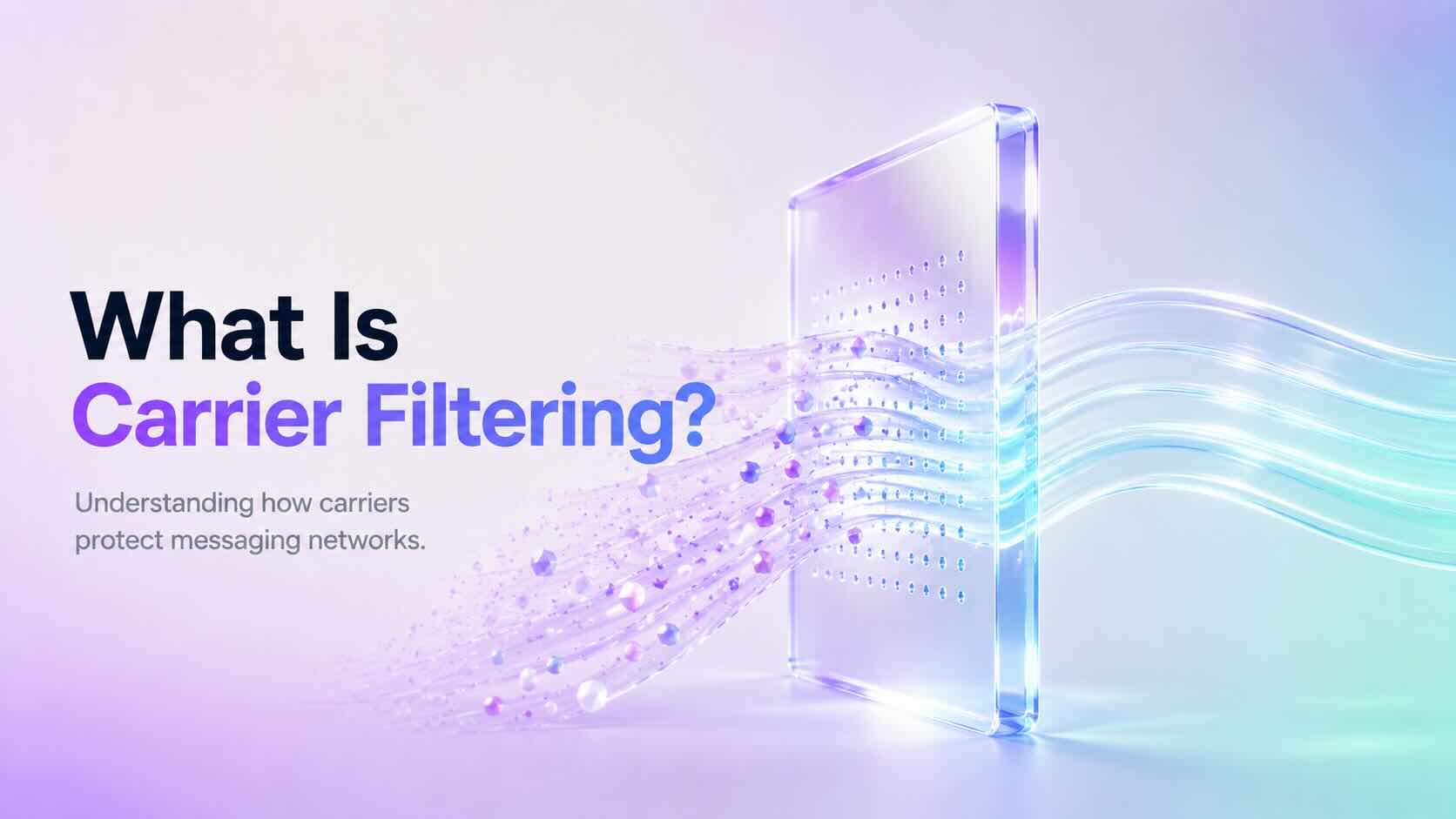
Carrier Filtering is the process mobile carriers use to identify, review, and block messages that may violate messaging rules or appear suspicious. It helps protect users from spam, fraud, phishing, and unwanted text messages.
Businesses that send SMS messages should understand how Carrier Filtering works because it can affect message delivery and customer communication.
Why Does Carrier Filtering Happen?
Mobile carriers process billions of messages every day. To protect recipients, carriers analyze messaging traffic and identify content that may be unwanted or harmful.
Filtering systems help detect:
- Spam messages
- Fraud attempts
- Phishing links
- Unapproved marketing campaigns
- High-risk message patterns
- Policy violations
Additionally, carriers use filtering systems to maintain trust across messaging networks.
How Does Carrier Filtering Work?
Carrier Filtering uses a combination of automated systems, compliance checks, and network rules to evaluate messages.
Carriers may review several factors, including:
- Message content
- Sender reputation
- Sending patterns
- Message volume
- Links included in messages
- Recipient complaints
- Registration status
If a message triggers filtering rules, the carrier may block it before it reaches the recipient.
Common Reasons Messages Get Filtered
Messages can be filtered for many reasons.
Common causes include:
Missing Registration Requirements
Some regions require businesses to register before sending application-to-person (A2P) messages.
For example, businesses sending SMS messages to users in the United States often need approved A2P 10DLC registration.
Suspicious Message Content
Carriers may block messages containing:
- Misleading information
- Unclear sender identity
- Suspicious links
- Excessive capitalization
- Unusual formatting
Therefore, businesses should write clear and transparent messages.
Public URL Shorteners
Many carriers discourage public URL shorteners because bad actors frequently use them to hide unsafe destinations.
Instead, use branded links whenever possible.
Missing Opt-In Consent
Recipients should agree to receive messages before a business contacts them.
A clear opt-in process improves compliance and reduces filtering risk.
High Complaint Rates
If many recipients report messages as spam, carriers may reduce trust in future messages from the sender.
Sending relevant messages only to interested users helps maintain a positive reputation.
How to Reduce Carrier Filtering
Although filtering decisions depend on carriers, businesses can follow best practices to improve SMS deliverability.
We recommend:
- Register required messaging campaigns
- Collect proper customer consent
- Clearly identify your business
- Avoid misleading content
- Use branded links
- Provide opt-out instructions
- Keep contact lists updated
- Avoid sending unwanted messages
Following these practices improves message reliability and customer trust.
Carrier Filtering and A2P 10DLC
A2P 10DLC registration helps carriers understand who is sending messages and why messages are being sent.
Approved registration does not guarantee every SMS will be delivered. However, it helps establish sender legitimacy and reduces the chance of unnecessary filtering.
Businesses should still follow messaging policies after approval.
Does Carrier Filtering Mean My Message Failed?
Not always.
Some carriers provide filtering errors when a message is blocked, while others may silently filter messages based on their internal systems.
Delivery behavior depends on:
- Destination carrier
- Country regulations
- Sender reputation
- Message content
- Compliance requirements
Does DialNext Prevent Carrier Filtering?
DialNext helps businesses send reliable SMS messages by supporting proper messaging practices and compliance workflows.
However, final delivery decisions are controlled by mobile carriers.
To improve delivery rates, always follow carrier guidelines, maintain customer consent, and send relevant messages.
Frequently Asked Questions
Can Carrier Filtering Be Removed?
No. Carrier filtering exists to protect users and messaging networks. Following best practices reduces the likelihood of legitimate messages being blocked.
Why Are My SMS Messages Being Blocked?
Messages may be blocked due to compliance issues, suspicious content, missing registration, or carrier filtering rules.
Does A2P 10DLC Stop Carrier Filtering?
No. A2P 10DLC improves sender verification but does not guarantee delivery of every message.
Do All Carriers Use the Same Filtering Rules?
No. Each carrier manages its own filtering systems, which means delivery behavior can vary between networks.
Related Articles
Additional Resources
Learn more about messaging guidelines:
https://www.ctia.org
Need Help?
If you have questions about SMS delivery, carrier filtering, or messaging compliance, contact us at help@dialnext.io.