Tag: Telecommunications

  • What Is Caller ID?

    What Is Caller ID?

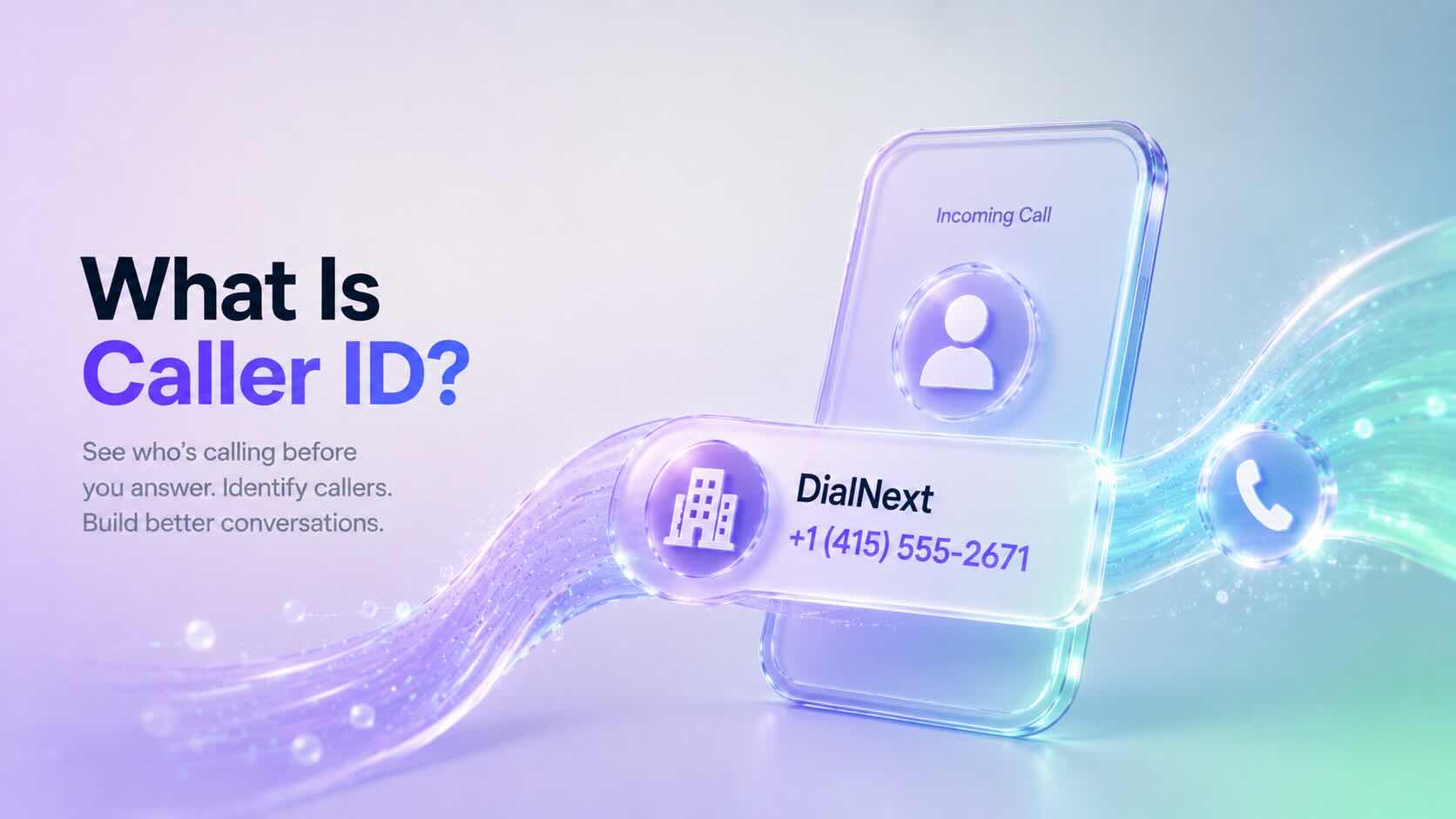
    Caller ID is a telephone service that displays the phone number of an incoming call before you answer it. Many business phone systems also display the caller’s name when that information is available.

    Businesses use Caller ID to identify incoming callers, improve customer interactions, and manage calls more efficiently.

    Why Is Caller ID Important?

    Without Caller ID, every incoming call would appear as an unknown number.

    Caller ID helps businesses and individuals quickly recognize callers before answering the phone.

    Using Caller ID offers several benefits:

    • Identify incoming callers
    • Improve customer service
    • Screen unwanted calls
    • Return missed calls more easily
    • Increase trust during business communications

    Additionally, Caller ID helps employees prepare for conversations before answering customer calls.

    How Does Caller ID Work?

    When someone places a call, the originating phone provider sends the caller’s phone number through the telephone network.

    The receiving carrier delivers that information to the recipient’s device before the call connects.

    If additional caller information is available, the recipient may also see the caller’s business or personal name.

    Although this process happens almost instantly, the information displayed depends on carrier support, device compatibility, and local telecommunications standards.

    What Information Does Caller ID Display?

    Caller ID can display:

    • Phone number
    • Business name (when available)
    • Personal name (when available)
    • Country or region (on some devices)

    The exact information varies depending on the receiving carrier and the recipient’s device.

    Caller ID vs CNAM

    Caller ID and CNAM are closely related, but they are not the same.

    Caller IDCNAM
    Displays the phone numberDisplays the caller’s name
    Available on most telephone networksPrimarily supported in North America
    Identifies the calling numberIdentifies the business or individual

    In many cases, recipients see both the phone number and the associated caller name together.

    Caller ID vs STIR/SHAKEN

    Caller ID identifies who is calling, while STIR/SHAKEN helps verify that the caller is authorized to use the displayed phone number.

    Together, these technologies improve trust in voice communications.

    • Caller ID displays the phone number.
    • CNAM displays the caller’s name.
    • STIR/SHAKEN authenticates the calling number.

    As a result, businesses can provide a more trustworthy calling experience.

    Why Does Caller ID Sometimes Show “Unknown”?

    Several factors can prevent Caller ID information from appearing correctly.

    Common reasons include:

    • Caller ID has been intentionally blocked.
    • The originating carrier does not provide caller information.
    • The receiving carrier does not support all Caller ID features.
    • The call originates from an unsupported network.
    • A temporary network issue prevents caller information from being delivered.

    Additionally, spam filtering systems may modify how caller information appears on some devices.

    Can Businesses Customize Caller ID?

    Yes. Many business phone providers allow organizations to configure the phone number displayed during outbound calls.

    Some providers also support CNAM registration, allowing a business name to appear alongside the phone number on supported networks.

    Availability depends on the phone number, carrier, and country.

    Does DialNext Support Caller ID?

    Yes. DialNext supports Caller ID for business communications.

    Caller ID behavior depends on your phone numbers, carrier capabilities, and regional telecommunications regulations.

    If you need help configuring outbound Caller ID, contact the DialNext support team.

    Frequently Asked Questions

    Does Caller ID Display My Business Name?

    Not always. Caller ID displays the phone number, while the business name is typically provided through CNAM on supported networks.

    Can I Hide My Caller ID?

    Some carriers allow callers to block their Caller ID information. Availability depends on your provider and local regulations.

    Does Caller ID Work Internationally?

    Caller ID works in many countries, although the information displayed varies by carrier, destination, and regional telecommunications standards.

    Does Caller ID Prevent Spam Calls?

    No. Caller ID identifies incoming callers but does not prevent spam calls. Technologies such as STIR/SHAKEN and carrier spam filtering help reduce fraudulent calls.

    Related Articles

    Additional Resources

    Learn more about caller identification and telecommunications standards:

    Need Help?

    If you have questions about Caller ID, CNAM, or business phone numbers, contact us at help@dialnext.io.
  • What Is CNAM?

    What Is CNAM?

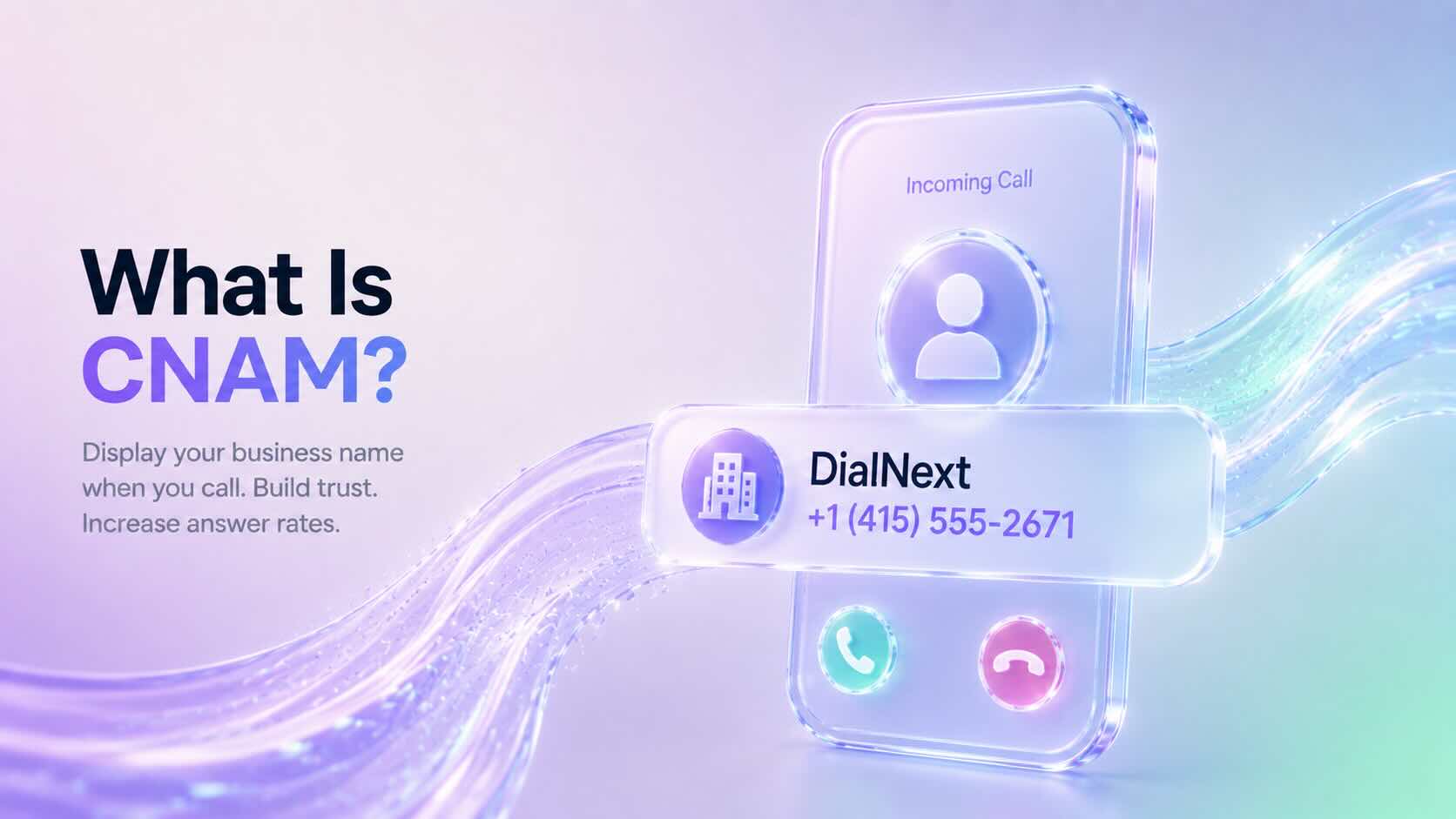
    CNAM (Caller ID Name) is a service that displays the caller’s name along with their phone number when placing a phone call. Businesses use CNAM to help customers recognize who is calling before answering the phone.

    A properly configured CNAM record can improve brand recognition, increase answer rates, and build trust with customers.

    Why Is CNAM Important?

    When customers receive calls from unknown numbers, they may choose not to answer.

    CNAM helps solve this problem by displaying your business name on supported caller ID devices.

    Using CNAM can help businesses:

    • Improve answer rates
    • Increase brand recognition
    • Build customer trust
    • Reduce confusion during inbound and outbound calls
    • Create a more professional calling experience

    Additionally, displaying a recognizable business name can make legitimate calls appear more trustworthy.

    How Does CNAM Work?

    When you place a phone call, your phone number is sent to the receiving carrier.

    The receiving carrier may perform a CNAM lookup to determine whether a caller name is associated with that phone number.

    If a CNAM record exists and the recipient’s carrier supports CNAM lookups, the business name may appear alongside the phone number.

    Although the process happens in seconds, the displayed caller name depends on the receiving carrier’s network and device capabilities.

    What Does a CNAM Record Look Like?

    A CNAM record typically contains:

    • Business name
    • Personal name (when applicable)
    • Up to 15 display characters in many North American networks

    Example:

    Phone NumberDisplayed CNAM
    +14155552671DialNext
    +12125551234ABC Plumbing
    +16175559876Smith Law

    Carrier limitations may affect how the caller name appears on different devices.

    Does Every Phone Display CNAM?

    No.

    CNAM support depends on several factors, including:

    • The receiving carrier
    • The recipient’s device
    • Regional telecommunications standards
    • Whether the carrier performs CNAM lookups

    Some mobile carriers display only the phone number, while others may show a verified business name or information from their own caller ID databases.

    CNAM vs Caller ID

    Although the terms are often used together, they refer to different things.

    Caller IDCNAM
    Displays the phone numberDisplays the caller’s name
    Available on most phone systemsDepends on carrier support
    Identifies the calling numberIdentifies the caller or business

    Together, Caller ID and CNAM help recipients identify incoming calls.

    CNAM vs STIR/SHAKEN

    CNAM and STIR/SHAKEN serve different purposes.

    • CNAM displays the caller’s name.
    • STIR/SHAKEN verifies that the caller is authorized to use the phone number.

    In other words, CNAM helps identify the caller, while STIR/SHAKEN helps authenticate the caller.

    Many businesses use both technologies to improve customer trust.

    How Do Businesses Register a CNAM?

    The registration process depends on your voice provider.

    In general, businesses must:

    1. Own or control the phone number.
    2. Submit the desired caller name.
    3. Wait for the provider to publish the CNAM record.
    4. Allow time for carrier databases to update.

    Propagation times vary between providers and carriers.

    Does DialNext Support CNAM?

    CNAM availability depends on the phone number, carrier, and country.

    If CNAM is supported for your phone number, DialNext can help you configure your caller ID name according to carrier requirements.

    Contact our support team if you need assistance with CNAM registration or caller ID configuration.

    Frequently Asked Questions

    Is CNAM Available Worldwide?

    No. CNAM is primarily supported in North America. Other countries often use different caller identification systems.

    Does CNAM Guarantee My Business Name Will Appear?

    No. The displayed caller name depends on the receiving carrier, recipient’s device, and local telecommunications infrastructure.

    How Long Does CNAM Registration Take?

    The processing time varies by provider and carrier. Updates may take several business days to appear across all networks.

    Can I Change My CNAM?

    Yes. Most providers allow businesses to update their caller ID name, although carrier processing times may vary.

    Related Articles

    Additional Resources

    Learn more about caller identification and telecommunications standards:

    Need Help?

    If you have questions about CNAM, caller ID, or business phone numbers, contact us at help@dialnext.io.
  • What Is E.164 Format?

    What Is E.164 Format?

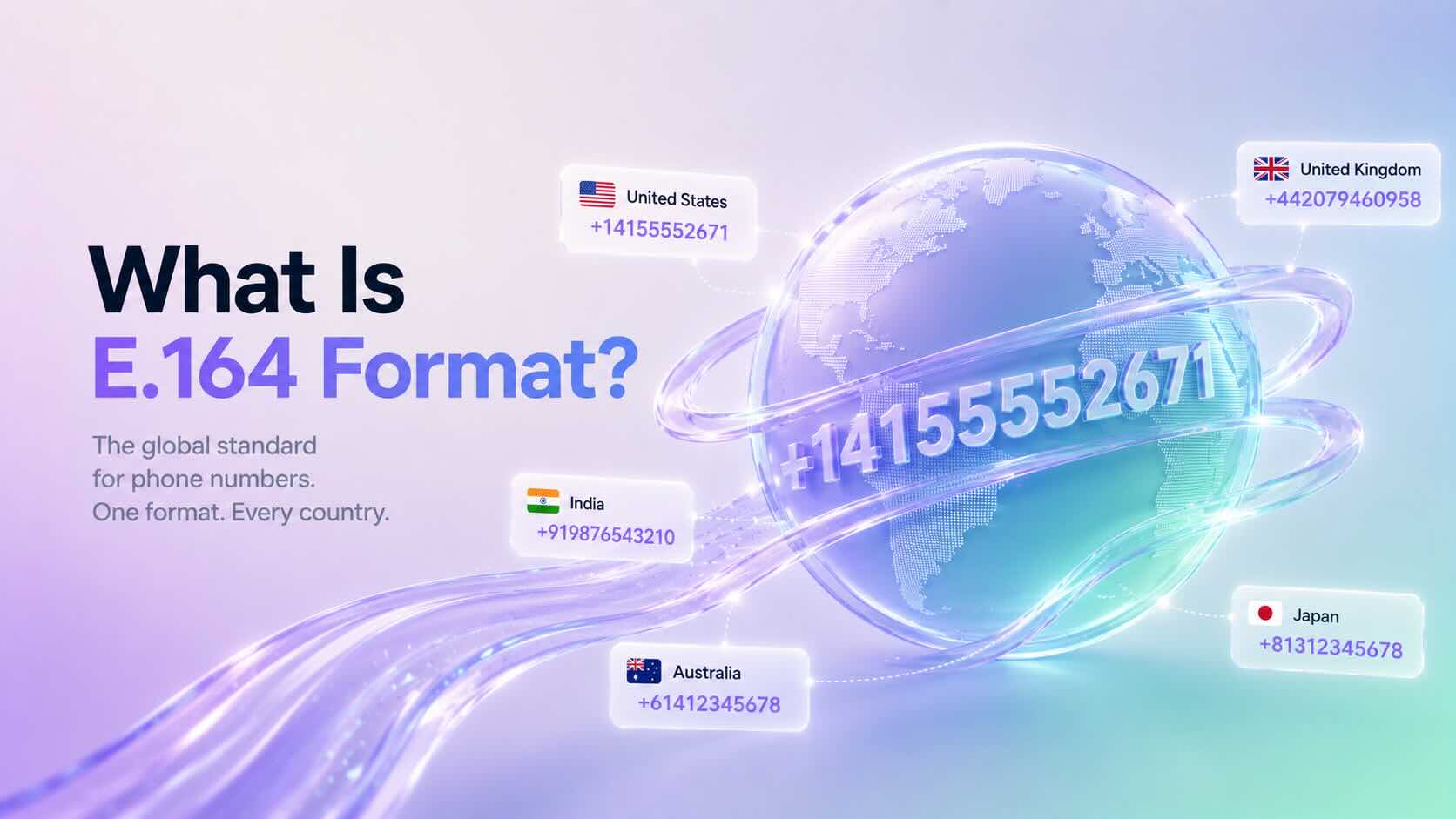
    E.164 Format is the international standard for representing phone numbers. It ensures every phone number is unique, globally recognizable, and compatible with modern telecommunications systems.

    Most cloud phone systems, VoIP providers, SMS platforms, and APIs require phone numbers in E.164 Format to correctly route calls and messages.

    Why Is E.164 Format Important?

    E.164 Format provides a consistent way to represent international phone numbers.

    Without a standard format, different countries use different dialing rules, making it difficult for communication platforms to identify the correct destination.

    By using E.164 Format, businesses can:

    • Improve call routing
    • Deliver SMS messages reliably
    • Prevent formatting errors
    • Integrate with communication APIs
    • Support international phone numbers

    Additionally, many cloud communication platforms automatically validate phone numbers using this standard.

    What Does an E.164 Number Look Like?

    An E.164 phone number contains:

    • A plus sign (+)
    • Country code
    • National destination number

    Example:

    CountryLocal NumberE.164 Format
    United States(415) 555-2671+14155552671
    United Kingdom020 7946 0958+442079460958
    India098765 43210+919876543210
    Australia0412 345 678+61412345678

    Notice that spaces, brackets, and dashes are removed.

    E.164 Format Rules

    A valid E.164 phone number:

    • Begins with a plus sign (+)
    • Includes a valid country code
    • Contains only numeric digits after the plus sign
    • Does not contain spaces
    • Does not contain parentheses
    • Does not contain hyphens
    • Contains a maximum of 15 digits

    Following these rules helps ensure compatibility across global telecommunications networks.

    When Should You Use E.164 Format?

    Most modern communication platforms expect phone numbers in E.164 Format.

    Common use cases include:

    • Business phone systems
    • VoIP providers
    • SMS messaging
    • WhatsApp Business integrations
    • CRM integrations
    • Contact center platforms
    • Communication APIs

    Using a consistent format also simplifies importing contacts and managing customer records.

    How to Convert a Number to E.164 Format

    Converting a phone number is straightforward.

    1. Remove spaces and punctuation.
    2. Remove any leading zero used for domestic dialing.
    3. Add the correct country code.
    4. Add the plus sign (+) before the country code.

    Example:

    Local number:

    (415) 555-2671
    

    E.164 Format:

    +14155552671
    

    Another example:

    Local number:

    09876543210
    

    E.164 Format:

    +919876543210
    

    Always verify the correct country code before converting a phone number.

    Common Formatting Mistakes

    Many phone number validation errors occur because of incorrect formatting.

    Avoid these common mistakes:

    • Including spaces
    • Using brackets or parentheses
    • Adding hyphens
    • Omitting the country code
    • Keeping the domestic trunk prefix (such as a leading zero)

    Standardizing contact lists before importing them into your communication platform helps prevent these issues.

    Does DialNext Use E.164 Format?

    Yes. DialNext uses E.164 Format to help ensure accurate call routing, SMS delivery, and API compatibility.

    We recommend storing all customer phone numbers in E.164 Format whenever possible, especially when integrating with CRM systems or importing contact lists.

    Frequently Asked Questions

    Does E.164 Format Include Spaces?

    No. E.164 numbers should not contain spaces, brackets, or hyphens.

    What Is the Maximum Length of an E.164 Number?

    An E.164 phone number can contain up to 15 digits, excluding the plus sign.

    Can I Store All Contacts in E.164 Format?

    Yes. Many businesses store every phone number in E.164 Format because it simplifies international calling and API integrations.

    Is E.164 Format Required for SMS?

    Most cloud messaging providers recommend or require E.164 Format to ensure accurate SMS delivery.

    Related Articles

    Additional Resources

    Learn more about the international telephone numbering standard:

    https://www.itu.int/rec/T-REC-E.164

    Need Help?

    If you have questions about phone number formatting, international calling, or DialNext integrations, contact us at help@dialnext.io.

  • What Is SIP Trunking?

    What Is SIP Trunking?

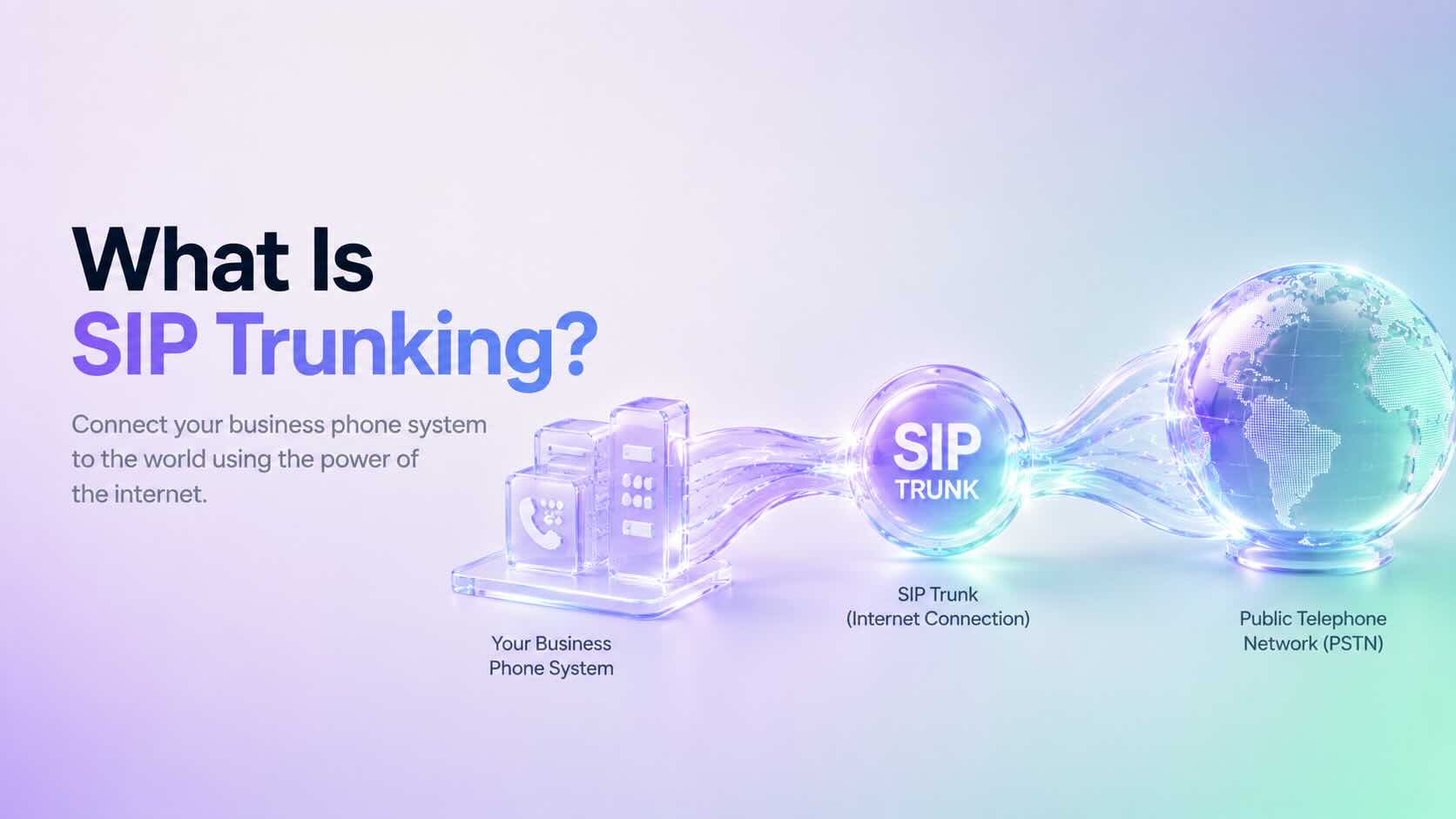
    SIP Trunking is a technology that connects your business phone system to the public telephone network (PSTN) using an internet connection instead of traditional telephone lines. Businesses use SIP Trunking to make and receive calls over the internet while reducing communication costs and improving scalability.

    Today, SIP Trunking is widely used by cloud phone systems, contact centers, and businesses that want a flexible and reliable communication solution.

    How Does SIP Trunking Work?

    SIP Trunking creates a virtual connection between your business phone system and the telephone network.

    A typical call follows these steps:

    1. A user places or receives a call.
    2. The phone system sends the request through a SIP trunk.
    3. The SIP provider routes the call to the public telephone network or another internet-connected endpoint.
    4. Voice travels over the internet using VoIP technologies.
    5. The SIP session ends when the call is completed.

    Unlike traditional phone lines, SIP trunks use your existing internet connection, making deployment much faster and easier.

    Why Do Businesses Use SIP Trunking?

    Many organizations choose SIP Trunking because it offers several advantages over traditional telephone systems.

    Benefits include:

    • Lower calling costs
    • Easy scalability
    • Better call reliability
    • Support for remote and hybrid teams
    • Faster deployment
    • Reduced hardware requirements
    • Cloud-based communications

    Additionally, businesses can add or remove channels without installing new physical phone lines.

    SIP Trunking vs Traditional Phone Lines

    Traditional business phone systems depend on physical telephone circuits.

    In contrast, SIP Trunking uses your internet connection to carry voice traffic.

    Traditional Phone LinesSIP Trunking
    Physical circuitsInternet connection
    Fixed capacityEasily scalable
    Higher maintenanceLower maintenance
    Expensive upgradesFlexible expansion
    Office-dependentSupports remote work

    As a result, SIP Trunking offers greater flexibility for growing businesses.

    SIP Trunking vs VoIP

    Although the terms are often used together, SIP Trunking and VoIP are different.

    • VoIP (Voice over Internet Protocol) is the technology that carries voice over the internet.
    • SIP Trunking provides the connection between your phone system and the public telephone network.

    In simple terms, VoIP enables internet calling, while SIP Trunking connects your business to the outside world.

    SIP Trunking vs PRI

    Many businesses replace older PRI (Primary Rate Interface) circuits with SIP Trunking.

    Compared with PRI, SIP Trunking offers:

    • Lower operating costs
    • Faster provisioning
    • Better scalability
    • Simpler maintenance
    • Improved flexibility

    Furthermore, SIP Trunking eliminates many of the limitations associated with traditional telecom infrastructure.

    Who Should Use SIP Trunking?

    SIP Trunking is ideal for organizations that:

    • Operate a business phone system
    • Manage a contact center
    • Support remote employees
    • Need multiple business phone numbers
    • Want to reduce telecom costs
    • Plan to scale communications as the business grows

    Small businesses and large enterprises alike benefit from the flexibility of SIP Trunking.

    Does DialNext Support SIP Trunking?

    DialNext uses modern cloud communication technologies that rely on SIP to deliver reliable business calling experiences.

    Businesses using DialNext benefit from cloud-based communications without managing traditional telephone infrastructure.

    Frequently Asked Questions

    Is SIP Trunking the Same as VoIP?

    No. VoIP is the technology that transmits voice over the internet, while SIP Trunking connects your phone system to the public telephone network.

    Do I Need Physical Phone Lines?

    No. SIP Trunking replaces traditional telephone lines with internet connectivity.

    Can SIP Trunking Reduce Costs?

    Yes. Many businesses reduce telecom expenses by replacing traditional circuits with SIP Trunking.

    Is SIP Trunking Secure?

    When properly configured, SIP Trunking supports secure business communications using encrypted connections, authentication, and modern network security practices.

    Related Articles

    Additional Resources

    Learn more about SIP from the official Session Initiation Protocol specification:

    https://www.rfc-editor.org/info/rfc3261/

    Need Help?

    If you have questions about SIP Trunking or cloud communications, contact us at help@dialnext.io.