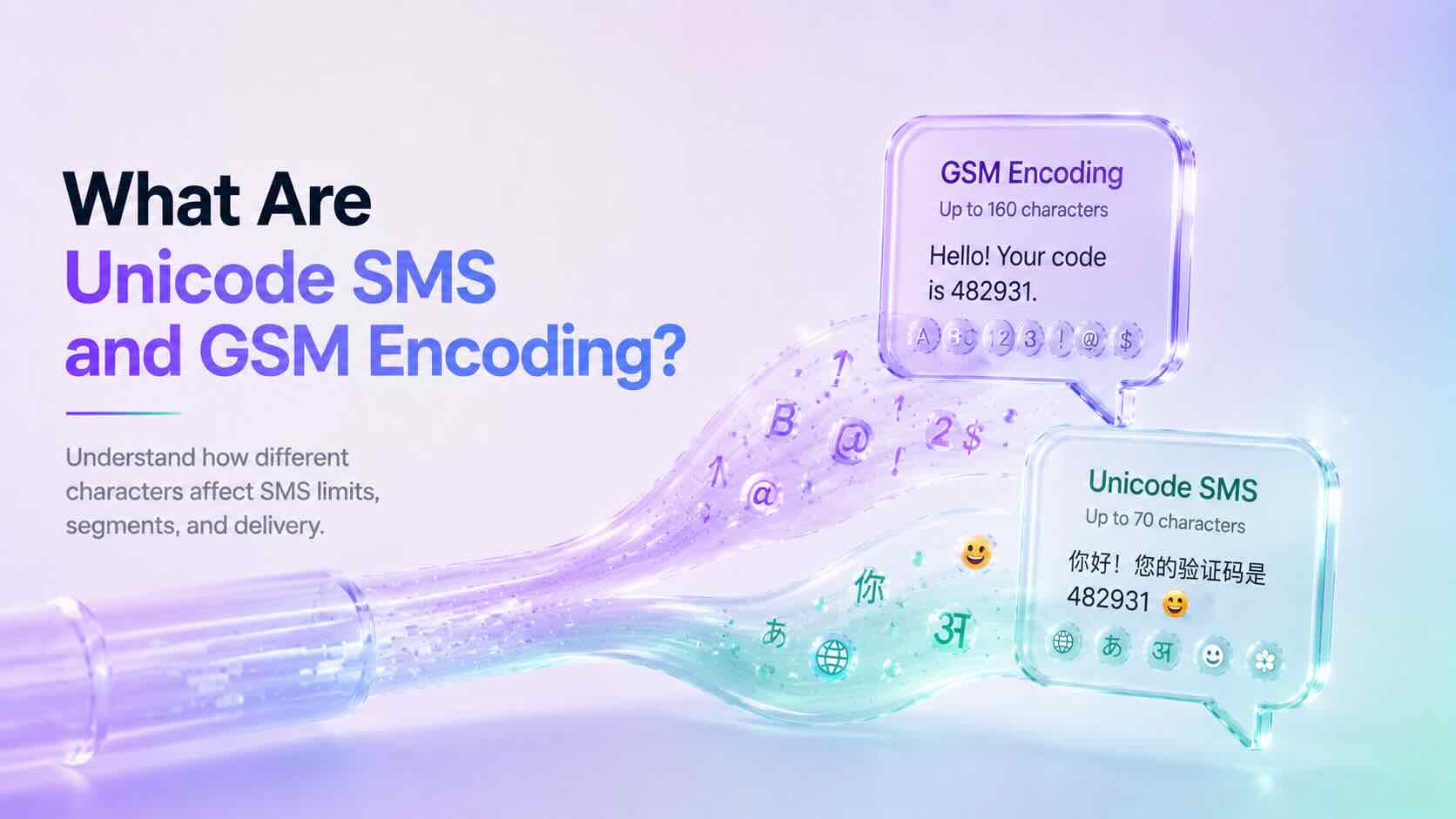
SMS Encoding determines how characters inside a text message are converted and transmitted across mobile networks. Different encoding formats affect which characters you can use and how many characters fit inside a single SMS segment.
Understanding Unicode SMS and GSM encoding helps businesses avoid unexpected message splitting, higher SMS usage, and formatting issues when sending messages at scale.
Why Does SMS Encoding Matter?
Every SMS message has a character limit. However, that limit changes depending on the characters used inside the message.
For example, a simple English text message usually supports more characters than a message containing emojis or certain special characters.
SMS Encoding helps determine:
- How messages are processed
- How many SMS segments are created
- Which characters are supported
- How messages appear on customer devices
As a result, businesses can better manage messaging costs and customer experience.
What Is GSM Encoding?
GSM encoding, also called GSM-7, is the standard character set used for most SMS messages.
It supports common characters such as:
- English letters
- Numbers
- Basic punctuation
- Common symbols
A single GSM encoded SMS message supports up to 160 characters.
Examples:
Hello, your appointment is confirmed for tomorrow.
Your verification code is 482931.
Since these messages only contain GSM-supported characters, they can use the full SMS character limit.
What Is Unicode SMS?
Unicode SMS uses a broader character set that supports languages and symbols outside GSM encoding.
Unicode allows messages to include:
- Emojis
- Non-Latin languages
- Special symbols
- International characters
Examples include:
- Chinese
- Japanese
- Arabic
- Hindi
- Emoji characters
However, Unicode messages have a smaller character limit because each character requires more data.
A single Unicode SMS message supports up to 70 characters.
GSM vs Unicode SMS
Although both formats deliver text messages, they have different limits.
| GSM Encoding | Unicode SMS |
|---|---|
| Supports standard characters | Supports global characters |
| Up to 160 characters per SMS | Up to 70 characters per SMS |
| Smaller message size | Larger message size |
| Common for English messages | Required for emojis and many languages |
Choosing the correct format helps prevent unexpected SMS segmentation.
What Are SMS Segments?
When a message exceeds the character limit, mobile networks split it into multiple SMS segments.
For longer messages:
- GSM messages usually allow 153 characters per segment.
- Unicode messages usually allow 67 characters per segment.
The recipient still sees one complete message, but multiple SMS segments may be used behind the scenes.
Common Characters That Trigger Unicode SMS
Some characters may automatically convert a message from GSM to Unicode.
Examples include:
- Emojis 😊
- Curly quotation marks “ ”
- Certain accented characters
- Non-English alphabets
- Special symbols
Before sending large campaigns, always check whether your message uses Unicode characters.
How to Reduce SMS Segments
Businesses can optimize messages by following a few simple practices.
We recommend:
- Remove unnecessary emojis.
- Replace special quotation marks with standard quotes.
- Keep messages short and clear.
- Test messages before sending campaigns.
- Use SMS optimization tools when available.
Additionally, reviewing message length before sending can help control costs.
Does DialNext Support SMS Encoding Optimization?
Yes. DialNext automatically manages SMS Encoding to help improve message compatibility and delivery.
DialNext detects message formatting and helps businesses send reliable SMS conversations without manually handling encoding rules.
This allows teams to focus on customer communication while reducing common formatting problems.
Frequently Asked Questions
Why Did My SMS Become Multiple Messages?
Your SMS may become multiple segments if it exceeds character limits or contains Unicode characters such as emojis or unsupported symbols.
Are Emojis Supported in SMS?
Yes. Emojis are supported through Unicode SMS, but they reduce the number of characters available in each message segment.
Should Businesses Avoid Unicode SMS?
No. Unicode is important for global communication. However, businesses should understand how it affects message length and usage.
Does GSM Encoding Support Every Language?
No. GSM encoding supports a limited character set. Many international languages require Unicode.
Related Articles
- SMS Smart Encoding
- What Is Carrier Filtering in Messaging?
- A2P 10DLC Registration Guide
- International Phone Numbers
Additional Resources
Learn more about GSM SMS character encoding:
Need Help?
If you have questions about SMS Encoding, message limits, or business messaging, contact us at help@dialnext.io.